G.Skill Turbulence RAM Fan Unboxing & First Look Linus Tech Tips
0 up · 0 down · 0 ratings
Description
This is my first look at the G.Skill Turbulence RAM & Memory Fan. I feel it's one of the better products on the market, striking a good balance between airflow and noise. It's also quite well constructed.
Check out the video for more :)
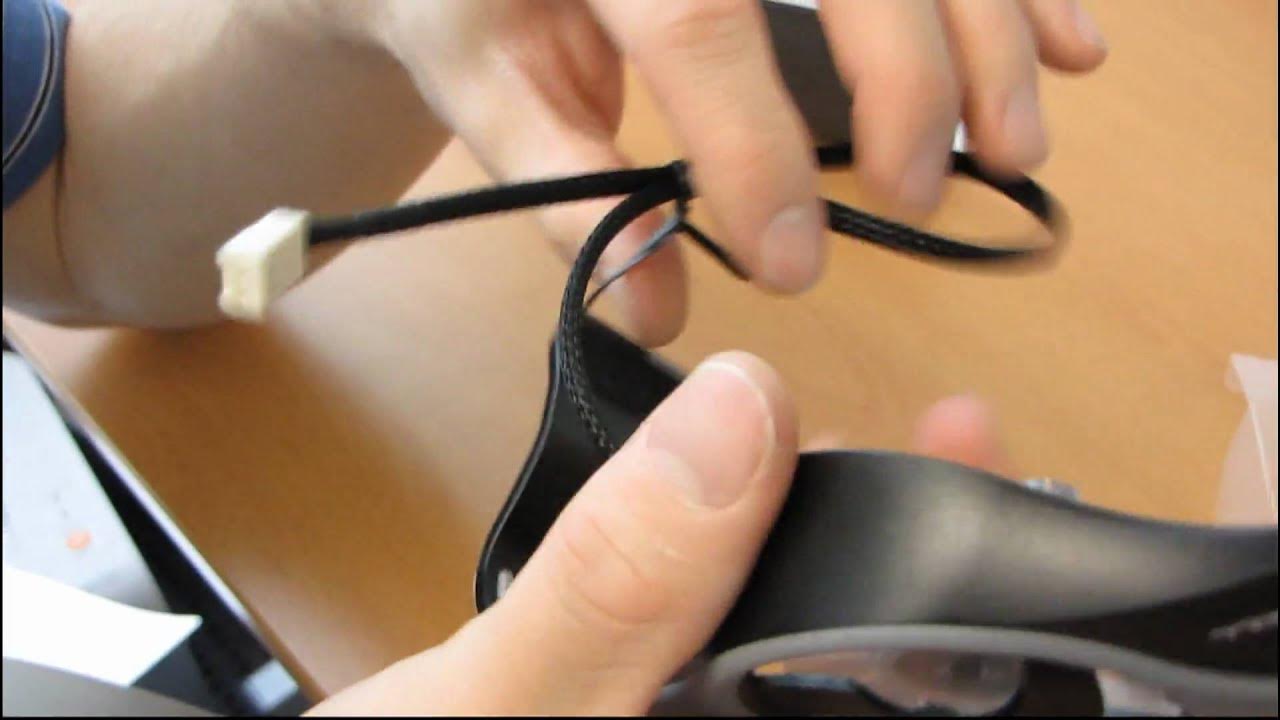
The video presents an unboxing and first look at the G.Skill Turbulence RAM Fan, highlighting its premium build and design elegance. The presenter emphasizes that the unit is a 60 mm 3500 RPM fan housed under a shuriken-style grill, with a rubberized grip area that adds a premium tactile feel. He contrasts it with other RAM fans on the market, praising the quality of the sleeving which hides the cable color and appears solid and durable. The setup process is demonstrated step by step: stretch both sides of the fan module, clip one side onto the RAM, then clip the other side, and finally connect the three-pin power to the motherboard. The installation is described as straightforward, with the product claiming compatibility across various RAM layouts and the ability to cover multiple DIMMs on an average X58 board. A light-hearted moment interrupts the tech talk as the host pretends to miss the user guide, then returns to show how the fan integrates with the system and communicates its one-year warranty. Overall, the video frames the Turbulence RAM Fan as a well‑constructed, aesthetically pleasing solution that balances airflow and noise while delivering a clean, premium presentation compared with competing designs.
Topics · technology · computers · pchardware
Questions answered
- What are the key installation steps for the G.Skill Turbulence RAM Fan?
- Stretch the fan module on both sides, clip one side onto the RAM, clip the other side, and plug the fan into a three‑pin header on the motherboard.
- How many DIMMs can the Turbulence RAM Fan cover on an average motherboard?
- It can comfortably cover up to six DIMMs on an average X58 board.