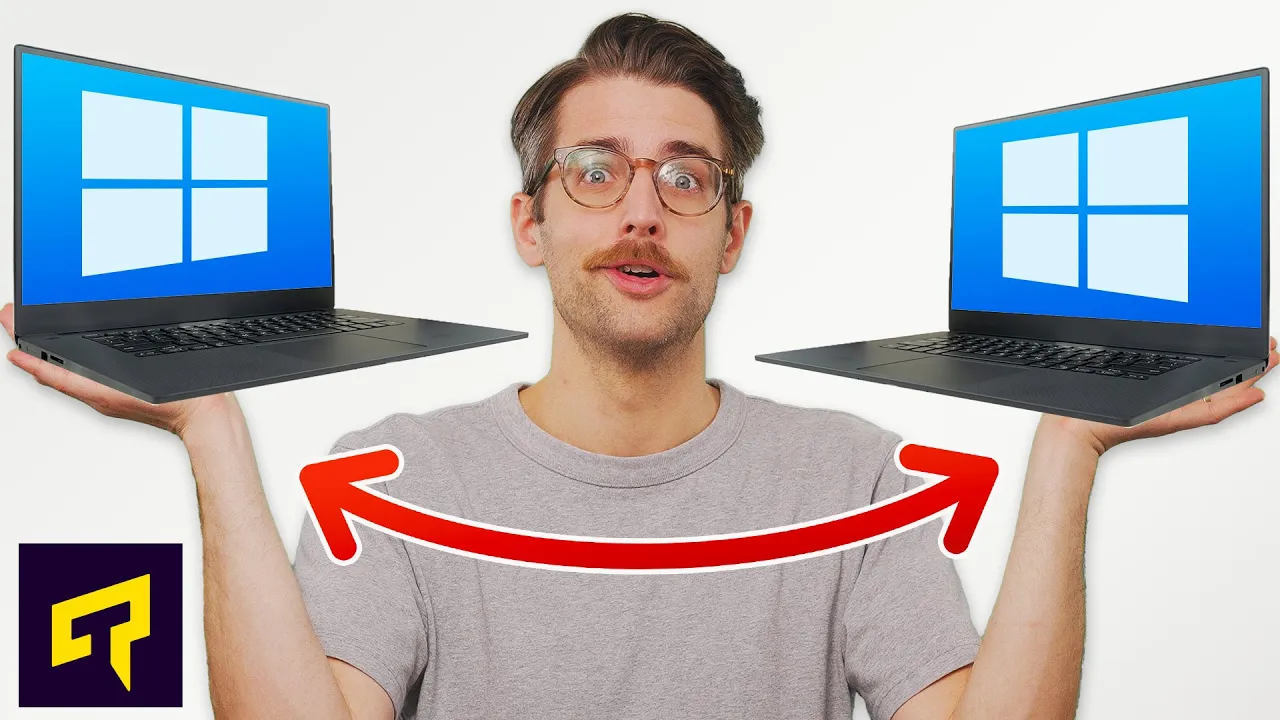
Windows Nearby Sharing Explained
0 up · 0 down · 0 ratings
Promos
Learn more about the NexiGo Aurora Pro at: viraln.link Learn how Nearby Sharing can make it easy to move files between Windows PCs. Leave a reply with your requests for future episodes. ► GET MERCH: lttstore.com ► LTX 2023 TICKETS AVAILABLE NOW: lmg.gg ► GET EXCLUSIVE CONTENT ON FLOATPLANE: lmg.gg ► SPONSORS, AFFILIATES, AND PARTNERS: lmg.gg FOLLOW US ELSEWHERE --------------------------------------------------- Twitter: twitter.com Facebook: @LinusTech Instagram: @linustech TikTok: @linustech Twitch: twitch.tv
Windows Nearby Sharing Explained provides a practical overview of moving files between Windows PCs without cables, starting from common headaches like using flash drives or messy setups. The video describes Nearby Sharing as a built-in feature in recent Windows versions designed to simplify transfers, noting required prerequisites such as Windows 10 version 1803 or newer or Windows 11, plus Bluetooth 4.0 or later with Bluetooth Low Energy support and a private Wi-Fi network for transfer speed. It explains how to enable Nearby Sharing on Windows 11 and Windows 10, and demonstrates the sharing flow: right-click a file, choose Share, and select the target device, followed by a receiving prompt on the other PC. The host also covers sharing web links from Edge and photos from the Photos app, expanding the feature beyond simple file transfers. Additionally, the video touches on cross-OS sharing limitations, including that Android devices cannot receive Windows Nearby Sharing directly and points to a separate Nearby Share app for Windows and Android interoperability. The segment closes with practical guidance and a reminder that Microsoft plans updates to reduce some current restrictions in future releases.
Topics · technology · file-sharing · windows-operating-systems · bluetooth · networking
Questions answered
- What are the minimum system requirements for Windows Nearby Sharing?
- Minimum requirements include Windows 11 or Windows 10 version 1803 or later, a Bluetooth 4.0 or newer adapter with Low Energy support, and a private Wi-Fi network for faster transfers.
- How do you share a file from Windows 11 or Windows 10 using Nearby Sharing?
- On Windows 11 or 10, enable Nearby Sharing on both devices, then right-click the file you want to share, choose Share, and select the target PC. A notification on the receiving PC lets you accept the incoming file.
- Can Android devices receive files via Windows Nearby Sharing, and is there cross-OS support?
- Windows Nearby Sharing is designed for Windows-to-Windows transfers. To share with Android, you need a separate Nearby Share app on Android or alternative cross-platform methods, as built-in Windows Nearby Sharing does not support receiving on Android by default.