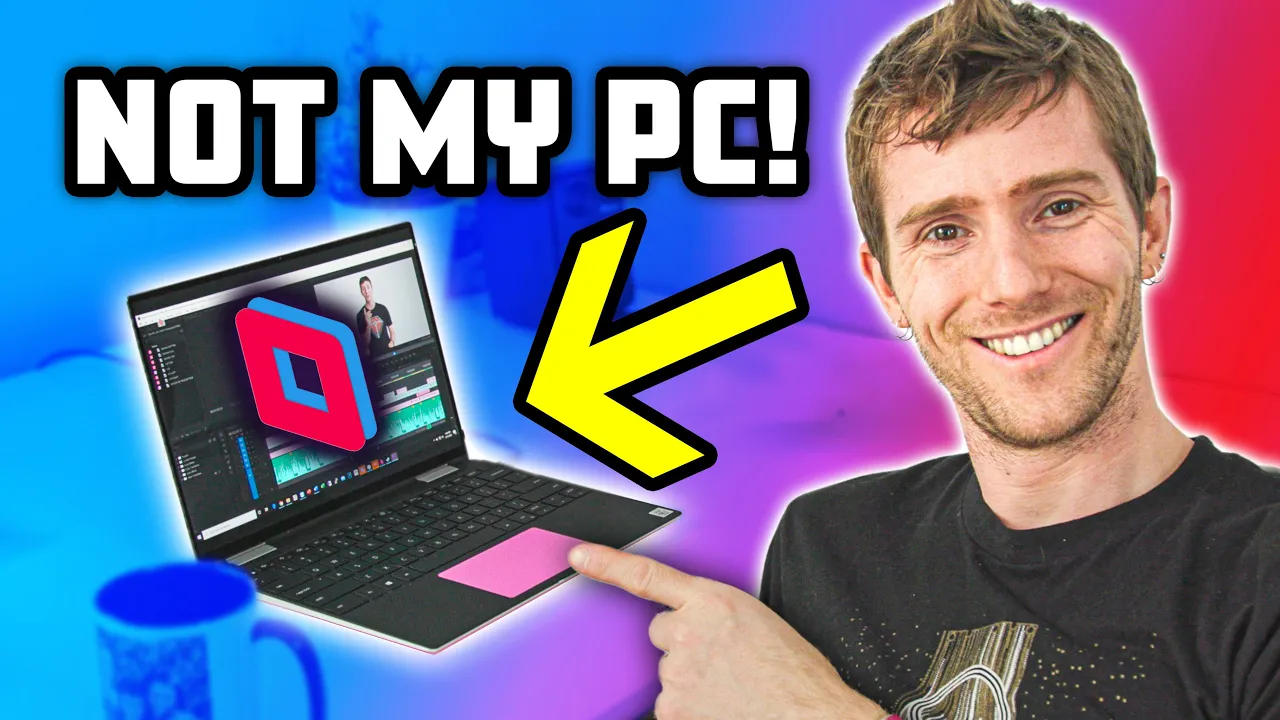
How we're editing videos on low-spec computers... FROM HOME! #stayhome #withme
0 up · 0 down · 0 ratings
Description
Go to privacy.com to get $5 off your first purchase! Get 50% off your first 3 months of FreshBooks when you sign up for a paid plan at freshbooks.com Can you edit videos remotely using software? We FINALLY think that the answer is yes!
Promos
Check out Parsec: geni.us Buy Gaming PCs On Amazon (Paid Link): geni.us On Newegg (Paid Link): geni.us On BHPhoto (Paid Link): geni.us Buy Gaming Monitor On Amazon (Paid Link): geni.us On Newegg (Paid Link): geni.us On BHPhoto (Paid Link): geni.us Buy Gaming Keyboard On Amazon (Paid Link): geni.us On Newegg (Paid Link): geni.us On BHPhoto (Paid Link): geni.us Buy Gaming Mouse On Amazon (Paid Link): geni.us On Newegg (Paid Link): geni.us On BHPhoto (Paid Link): geni.us Purchases made through some store links may provide some compensation to Linus Media Group. Discuss on the forum: linustechtips.com Our Affiliates, Referral Programs, and Sponsors: lmg.gg Get Private Internet Access VPN at lmg.gg Get a Displate Metal Print at lmg.gg Get a 30-day free trial of Amazon Prime at lmg.gg Linus Tech Tips merchandise at lttstore.com Our Test Benches on Amazon: amazon.com Our production gear: geni.us Get your ticket to LTX 2020: ltxexpo.com Twitter - twitter.com Facebook - @LinusTech Instagram - @linustech Twitch - twitch.tv Intro Screen Music Credit: Title: Laszlo - Supernova Video Link: youtube.com iTunes Download Link: itunes.apple.com Artist Link: soundcloud.com Outro Screen Music Credit: Approaching Nirvana - Sugar High youtube.com
This video examines the feasibility of editing videos from a home setup using low-spec hardware and remote access software. The host explains that a large portion of their team is isolating due to a health crisis, making on-site collaboration impractical. To keep workflows intact, they experiment with Parsec to leverage the power of a desktop workstation located back at the office while working from home. The initial portion covers setup steps, such as account creation, client host configuration, and enabling basic network access. They discuss the performance expectations, including latency, bandwidth needs, and encoder choices, particularly noting 60 fps capability with low latency when using a wired connection. The team compares Parsec with other remote access tools and highlights Pros and Cons, especially around multi monitor support and occasional compression artifacts. Throughout, the focus remains practical, detailing who can access which workstations and how to manage files and projects across the remote environment. Finally, the video situates Parsec within the broader context of remote work tools, sharing impressions on productivity, limitations, and real world use cases for editing, animation, and general workstation tasks from home. In the second paragraph the presenters dive into hands on testing with their editing workflows. They describe how the host can preview 8K material on a modest ultrabook, illustrating the core claim that Parsec can enable remote editing without requiring everyone to own high end hardware at home. They explore the user experience during typical editing tasks such as scrolling, transitioning between windows, and syncing audio with video, noting occasional synchronization challenges and compression artifacts during playback. The team comments on the absence of some creature comforts found in other tools and compares reliability and responsiveness to TeamViewer, calling Parsec more tinkery but still effective for their needs. They report on the impact of network stability, emphasizing the benefit of a wired connection for smoother performance and lower latency during modeling and animation tasks. They also reveal that while the free version is sufficient for their setup, the paid version brings enhancements like dual monitor switching and administrator controls. The segment closes with a balanced take on using Parsec for creative work from home, recognizing significant gains in mobility and still acknowledging areas for improvement. The final portion centers on real world impressions from team members and practical considerations. Several editors share experiences with maintaining productivity remotely, including the ability to keep projects synced and accessible across locations while only requiring basic local hardware at home. The discussion touches on latency in gaming and non gaming contexts, including a lunch break test in a game, which demonstrates acceptable but not perfect input responsiveness. The hosts acknowledge that Parsec is strong for remote editing but not a perfect all in one solution, noting caveats such as single monitor limitations in the free tier and odd interface quirks. In summary, the video presents a thorough, hands on evaluation of remote workstation access for editing and animation, underlining that Parsec enables substantial productivity from home while remaining aware of still present trade offs. The overall takeaway is that remote editing at home is viable with Parsec, particularly when paired with a solid network connection, and that the setup can keep a distributed team aligned during a pandemic or similar disruption.
Topics · Technology · Remote Work · Video Production · Cloud Gaming · Software Tools · Networking · Productivity
Questions answered
- What is the main solution tested for editing from home?
- The video tests using Parsec to access a desktop workstation remotely from a home setup.
- What are the major benefits of using Parsec according to the video?
- Low latency remote access to a powerful editor, ability to work from home with real time feedback, and practical guidance on setup and bandwidth requirements.