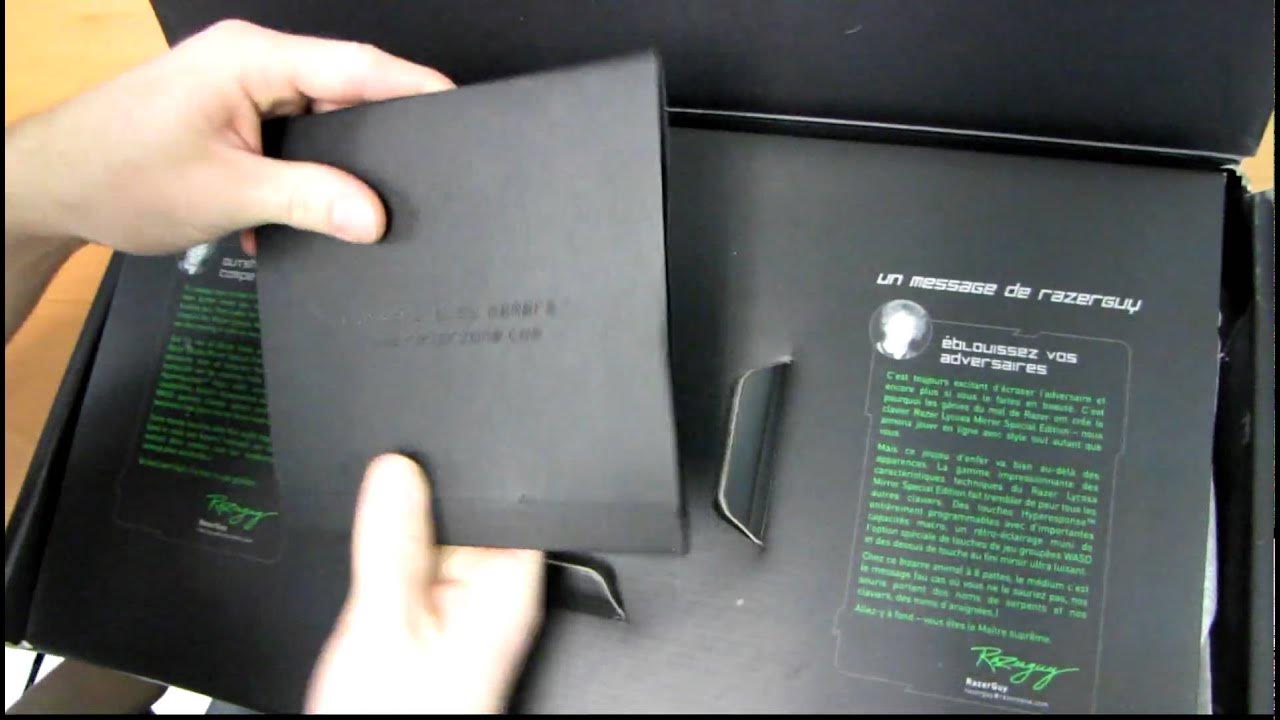
Razer Lycosa Mirror Gaming Keyboard Unboxing & First Look Linus Tech Tips
0 up · 0 down · 0 ratings
Description
Today I have a look at a pretty cool special edition of the Razer Lycosa keyboard. It features quiet keys, a very standard (read: good) layout and some other key gaming related features.
The video provides a detailed unboxing and first look at the Razer Lycosa Mirror Special Edition gaming keyboard. The host highlights the key differentiators from the standard Lycosa, focusing on the high gloss mirror finish, the backlit keys, and the dedicated anti-ghosting gaming cluster around the commonly used keys. Packaging is praised for its presentation, and the accessory bundle is reviewed, including a certificate of authenticity, quick start guide, master guide, cleaning cloth, stickers, and a product catalog. Setup notes cover the keyboard’s plugs and hub, and an important feature is demonstrated: the ability to route a headset through the keyboard so audio cables do not clutter the desk. The host emphasizes the overall build, layout, and typing feel, noting that the keyboard preserves a sensible layout without compromising gaming ergonomics. Visual close-ups reveal the reflective surface and the backlighting in action, while the host concludes with remarks on the appearance, feel, and potential fingerprint issues, inviting viewers to assess the keyboard’s premium design and performance through first impressions.
Topics · unboxing · hardware-review · gaming-gear · accessories
Questions answered
- What makes the Razer Lycosa Mirror Edition different from the standard Lycosa?
- The Mirror Edition features a high gloss mirror finish on the keys, a backlit gaming cluster, selective backlighting for gaming keys, and a touch panel for media controls, plus an integrated USB hub and headset jack.