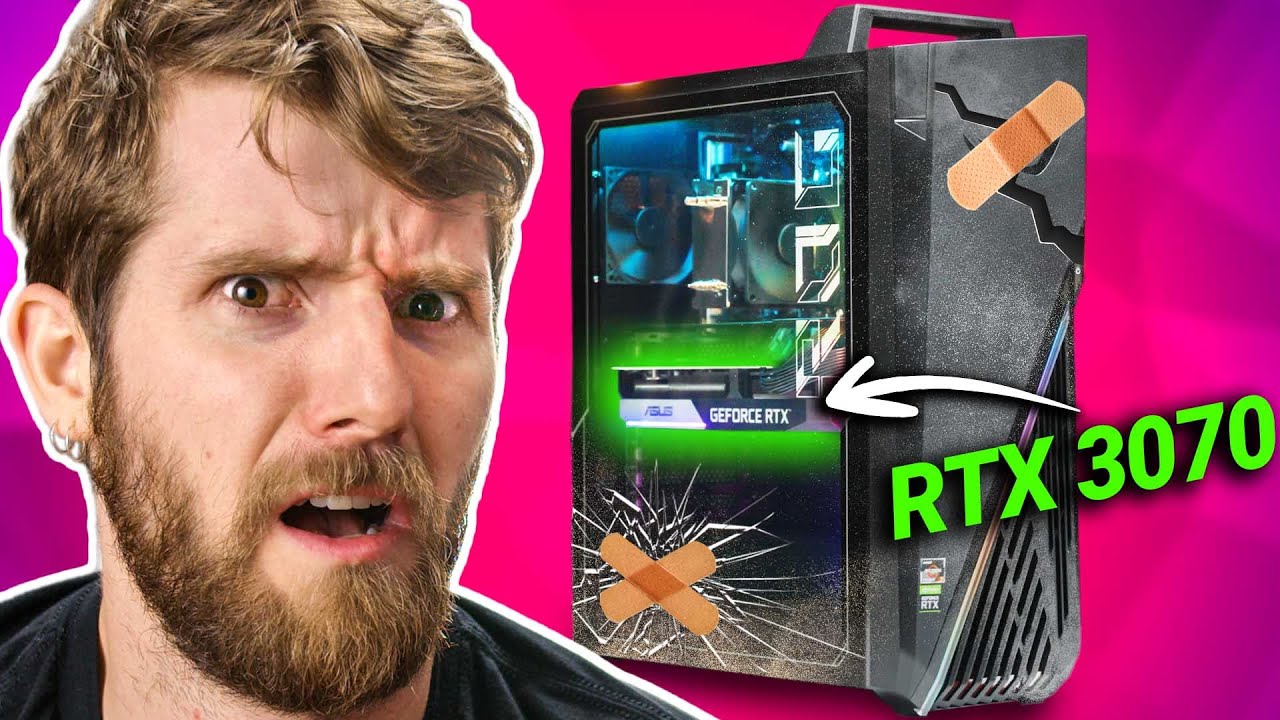
Should YOU buy a Junk Computer to get the GPU?
0 up · 0 down · 0 ratings
Promos
Thanks to Seasonic for sponsoring this video! Learn more about Seasonic Power Supplies at geni.us Buy Seasonic FOCUS Gold 750W PSU: geni.us With graphics cards still being so hard to come by, even if you really like building computers should you stoop to buying a prebuilt if you're looking to upgrade in the current market? Buy a ASUS G15 DK Pre-Built PC: geni.us Buy a CyberPowerPC Pre-Build PCs on Best Buy: geni.us Buy an ASUS Dual GeForce RTX 3070 GPU: geni.us Buy a Cooler Master Hyper 212 CPU Cooler: geni.us Buy an AMD Ryzen 7 5800X CPU: geni.us Buy an ASUS ROG Strix B450-F Gaming II: geni.us Buy a G.Skill RipJaws V Series 16GB (2 x 8GB) DDR4 RAM: geni.us Buy a Western Digital 2TB WD Blue SATA SSD: geni.us Buy a Crucial P2 500GB NVMe SSD: geni.us Buy a Phanteks P400A: geni.us Purchases made through some store links may provide some compensation to Linus Media Group. Discuss on the forum: linustechtips.com ► GET MERCH: lttstore.com ► AFFILIATES, SPONSORS & REFERRALS: lmg.gg ► PODCAST GEAR: lmg.gg ► SUPPORT US ON FLOATPLANE: floatplane.com FOLLOW US ELSEWHERE --------------------------------------------------- Twitter: twitter.com Facebook: @LinusTech Instagram: @linustech TikTok: @linustech Twitch: twitch.tv MUSIC CREDIT --------------------------------------------------- Intro: Laszlo - Supernova Video Link: youtube.com iTunes Download Link: itunes.apple.com Artist Link: soundcloud.com Outro: Approaching Nirvana - Sugar High Video Link: youtube.com Listen on Spotify: spoti.fi Artist Link: youtube.com Intro animation by MBarek Abdelwassaa @mbarek_abdel Monitor And Keyboard by vadimmihalkevich / CC BY 4.0 geni.us Mechanical RGB Keyboard by BigBrotherECE / CC BY 4.0 geni.us Mouse Gamer free Model By Oscar Creativo / CC BY 4.0 geni.us CHAPTERS --------------------------------------------------- 0:00 Intro 1:10 SI Cost Savings 2:59 What's in the box? 4:54 Performance 5:22 Cheap Upgrades 7:45 Expensive Upgrades 8:54 Worth It? 9:45 Conclusion 4:46 Store Callout 6:50 Discuss on the forum
The video takes a hard look at the current GPU shortage and whether buying a prebuilt PC that already includes a discrete graphics card can be a sensible path for gamers. It opens by highlighting the scarcity of GPUs and the possibility that on-shelf systems may still hide powerful GPUs inside larger, less attractive boxes. The host explains that prebuilt machines often save on certain components but can still be priced aggressively when a GPU is included, and he introduces the idea of upgrading a prebuilt with a better power supply from Seasonic to improve reliability and performance. The analysis continues with a practical shop trip where a high-end Asus G15DK with an RTX 3070 is purchased and later disassembled to evaluate what you actually get for the money. The segment emphasizes that the initial on-paper value can be misleading due to bottlenecks like cooling and the case design, and it sets up the exploration of how far you can go with modest upgrades before the price gap versus building from scratch becomes negligible. A core portion of the video is dedicated to testing and upgrading options to improve a prebuilt’s longevity and performance without dramatically inflating costs. The team notes the stock cooler limitations, the single 16 GB memory configuration, and the noisy 80 mm exhaust that throttles performance under load. They attempt upgrades such as adding more case fans, swapping to a better CPU cooler, and expanding memory with a second matching module, while discussing the practical constraints of the case and motherboard. They then pivot to a more premium but still cost-conscious approach by replacing the power supply with a Seasonic Focus Gold and upgrading RAM with a matching 16 GB kit from a different vendor, which yields modest gaming and Cinebench gains. The conclusion weighs whether the perceived savings from buying a prebuilt actually translate into real value compared to building a balanced system, especially once you account for the current market price of GPUs, and it ultimately questions whether this path is worth it for most buyers. The final takeaways center on price, value, and market dynamics. The hosts recalculate costs for a rebuilt configuration that emphasizes a stronger power supply, dual-channel memory, and fast storage, comparing it against the cost of a standalone GPU if purchased secondhand and the rest of the system stock. They argue that in today’s market, buying a prebuilt mainly to “shuck” the GPU is not a clear win, as the total cost can approach or exceed building a solid DIY system with a better motherboard, cooler, and power delivery. The video finishes with a nuanced stance: prebuilt machines are not inherently bad options if you’re comfortable with a few tweaks, but the days of easily beating the market by snagging a GPU inside a stock PC have largely ended. Viewers are invited to share their experiences with prebuilt PCs and to consider Seasonic as a potential upgrade for power supply reliability and noise reduction.
Topics · hardware · technology · gaming · consumer_tech · pc_building · hardware_upgrades
Questions answered
- What is the primary takeaway about buying a prebuilt PC during a GPU shortage?
- The main takeaway is that while a prebuilt can seem cheaper, the total value often hinges on the GPU price and the quality of the other components; in many cases, assembling a DIY system with careful component choices can offer better performance and future upgradability for a similar or lower total cost.
- Why do the hosts recommend upgrading the power supply in a prebuilt?
- Upgrading to a higher-quality, higher-capacity power supply improves reliability, reduces potential bottlenecks as the system ages, and helps keep the system quieter under load, contributing to a more stable overall build.