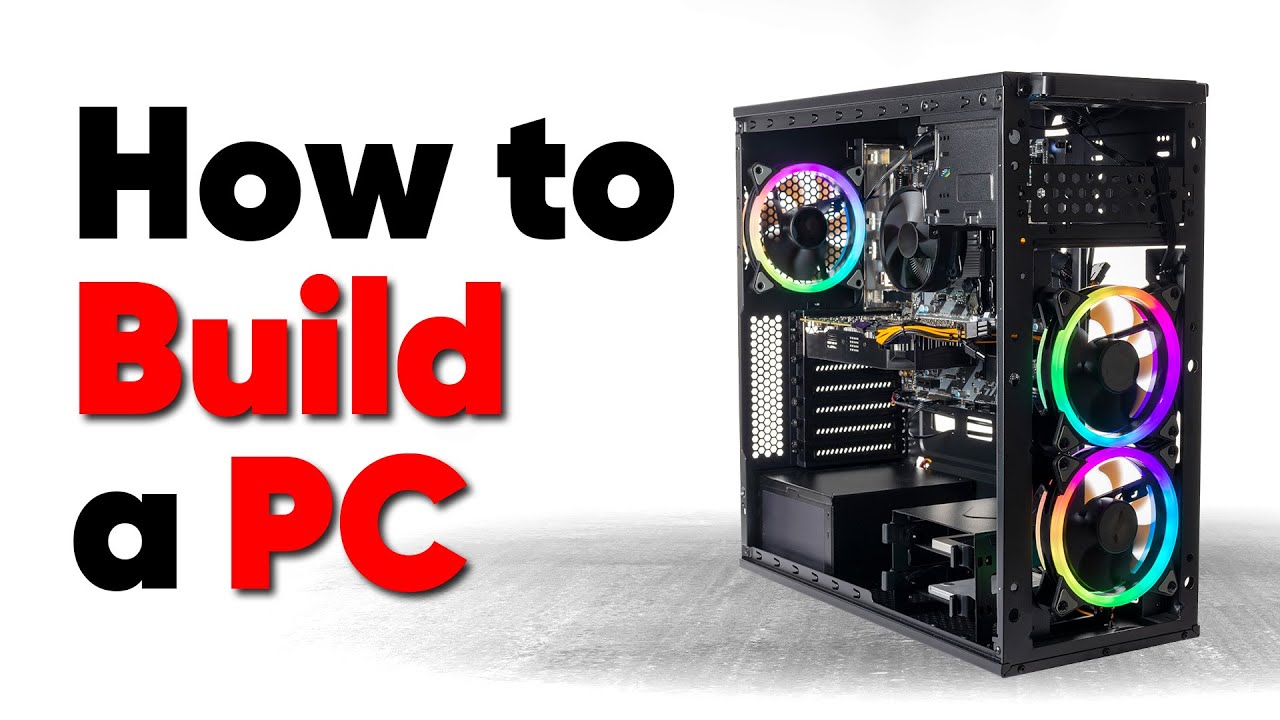
How to build a PC, the last guide you'll ever need!
0 up · 0 down · 0 ratings
Promos
Thanks to Seasonic for sponsoring this video! Buy a Seasonic TX 1000 PSU today at geni.us We’ve done plenty of build guides before – But now we’re taking it to the next level. Not only will you know how to build a PC, you’ll know how to build ANY PC – This is the LAST guide you’ll ever need! Discuss on the forum: linustechtips.com Buy an ASUS X570-Pro Motherboard: geni.us Buy an AMD Ryzen 5 5600X CPU: geni.us Buy a Sabrent 2TB NVMe M.2 SSD: geni.us Buy a Fractal Design Meshify 2C ATX Case: geni.us Buy a Seasonic PRIME 750 Titanium PSU: geni.us Buy an RTX 2070 Super Graphics Card: geni.us Buy a Noctua NH-D15S CPU Cooler: geni.us Buy a Corsair iCUE H150i ELITE CAPELLIX AIO Cooler: geni.us Buy a G.Skill Trident Z RGB 3200MHz DDR4 2x8GB RAM: geni.us Purchases made through some store links may provide some compensation to Linus Media Group. ► GET MERCH: lttstore.com ► AFFILIATES, SPONSORS & REFERRALS: lmg.gg ► PODCAST GEAR: lmg.gg ► SUPPORT US ON FLOATPLANE: floatplane.com FOLLOW US --------------------------------------------------- Twitter: twitter.com Facebook: @LinusTech Instagram: @linustech TikTok: @linustech Twitch: twitch.tv MUSIC CREDIT --------------------------------------------------- Intro: Laszlo - Supernova Video Link: youtube.com iTunes Download Link: itunes.apple.com Artist Link: soundcloud.com Outro: Approaching Nirvana - Sugar High Video Link: youtube.com Listen on Spotify: spoti.fi Artist Link: youtube.com Intro animation by MBarek Abdelwassaa @mbarek_abdel Monitor And Keyboard by vadimmihalkevich / CC BY 4.0 geni.us Mechanical RGB Keyboard by BigBrotherECE / CC BY 4.0 geni.us Mouse Gamer free Model By Oscar Creativo / CC BY 4.0 geni.us CHAPTERS --------------------------------------------------- 0:00 Intro & Step 1: Picking parts 1:05 Defining your build - Gaming considerations 2:05 Defining your build - Content creation considerations 3:08 Defining your build - NAS considerations 3:45 Defining your build - Form factors 5:33 Defining your build - Budget 6:21 Picking parts - CPU 8:32 Picking parts - Bargain hunting 10:08 Picking parts - GPU 11:07 Picking parts - Motherboard 12:14 Picking parts - RAM 14:17 Picking parts - What about ECC RAM? 16:12 Picking parts - Solid state drives 17:20 Picking parts - Coolers 19:29 Picking parts - Thermal compound 20:40 Picking parts - PSU 23:36 Picking parts - Case 25:03 Picking parts - Fan types and use cases 27:43 Picking parts - Fan sizes and connectors 29:36 Picking parts - Hard drives 30:20 Picking parts - RGB 32:13 Picking parts - Tools and supplies 33:10 Step 2: Setting up your work area 34:19 Setting up - Static safety 35:28 Step 3: Motherboard & CPU Install 36:20 Motherboard - Inspecting LGA pins 38:09 Motherboard - Installing the CPU (LGA) 38:57 Motherboard - Installing the CPU (PGA) 40:07 Motherboard - Installing the CPU (HEDT/servers) 42:30 Step 4: Memory Install & arrangements 44:40 Memory - Installation procedure 45:46 Step 5: M.2 SSD Install & considerations 46:44 SSD - Installation procedure 49:23 Cooler - Air mount setup (consumer sockets) 51:24 Coolar - Air mount setup (HEDT/servers) 51:55 Cooler - Thermal compound application (consumer sockets) 52:56 Cooler - Thermal compound application (HEDT/servers) 53:47 Cooler - Mounting air coolers 56:02 Cooler - CPU fan headers 57:37 Cooler - Pre-build test liquid mount setup 58:55 Step 7: Pre-build test setup 1:01:17 First power up 1:02:14 Bench troubleshooting 1:05:20 Step 8: Case preparation 1:06:56 Case prep - Motherboard standoffs 1:08:56 Step 9: Motherboard Installation 1:10:31 Motherboard - Front panel header 1:13:15 Motherboard - Front I/O (Audio) 1:14:32 Motherboard - Front I/O (USB 2.0) 1:15:59 Motherboard - Front I/O (USB 3.x) 1:17:44 Motherboard - "Front" I/O (Legacy) 1:18:19 Step 10: Storage (2.5" & 3.5") 1:20:55 Storage - SATA data cables 1:22:55 Step 11: Fans & Cooling 1:25:02 Fans & Cooling - Radiator setup & mounting 1:27:59 Fans & Cooling - Fan control & power distribution 1:29:12 Step 12: Power Supply 1:30:47 Power Supply - Mounting to the case 1:32:01 Power Supply - Wiring 1:33:50 Step 13: Graphics Card 1:35:48 Graphics Card - Other cards & anti-sag 1:36:21 Graphics Card - Power 1:37:11 Step 14: Cable Management 1:37:59 Step 15: Powering on & Troubleshooting 1:39:49 Common BIOS settings & booting your OS 1:41:12 Conclusion
This video presents a comprehensive framework for building a PC by focusing on the underlying patterns and decision points rather than specific component recommendations. The host begins by emphasizing that the goal is to teach the process of building any PC, not just a single configuration, and explains that the critical step is to define the intended use case and budget before selecting parts. The first section centers on defining how the computer will be used, including gaming, content creation, or NAS style storage, and how those roles influence CPU, GPU, RAM, and motherboard choices. Viewers are guided to assess their preferred performance priorities, such as high frame rates, rich visuals, or multitasking capacity, and to consider how these priorities map to cores, PCIe lanes, and memory bandwidth. The video stresses that budgets can be flexed through smarter bargains rather than premium parts, encouraging readers to weigh total value over raw clock speeds alone. It also highlights the importance of recognizing platform compatibility, ensuring the CPU socket and motherboard chipset will support future upgrades, and cautions against overpaying for features they will not utilize. The opening discussion sets up a long, methodical exploration of how to select parts, with a promise that the same process applies across different build goals. The host then introduces a multi-section approach to part selection, outlining the key components that drive performance and upgrade paths. The core message is that the essence of a successful build lies in balancing performance, reliability, and cost, not chasing the latest headline features. The video proceeds to compare CPU choices by illustrating how different cores and thread counts translate to real-world gaming and productivity outcomes, emphasizing the value of a measured price-to-performance analysis. The guidance on CPUs highlights the distinction between generations and architectures, why PCIe lane counts matter, and how motherboard chipsets influence expansion options. The presenter uses practical examples, such as comparing Intel and AMD offerings, to show how subtle differences in memory support and PCIe configurations can affect upgradability and future-proofing. The narrative then shifts toward GPU considerations, explaining how memory capacity, encoder hardware, and features like DLSS or FidelityFX impact gaming and content creation workloads. Viewers are reminded that higher-priced GPUs do not automatically translate to proportional performance gains, and that price trends, supply constraints, and the need for specific features should guide purchasing decisions. The discussion on motherboard selection emphasizes the role of chipset capabilities, VRM quality, expansion slots, and IO options, while also noting that mid-range boards often provide the best value for most users. The RAM section explains the essentials of capacity, speed, timings, and the concept of dual-channel memory, stressing the importance of matching modules and understanding ranks for stability and performance. The host details ECC RAM options, differentiating full ECC from server-grade variants and explaining how DDR5 introduces new ECC flavors that affect stability versus price. The video then covers storage strategies, clarifying the tradeoffs between SATA HDDs for bulk storage and NVMe SSDs for fast boot and load times, with guidance on choosing the right form factor like M.2 for modern systems. The cooling discussion demystifies air cooling versus liquid cooling, advocating a conventional large heatsink for most users due to reliability and ease of maintenance, while acknowledging enthusiasts’ interest in liquid cooling for quiet operation or aesthetics. The segment on thermal compounds provides practical advice on selecting non-conductive compounds and cautions against risky options like liquid metal with incompatible coolers. The power supply section explains modularity, 80 Plus efficiency ratings, and form-factor considerations like ATX, SFX, and SFX-L, emphasizing proper case fit and future cable management. The case analysis underscores airflow, maintenance, and ease of cable management as key criteria, and discusses the importance of front panel access and removable dust filters to simplify ongoing cleaning. The video then introduces fan technology, explaining bearing types, static pressure versus air flow design, and the benefits of PWM control for precise speed management, with a note on selecting fans and hubs to match cooling needs. RGB lighting is treated as a purely aesthetic consideration, detailing the types of RGB control (non-addressable, addressable, and USB-controlled) and advising viewers to plan for vendor-specific ecosystems to minimize compatibility issues. The guide closes by outlining a practical workflow for assembling the parts, including workspace setup, static safety, essential tools, and a step-by-step mental checklist to avoid common mistakes. Finally, the host encourages viewers to approach the build with confidence, to test incrementally, and to enjoy the hands-on experience of creating a personalized workstation that matches their goals and budget. The overall takeaway is that with a careful evaluation of use case, components, and budget, any PC can be built reliably and upgraded gradually over time, making this truly a last guide you will ever need for PC construction.
Topics · technology · computing · hardware