Rampage III Extreme Initial Testing & No POST Diagnosis Linus Tech Tips
0 up · 0 down · 0 ratings
Description
Loaded up the Rampage III Extreme with 24GB of RAM and a Core i7 980X six core processor and all I got was this lousy T-shirt. And I didn't even get a T-shirt. Hopefully more time to tinker with it tomorrow.
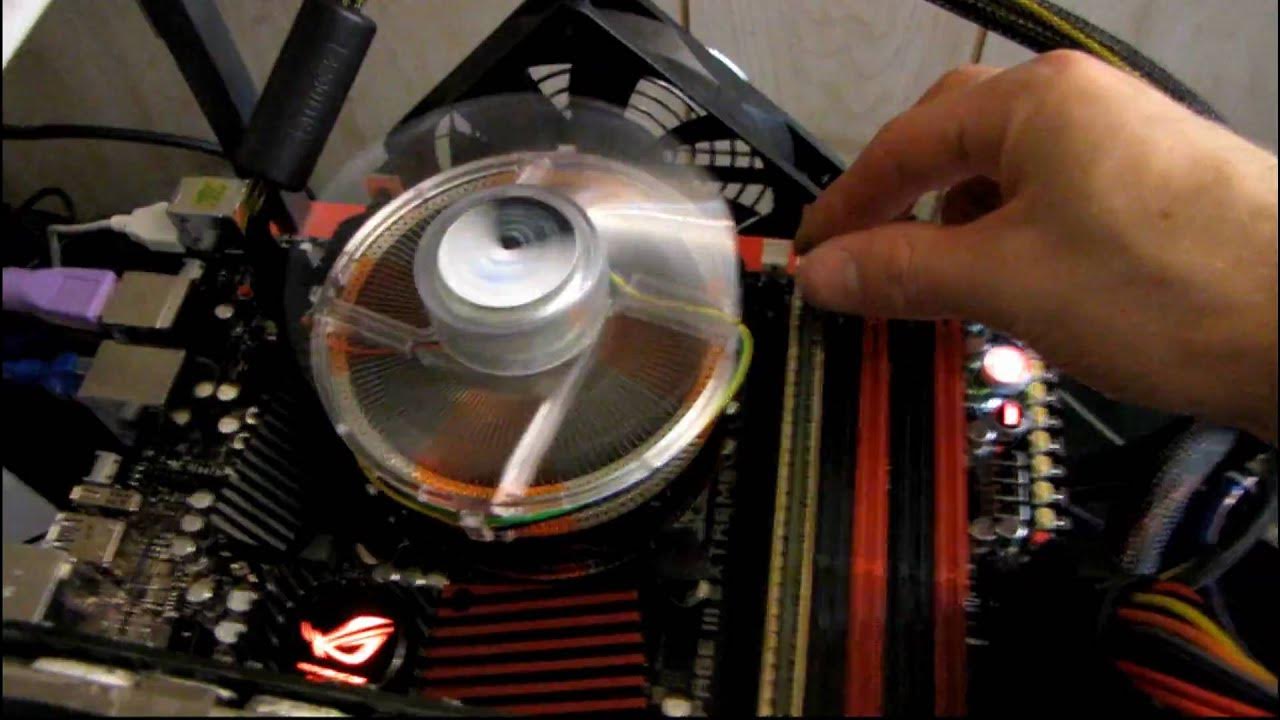
The video documents Linus attempting to boot a Rampage III Extreme motherboard equipped with a Core i7 980X processor and 24 GB of DDR3 RAM. From the start, Linus highlights the board’s four PCI Express x16 slots and a set of front panel diagnostic LEDs, noting how these features could simplify troubleshooting when hardware is water-cooled or otherwise difficult to access. He methodically powers up the system with the stock BIOS and then documents the moment when there is no POST, explaining his plan to isolate potential causes by checking video output, re-seating RAM, and verifying power connections. Throughout, he experiments with memory configurations, including tri-channel DIMMs and different RAM kits, while describing his reasoning for each step and the potential need to reset the BIOS. The first attempts reveal no display and an unclear diagnostic LED pattern, prompting him to reset and re-check connections, including the 8-pin CPU power connector and DVI cable, before attempting a BIOS clear and a removal of RAM modules. He also swaps in a known-good video card to confirm whether the issue might lie with the GPU, while noting his power supply behavior and the potential impact of memory channel placement on post behavior. The narrative shifts toward a broader troubleshooting strategy as Linus moves through RAM removal, channel reassignment, and cross-checks with alternative RAM modules from his bench, all while acknowledging how the lack of immediate results can be frustrating but is a normal part of diagnosing high-end hardware. By the end of the recorded session, with no successful POST, he frames the video as a live troubleshooting log and teases a follow-up where he plans to update viewers on what ultimately resolved the issue, including additional testing and configuration adjustments. The overall takeaway is a practical, hands-on exploration of PCIe slot management, BIOS memory settings, and the value of tester parts when diagnosing modern, multi-channel motherboards under non-ideal conditions.
Topics · technology · hardware · troubleshooting · pc_building · science_and_technology · computer_hardware
Questions answered
- Welke stappen onderneemt Linus om te achterhalen waarom de Rampage III Extreme niet opstart zonder POST?
- Linus controleert displaykabels en voeding, reset de BIOS, verwijdert RAM-sticks in verschillende combinaties, wisselt GPU uit, en probeert meerdere geheugenconfiguraties en kanalen totdat hij weer probeert te posten en de display terugkomt.
- Wat zijn de belangrijkste factoren die volgens de video postproblemen kunnen veroorzaken bij een hoge DDR3-ramconfiguratie?
- Mogelijke oorzaken zijn verkeerde geheugenconfiguratie in BIOS, onjuiste DIMM-slottoewijzing bij tri-channel setups, problematische RAM-modules, en mogelijk Problemen met de voeding of de videokaart.