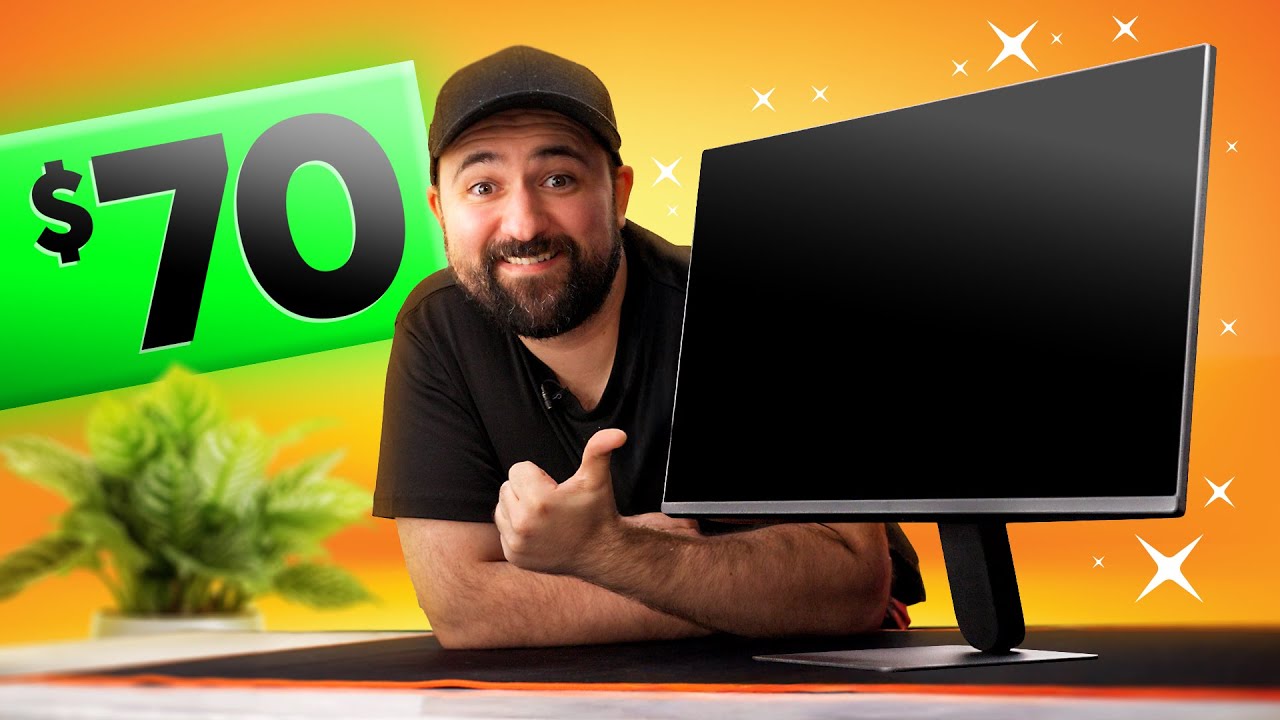
Stop Wasting Money on Premium Monitors
0 up · 0 down · 0 ratings
Description
Check out NexiGo's Black Friday sale at: lmg.gg It's nice to splurge on high-end displays but you don't NEED one if you just wanna game. Come
check out what Plouffe purchased when he needed a decent gaming monitor for our latest Whale LAN. 120Hz without breaking the bank? Yes please. Discuss on the forum: linustechtips.com
Check out some of the monitors from the video! LG 24U411A-B 24-inch 120hz 1080p IPS: geni.us Acer Nitro VG271U 27" 1440p 144hz IPS: geni.us Pixio PX277 OLED Max V2 27" 1440p 240hz OLED: geni.us AOC Agon PRO AG276QZD2 27" 1440p 240hz OLED: geni.us Alienware AW3225QF 31.6" 240hz QD-OLED: geni.us Alienware AW2725D 27" 280hz QD-OLED: geni.us
Promos
Check out our Channel Partners: Secretlab - Get up to $249 off during their Black Friday/Cyber Monday sale (ends Dec. 5 2025): lmg.gg PIA - Get the VPN of our choice: piavpn.com dbrand - Buy a "Circuit" series skin for your device: dbrand.com ► GET OUR MERCH: lttstore.com ► GET EXCLUSIVE CONTENT ON FLOATPLANE: lmg.gg ► SPONSORS, AFFILIATES, AND PARTNERS: lmg.gg Purchases made through some store links may provide some compensation to Linus Media Group. Affiliate links powered in part by affilimate.com Linus Sebastian is an investor in Framework Computer, Inc CHAPTERS --------------------------------------------------- 0:00 Intro 1:25 Must Haves 3:33 Trial by Fire 5:10 Test Results 6:55 Monitor Shopping 8:30 Conclusion 10:15 Outro
The video argues that you do not need to overspend on premium monitors to achieve a good gaming experience, especially if you are mindful of budget and your actual needs. It opens by framing the dilemma of balancing desk space, performance, and price, and then introduces a minimal set of must-have features for budget gaming displays. The host shares a personal purchase decision, choosing a 70-dollar LG monitor that delivered surprisingly solid 120 Hz performance, low latency, and good color accuracy for its price. The discussion expands into a pragmatic shopping guide, comparing panel types, resolutions, and refresh rates while considering usage scenarios like a dim gaming room or a bright venue like Whale Land. He emphasizes that a budget 1080p or 1440p display with decent IPS or VA performance can meet most gamers' needs, with OLED as a potential upgrade for those who can wait or spend a bit more. The conclusion reinforces the idea that spending more does not automatically guarantee a better experience, and encourages viewers to prioritize the must-have features that matter most, aided by current sales and budget-friendly alternatives. Finally, the host teases future budget-focused videos and recaps the value of shopping smart rather than chasing the latest flagship tech, urging viewers to consider how a well-chosen budget monitor can still deliver strong performance for gaming and media consumption.
Topics · technology · consumer electronics · gaming monitors · reviews · budget tech · home entertainment · pcs & peripherals
Questions answered
- What are the must-have features the video recommends for budget gaming monitors?
- Must-have features include a solid refresh rate (ideally 120 Hz), low latency, good color accuracy, decent viewing angles, and a panel type that balances performance and cost (IPS or VA). The video also notes that higher brightness, HDR performance, and ultra-high resolutions can be secondary considerations on a tight budget.
- Is OLED worth it on a budget according to the video?
- OLED is described as incredible but expensive; the video suggests waiting for prices to drop, or opting for OLED-like gains via newer, mid-range options if the budget allows, as OLED depth and per-pixel dimming provide superior HDR but at a higher price point.