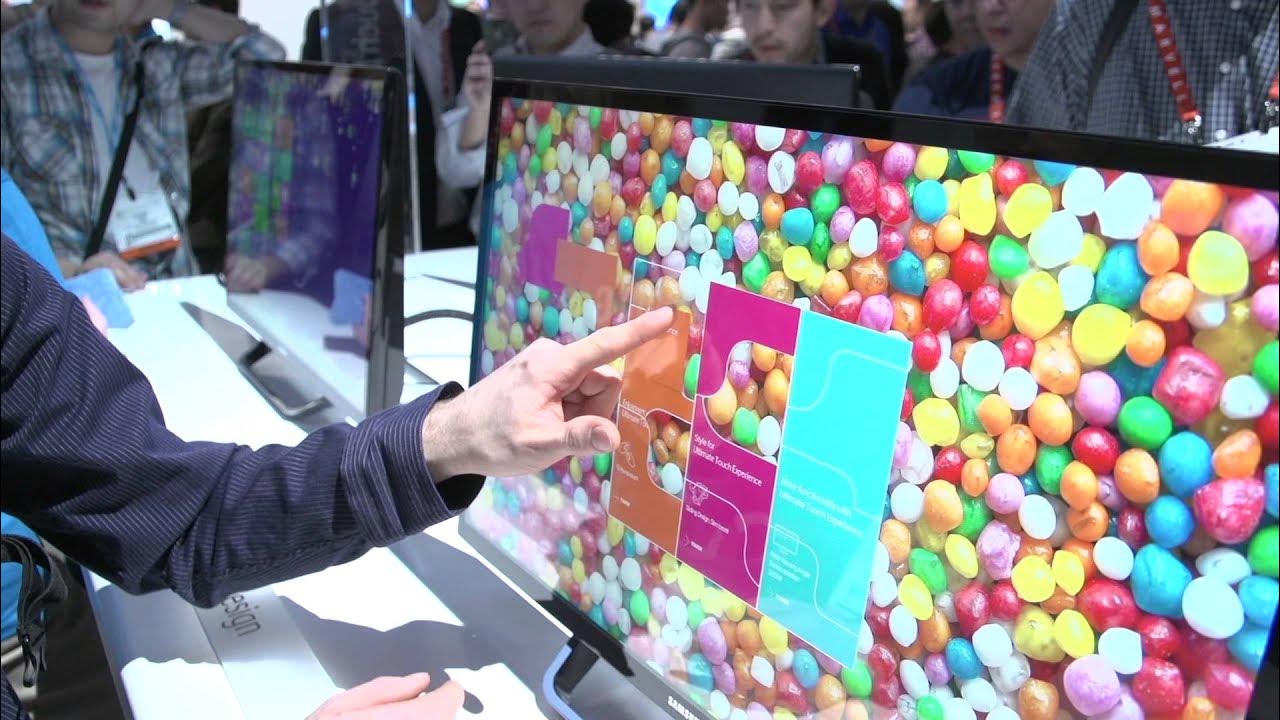
Samsung SC77 Touch 60 Degree Tilting Touchscreen LCD Monitor - Linus Tech Tips CES 2013
0 up · 0 down · 0 ratings
Description
The SC77 Touch from Samsung should help with the ergonomics of using a touch screen on the desktop. It's multi-touch and it folds down to an angle where it won't be as fatiguing to use as a completely upright monitor. Day 3 - video 8
Linus Tech Tips covers Samsung's SC77 Touch, a 24 or 27 inch LED TN panel touchscreen monitor designed for desktop ergonomics with a 60 degree tilt. The host explains the rationale for a tilting touchscreen on a desk, noting that lowering the monitor reduces arm fatigue and can improve comfort when using on-screen keyboards or Windows 8 navigation. He demonstrates the 10-point touch capability and walks through the built-in demo, including a puzzle that showcases how the touch surface responds across the display. The SC77 Touch includes two HDMI inputs and a USB 3.0 port for the touchscreen interface, with built-in stereo speakers and a bezel that subtly moves closer to the user to aid usability. He compares viewing angles to other displays, highlighting better side viewing results for a TN panel in this category, and points out practical details like the on-screen keyboard usability and the quick-access touch controls. The video emphasizes the value proposition for touch-enabled desktop setups and suggests that tilting screens could become a larger trend, while also noting potential costs and practical considerations such as fingerprint maintenance. The segment ends with a reminder to subscribe for more CES 2013 coverage and a recap of the product features shown in the booth demonstration.
Topics · technology hardware · consumer electronics · display technology · ces 2013 · ergonomics
Questions answered
- What is the main ergonomic benefit of the SC77 Touch's 60 degree tilt?
- The 60 degree tilt reduces arm fatigue by placing the touchscreen in a more natural, lower position for interactive use and easier access to an onscreen keyboard.
- What connectivity options does the Samsung SC77 Touch include?
- It includes two HDMI inputs and a USB 3.0 port for the touchscreen interface.
- What is notable about the display panel used in the SC77 Touch?
- It uses a TN panel with LED backlighting and offers relatively good viewing angles for a TN display in the context of touchscreen desktop monitors.