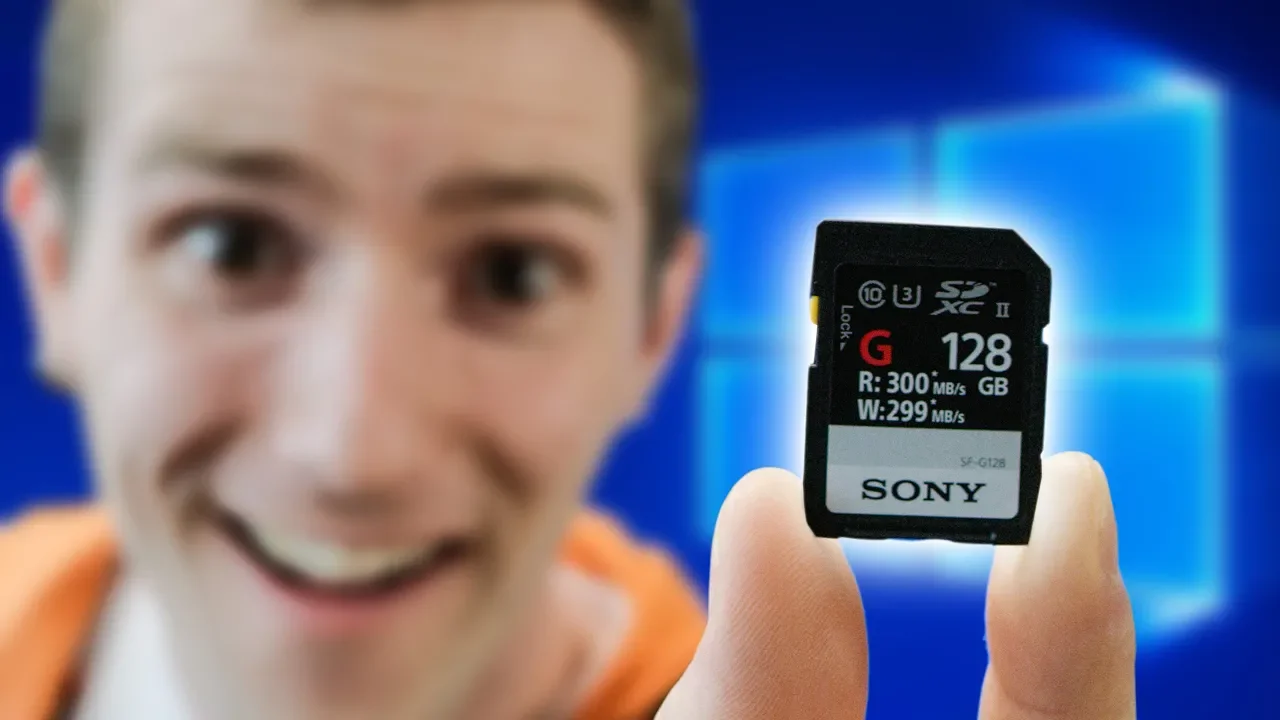
Booting Windows from an SD CARD???
0 up · 0 down · 0 ratings
Promos
Sign up for Private Internet Access VPN at privateinternetaccess.com Get iFixit's Pro Tech Toolkit now for only $59.95 USD at ifixit.com Buy Sony SDXC UHS-II on Amazon: geni.us Discuss on the forum: linustechtips.com Our Affiliates, Referral Programs, and Sponsors: linustechtips.com Linus Tech Tips merchandise at designbyhumans.com Linus Tech Tips posters at crowdmade.com Our Test Benches on Amazon: amazon.com Our production gear: geni.us Get LTX 2018 tickets at ltxexpo.com Twitter - twitter.com Facebook - @LinusTech Instagram - @linustech Twitch - twitch.tv Intro Screen Music Credit: Title: Laszlo - Supernova Video Link: youtube.com iTunes Download Link: itunes.apple.com Artist Link: soundcloud.com Outro Screen Music Credit: Approaching Nirvana - Sugar High youtube.com Sound effects provided by freesfx.co.uk
Booting Windows from an SD card is explored as a feasibility experiment, focusing on the hardware required to even boot an OS from a fast SDXC card. The video explains that standard SD readers you might already own won’t maximize the card’s potential, and a special SDXC reader with extra pins is needed to access the full performance of Sony’s UHS II cards. The host walks through the practical steps: acquiring a Windows To Go installation, sourcing a genuine Windows 10 disc to create an ISO, and using Rufus to create a bootable Windows To Go drive. The discussion delves into Windows To Go limitations, the need for a proper installation image, and how the process differs from older USB installer methods. In testing, even with a highly capable card, the setup shows significant latency and limited random I/O, making the experience workable but far from a high-performance boot drive. The verdict emphasizes that while the concept is technically possible and surprisingly usable for light tasks, it is not a recommended daily driver solution and is more of a demonstration of what is technically feasible with current SDXC hardware. The video details the practical outcomes: booting Windows from the SD card works, but performance is constrained by the USB interface, the SD card’s own simple architecture, and the lack of an advanced controller with cache or DRAM. The author highlights the disruptive update process and how background Windows updates can dominate time and bandwidth, further diminishing the experience. Despite early concerns, the Doom test demonstrates a serviceable gaming load, albeit with notable stutters and longer load times compared to an SSD. The overall conclusion is that the approach is impressive as a proof of concept and showcases the raw speed potential of top-tier SDXC media, but it remains a compromise for daily use. In closing, the discussion reinforces that readers should not rely on SD boot for everyday computing, but acknowledge the evolving capabilities of SDXC and Windows To Go in niche scenarios.
Topics · technology · hardware · operating-systems · gaming
Questions answered
- Can Windows be booted from an SDXC card and under what conditions?
- Yes, Windows can be booted from an SDXC card using a Windows To Go installation, a USB 3 reader that supports the extra pins on SDXC cards, and a genuine Windows 10 ISO created for Windows To Go.
- What hardware and software are required to attempt this setup?
- You need a high-end SDXC UHS-II card, a compatible SD reader with extra pins, a USB 3 enclosure or drive, a Windows 10 ISO (or disc to create an ISO), and Rufus or a similar tool to create a Windows To Go bootable drive.
- Is gaming from an SD boot practical and what performance can be expected?
- Gaming from an SD boot is possible, as shown with a test run of Doom, but performance is limited by the USB interface and the card’s lack of an advanced controller, resulting in long load times and uneven frame pacing, making it generally impractical for regular gaming.