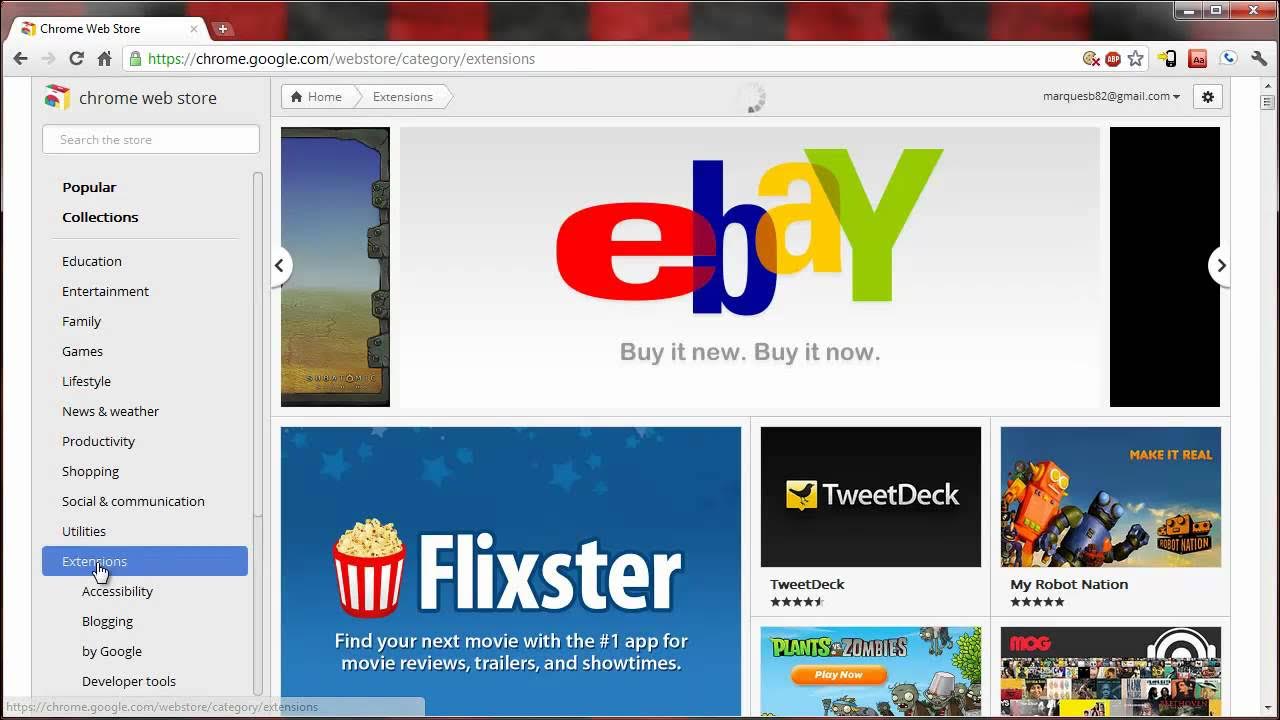
New Chrome Web Store Review
The video provides a detailed walkthrough of the brand new Chrome Web Store, beginning with the option to search using Chrome and the new tab page shortcut to access the store. The host showcases the homepage layout, highlighting the large featured app panels and the smaller panels for other apps, all designed with a mix of big and small thumbnails similar to other Google interfaces. He explains that hovering over an app reveals quick actions to add it to Chrome or view a detailed pane containing information, screenshots, user reviews, and even embedded YouTube videos provided by the app developers. The presenter demonstrates how to explore app details by clicking into a specific listing, noting the ability to add screenshots, view collections, and scroll through app listings using infinite scrolling, which keeps the browsing experience fluid and uninterrupted. He points out the left-hand navigation for categories, the existence of paid apps alongside free extensions, and the ability to sort by category to reveal a new page layout with more screenshots. The video also covers features like the collections section, where themed bundles (for example a money or finance collection) groups related apps together, and emphasizes the ongoing design improvements Google is implementing to improve navigation and discovery within the store. In closing, the host encourages viewers to try the latest Chrome version, explore the Web Store themselves, and leave feedback or reviews after trying an app, finishing with a sign-off and a friendly reminder to like the video if they enjoyed the walkthrough.
Topics · technology · software · chrome · apps · web_store · review
Questions answered
- How do you add an app to Chrome from the Chrome Web Store according to the video?
- Hover over an app listing to reveal the option to add it to Chrome, then click to add or view more details in the app pane.
- Can you view app details such as screenshots and videos in the Web Store?
- Yes, by entering the app's details pane you can see screenshots, information, and any embedded YouTube videos provided by the developer.
- Is infinite scrolling used to browse apps in the Web Store?
- Yes, the video demonstrates infinite scrolling that lets you continue browsing through app listings without interruption.