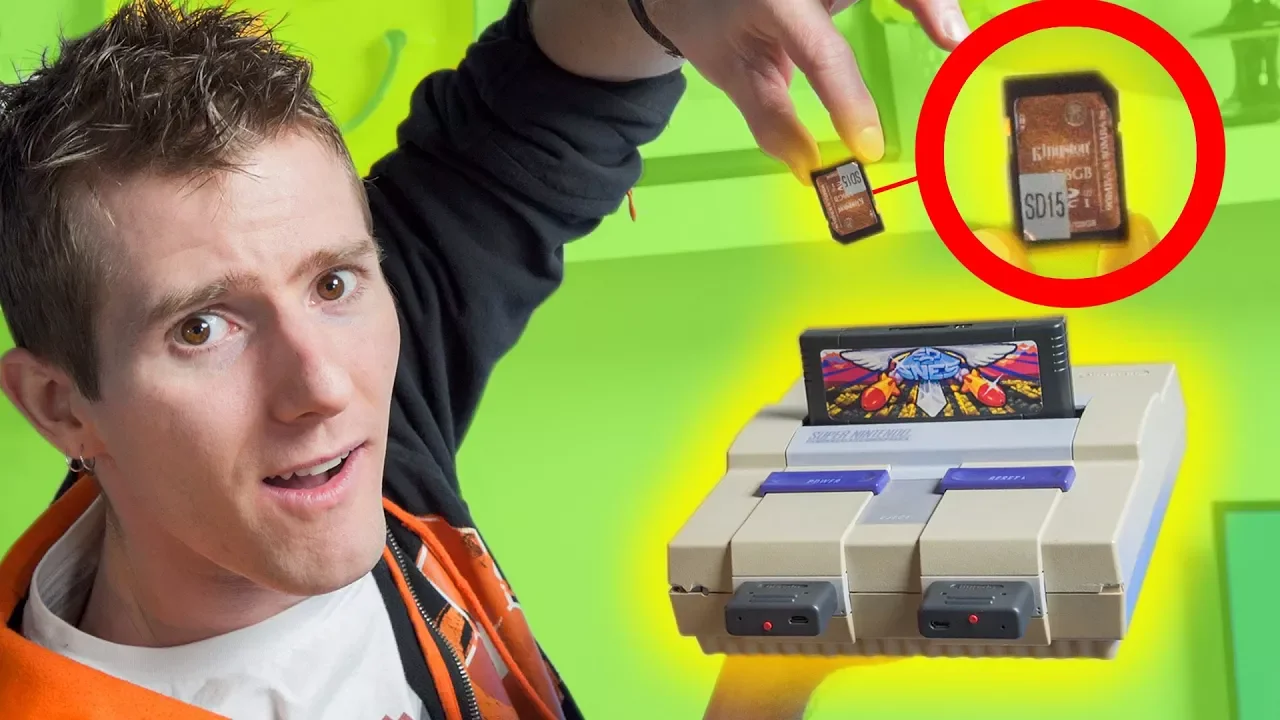
SUPERCHARGE Your Super Nintendo!
0 up · 0 down · 0 ratings
Promos
Here's a modern-retro fusion product for people with giant retro game collections! But can it be used for MORE than JUST the originals...? Visit squarespace.com and use offer code LTT for 10% off Buy ZOTAC's MEK1 on Newegg: geni.us Buy ZOTAC's MEK1 at their store: geni.us Buy an SD2SNES: On the Everdrive Store: geni.us On Retro Modding: geni.us Discuss on the forum: linustechtips.com Our Affiliates, Referral Programs, and Sponsors: linustechtips.com Linus Tech Tips merchandise at designbyhumans.com Linus Tech Tips posters at crowdmade.com Our production gear: geni.us Twitter - twitter.com Facebook - @LinusTech Instagram - @linustech Twitch - twitch.tv Intro Screen Music Credit: Title: Laszlo - Supernova Video Link: youtube.com iTunes Download Link: itunes.apple.com Artist Link: soundcloud.com Outro Screen Music Credit: Approaching Nirvana - Sugar High youtube.com Sound effects provided by freesfx.co.uk
The video opens with Linus testing a modern retro upgrade for the Super Nintendo, focusing on the SD to SNES adapter that transfers data from an SD card to the original console hardware. He notes initial hardware setup details, including a workaround for connecting to an OLED TV via a composite-to-analog adapter and comments on wishing for a Framemeister. An unfortunate spill just before filming is mentioned, resulting in a cracked SNES that still emits sounds, setting a playful, in-the-weeds tone for a hands-on tech review. The presenter details key capabilities of the SD to SNES device, including how it plugs into the cartridge slot, supports a wide range of ROMs, and handles region compatibility so users can run software at correct timings across NTSC and PAL consoles. Several technical specs are highlighted, such as SDXC compatibility up to large card sizes, FAT32 formatting, and the chip’s handling of a reverse engineered super CIC to avoid piracy restrictions. The discussion shifts to performance traits like rom loading speeds, menu snappiness on a high-resolution display, and how the device handles clock, RAM, and ROM size limits, noting that Star Fox is not supported by the enhancement chip. Linus then demonstrates the user interface, showing how to navigate the menu with a controller, select ROMs, and try games from the MSU-1 enhanced folder. A few lighthearted moments follow as he experiments with level loading, acknowledges input lag in parts of the gameplay, and contrasts the experience with original cartridges. The segment wraps with a candid assessment that while the price is high and ownership of original cartridges is not transferred, the device serves as a centralized archive for large collections and preserves the authentic hardware experience, provided viewers understand what they are buying. Finally, the video pivots to a promo for Squarespace and other sponsors, framing the content as a blend of retro enthusiasm and modern product integration, and invites viewers to share their own experiences with retro emulation and original hardware in the comments.
Topics · Technology · Gaming · Retro Computing · Hardware Reviews
Questions answered
- What is the SD to SNES adapter and what does it do?
- The SD to SNES adapter lets you run ROMs from an SD card on original SNES hardware, bridging the card storage to the cartridge slot and supporting a wide ROM set while maintaining the original hardware experience.
- Does the device support every SNES enhancement chip or multi-region use?
- It supports most enhancement-chip ROMs and is designed to operate across regions, but specific games that rely on certain chips or features, like Star Fox with some enhancements, may not be supported.