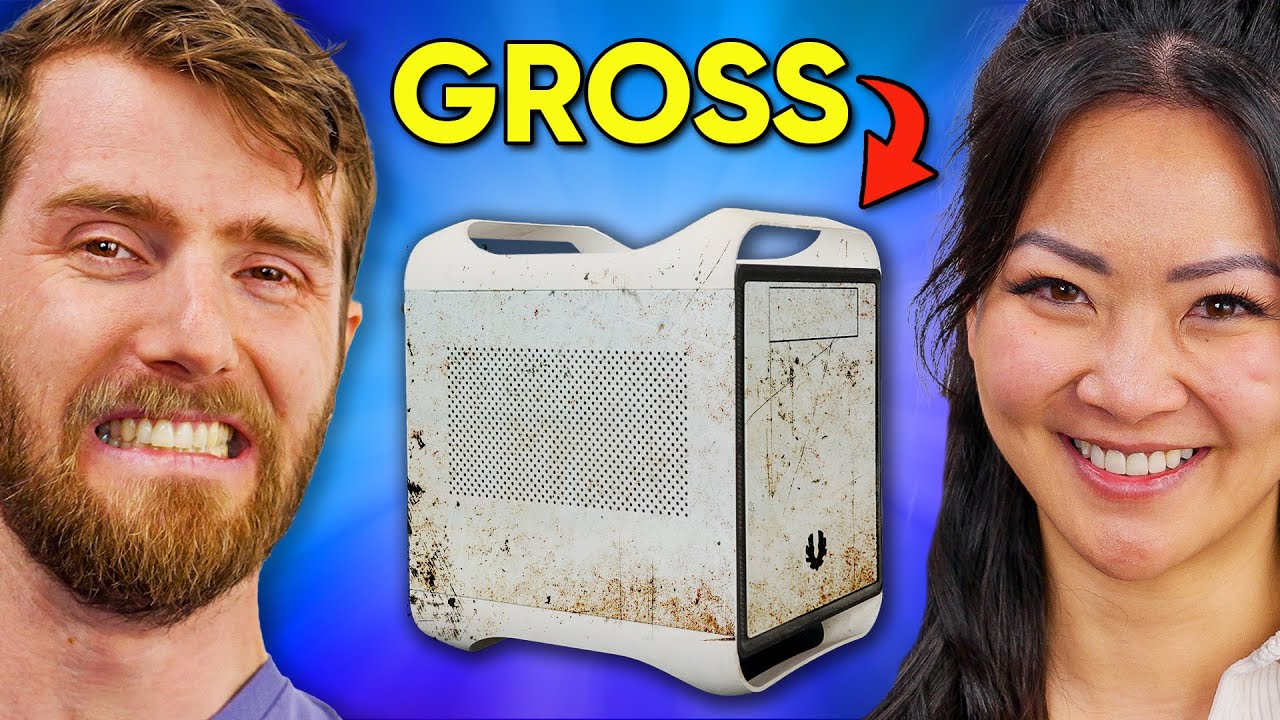
I'm Embarrassed For Her... - PC Build with NCIX Esther
0 up · 0 down · 0 ratings
Description
Thanks ASUS for sponsoring today’s video!
Check out the ROG Swift OLED PG27AQDM at rog.asus.com Yvonne's sister Esther needed some help with the family computer, so of course she called Linus. Well it turns out it needed a lot more than a light dusting and some minor tweaks, so he built her a new PC on one condition: we get to roast her current PC first. Discuss on the forum: linustechtips.com
Promos
Check out the parts used in Esther’s new PC! ASUS ROG Strix B760-I Motherboard: geni.us ASUS ROG Thor 850W Platinum PSU: geni.us Intel Core i5-13600K CPU: geni.us ASUS TUF Gaming GeForce RTX 4070 Ti GPU: geni.us Crucial 4800MHz DDR5 16GBx2 RAM: geni.us Crucial BX500 1TB SSD: geni.us Noctua NH-U14S Cooler: geni.us Fractal Torrent Nano Case: geni.us Purchases made through some store links may provide some compensation to Linus Media Group. ► GET MERCH: lttstore.com ► LTX 2023 TICKETS AVAILABLE NOW: lmg.gg ► GET EXCLUSIVE CONTENT ON FLOATPLANE: lmg.gg ► SPONSORS, AFFILIATES, AND PARTNERS: lmg.gg ► OUR WAN PODCAST GEAR: lmg.gg FOLLOW US --------------------------------------------------- Twitter: twitter.com Facebook: @LinusTech Instagram: @linustech TikTok: @linustech Twitch: twitch.tv MUSIC CREDIT --------------------------------------------------- Intro: Laszlo - Supernova Video Link: youtube.com iTunes Download Link: itunes.apple.com Artist Link: soundcloud.com Outro: Approaching Nirvana - Sugar High Video Link: youtube.com Listen on Spotify: spoti.fi Artist Link: youtube.com Intro animation by MBarek Abdelwassaa @mbarek_abdel Monitor And Keyboard by vadimmihalkevich / CC BY 4.0 geni.us Mechanical RGB Keyboard by BigBrotherECE / CC BY 4.0 geni.us Mouse Gamer free Model By Oscar Creativo / CC BY 4.0 geni.us CHAPTERS --------------------------------------------------- 0:00 Intro 2:24 A Light Roasting 4:50 CPU 6:35 Motherboard 7:46 Memory 9:55 Storage 12:08 CPU Cooler 13:35 Case 14:15 PSU 17:50 Wiring 21:40 GPU 23:00 Monitor 24:00 Booting Up 25:10 Gaming 27:22 Outro
This video chronicles a playful PC build session that doubles as a lighthearted family roast. Esther, Linus’s sister-in-law, brings a much older family PC to Linus for a refresh, and what begins as a simple resolution tweak rapidly becomes a full rebuild project. The opening moments set the tone with a reveal of Esther’s existing setup and a plan to upgrade it on a sponsorship from Asus. The crew uses a mix of humor, family banter, and genuine hardware expertise to evaluate the old rig and outline the goals for the new build. We learn early on that the old system has a failing GPU, dust, mismatched hardware, and a lack of filters in the case, all of which justify a complete upgrade rather than just a few tweaks. The segment then shifts to a detailed parts rundown, including the Asus ROG Strix B760-I motherboard, the Thor 850W PSU, an Intel Core i5-13600K, and a GeForce RTX 4070 Ti, all chosen for stability and future-proofing given Esther’s use case. The crew emphasizes the need for onboard graphics as a fallback, ensuring there is a robust non-dedicated path if the main GPU encounters issues, and they discuss the implications of a K-series CPU paired with a B-series motherboard. The build proceeds with careful attention to a compact ITX form factor, effective cooling with an oversized air cooler, and a curated storage strategy that balances RAID capability with cost. Throughout the video, Linus and Esther exchange jokes and memories from NCIX days, adding a personal touch and reinforcing the family-first, light-hearted tone of the project. The moment of truth arrives when the system boots and shows its first signs of life, followed by a tour of the new monitor, an OLED 240 Hz display that promises excellent color and response times for gaming and creative work. The final sequence demonstrates a smooth Windows 11 setup, a customized BIOS profile for Esther, and real-world gaming tests, including Minecraft, to showcase the practical performance improvements. The video closes on a high note with a satisfied smile from Esther, thanks to sponsor Asus, and a sense of achievement from a project that blends humor, family culture, and solid hardware engineering.
Topics · technology · computing · hardware · pc-build · sponsorship · family
Questions answered
- Why was onboard graphics enabled during the initial troubleshooting?
- Onboard graphics were enabled as a fallback to ensure Esther could boot and use the system even if the dedicated GPU failed or was not functioning properly.
- What monitor and display features are highlighted in the build?
- The build showcases an Asus ROG OLED PG27AQDM monitor with 240 Hz refresh rate and 99% DCI-P3 color coverage, emphasizing deep blacks and vibrant HDR performance.
- What is the main goal of the build according to the video?
- The main goal is to create a highly stable, overkill cooling, reliable, and long-term upgrade path capable PC for Esther, with a focus on safety and ease of use for family members.