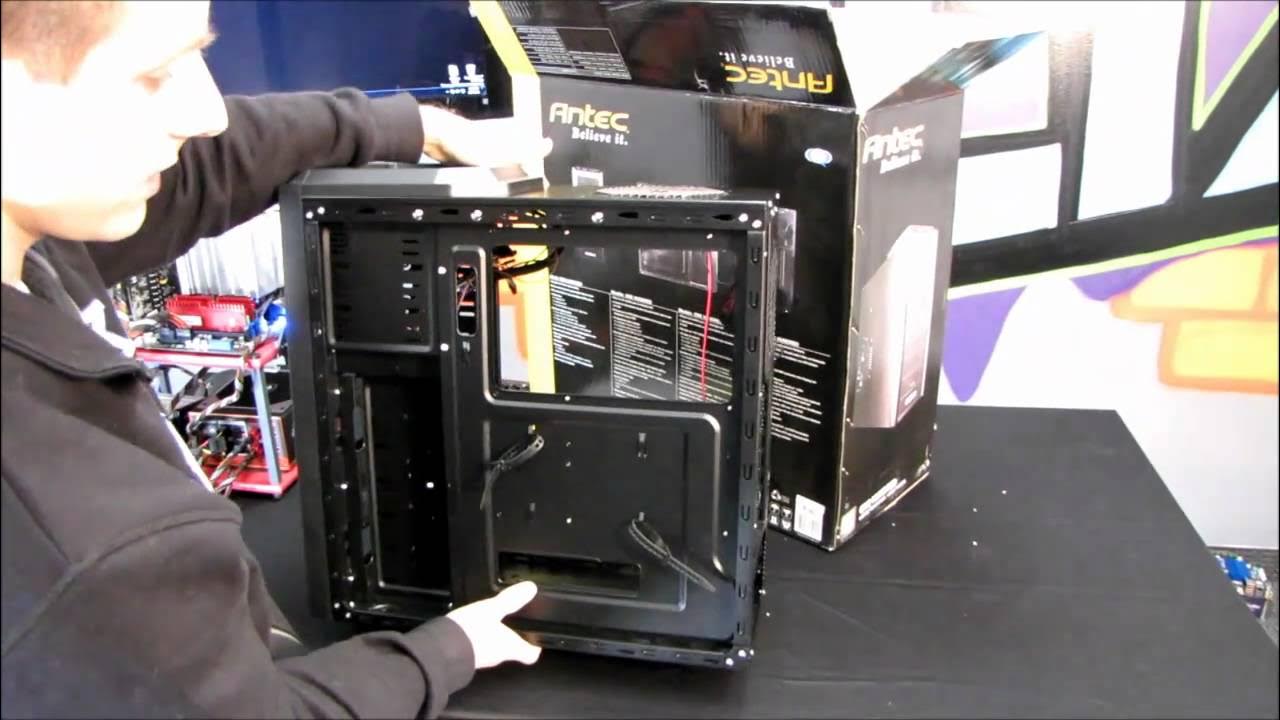
Antec 100 One Hundred Gaming Computer Case Unboxing & First Look Linus Tech Tips
0 up · 0 down · 0 ratings
Description
ncix.com The Antec One Hundred is part of a proud tradition of "Hundred" gaming cases at Antec. I wonder what they'll call the "hundredth" member of this case family when it gets released a decade or so down the road.... Maybe the One Thousand... Hmmm..
The video opens with Linus Tech Tips introducing the Antec 100 One Hundred gaming computer case, framing it as a value-oriented option within Antec’s Hundred-series lineup. He compares it to the 300 and 200 models, highlighting the 100 as a budget-friendly chassis with a focus on value rather than luxury features. He notes the front full-mesh panel for air intake, the absence of a window, and the overall aesthetic in black and silver with the Antec logo. He walks through exterior features such as USB 2.0 front ports, power, reset, and drive activity LEDs, then details the interior layout including mounting options for fans, storage bays, and PCI slots. The speaker demonstrates removing side panels, inspecting included hardware, and explains practical considerations for power-supply orientation to optimize airflow. He also points out the cable-management anchors and the backplate cutout that facilitates CPU cooler installation without removing the motherboard, concluding with mounting options and a quick recap of the case’s intended value proposition before inviting viewers to subscribe for more content. In the second segment, the unboxing continues with a closer look at the internal bays, mount points, and front-bezel removal which allows access to the two front 120 mm fan mounts. Linus shows the process of clipping in fans, reattaching the front bezel, and verifying port and cable routing paths. He highlights how the case supports up to seven PCI slots plus an eighth with dual-slot GPUs and notes the internal layout that accommodates a 2.5-inch SSD bay and several 3.5-inch drives. The host offers practical tips on mounting the power supply with the fan facing upward to improve airflow and discusses potential limitations for large multi-GPU builds due to space and cable routing behind the motherboard tray. The video wraps with a summary on the case’s value and a call to subscribe for more unboxings, reviews, and computer videos.
Topics · computer_hardware · pc_case · unboxing · hardware_design · cooling · information · review
Questions answered
- Does the Antec 100 support USB 3.0 front panel connections?
- No, the case front panel provides USB 2.0 ports rather than USB 3.0.
- How many PCI slots does the Antec 100 offer and can it accommodate dual-slot GPUs?
- The case offers eight PCI slots, which allows room for dual-slot GPUs in configurations using a dual-slot card.