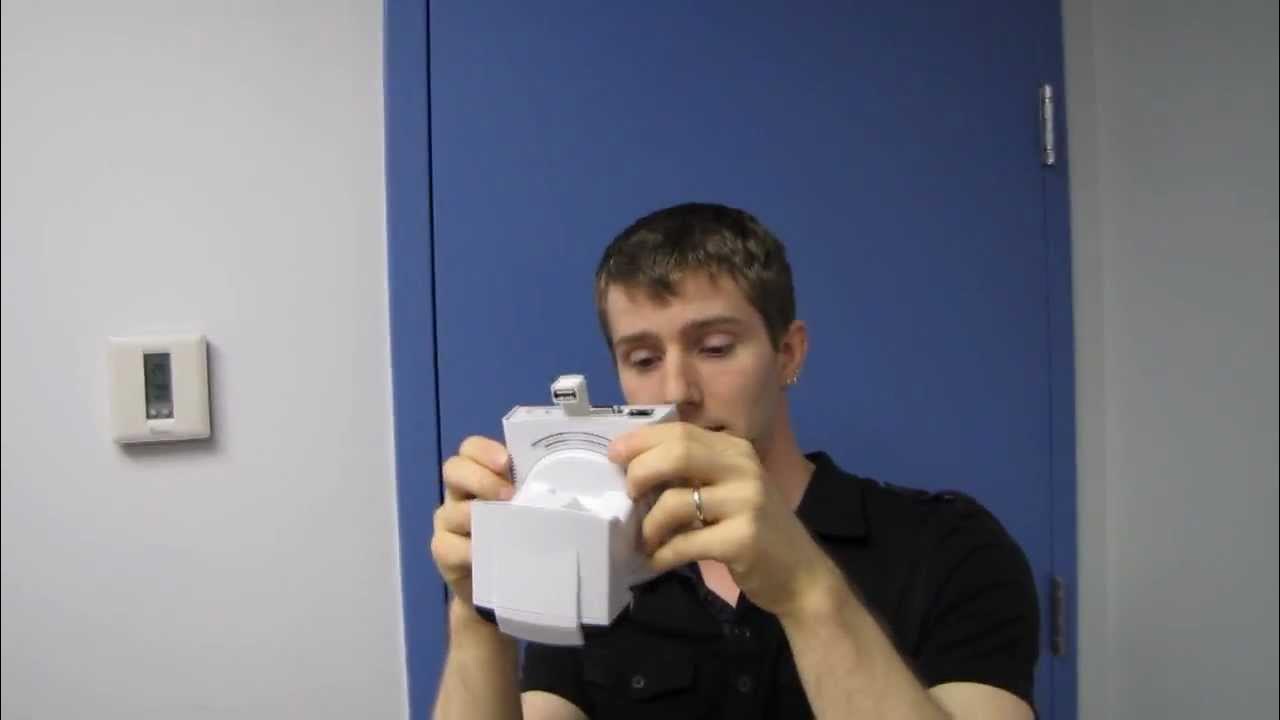
ZyXEL IP4605N Cloud Enabled IP Camera Unboxing & First Look Linus Tech Tips
0 up · 0 down · 0 ratings
Description
You can use it for security, as a baby monitor, or for any other application you can think of. This has to be the most flexible IP camera I've yet encountered! CA: ncix.com US: us.ncix.com
The video presents an in-depth unboxing and first look at the ZyXEL IP4605N cloud enabled IP camera. Linus walks through the packaging and highlights key specifications such as 720p HD video captured with H.264, wireless 802.11n connectivity, and infrared capabilities for day and night monitoring. He explains that the device is designed to be consumer friendly with cloud enabled viewing via Eye Security Plus, and emphasizes its compatibility with both iOS and Android, as well as web access from a PC. The unboxing reveals a complete accessory bundle including a power adapter, mounting hardware, an ethernet option for wired setup, a USB wireless dongle, and a compact, rigid camera body with a metal mounting plate. Linus also discusses practical usage scenarios, such as monitoring pets or babies, and using the camera for home security with remote access from anywhere. He notes the built‑in SD slot for local recording and the option to use external audio input for two-way communication, which he envisions as a practical doorbell or entryway setup. The presentation ends with a quick tour of the back panel features and a reminder to subscribe for more Linus Tech Tips content, while acknowledging the flexible deployment options both locally and over the network. The overall tone blends technical detail with light humor, giving viewers a tangible sense of how the device would fit into a home or small office security setup.
Topics · technology · security · unboxing · consumer_electronics · wireless_networking
Questions answered
- What recording options does the ZyXEL IP4605N offer?
- It supports local recording via an SD slot and network attached recording over the connected network, with optional external microphone input for two-way audio.
- What connectivity options are available for initial setup?
- The camera offers 802.11n Wi-Fi for wireless use and an ethernet option for wired setup, plus a USB dongle for wireless as needed.