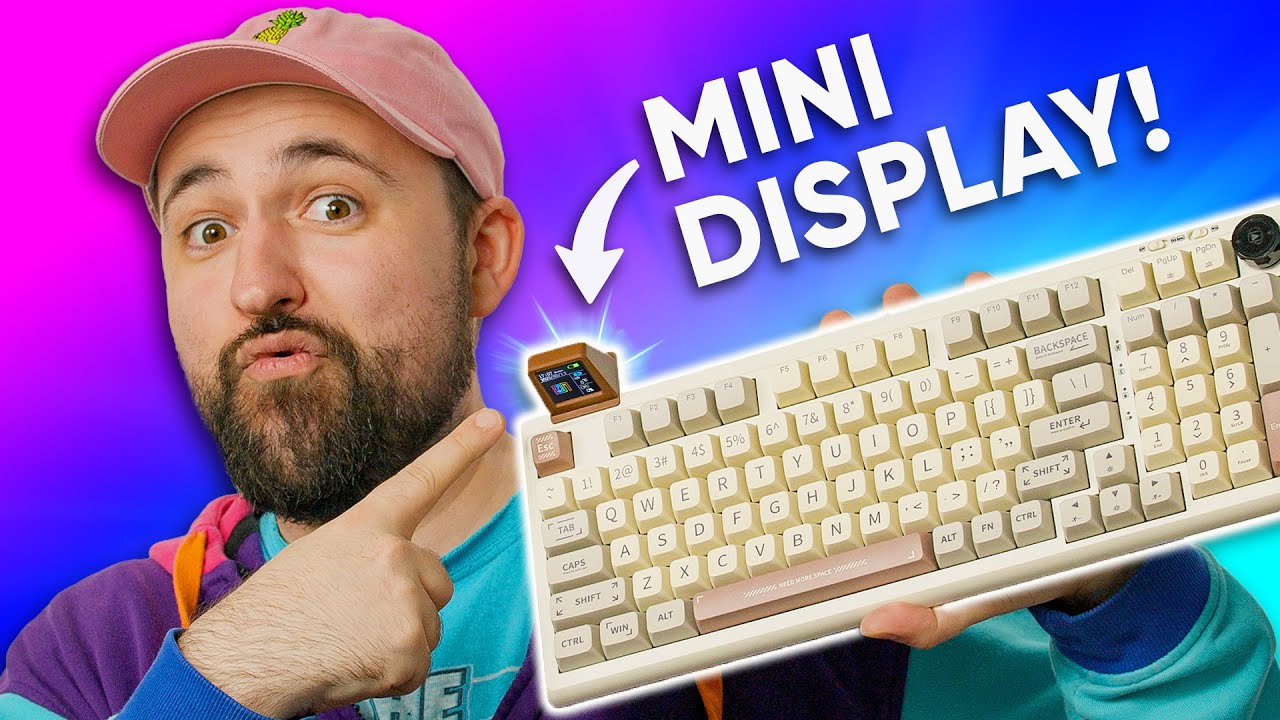
I actually like this! - Epomaker RT100
0 up · 0 down · 0 ratings
Promos
Check out Volta Anchor using the link below: voltacharger.com We've covered a lot of gimmicks here on ShortCircuit, but this mini-display might be the cutest gimmick yet. Will Plouffe be wooed by this new idea, or do other issues overshadow this keyboard? Buy an EPOMAKER RT100 Mechanical Keyboard: geni.us Purchases made through some store links may provide some compensation to Linus Media Group. Want us to unbox something? Make a suggestion at lmg.gg ► GET MERCH: lttstore.com ► LTX 2023 TICKETS AVAILABLE NOW: lmg.gg ► GET EXCLUSIVE CONTENT ON FLOATPLANE: lmg.gg ► SPONSORS, AFFILIATES, AND PARTNERS: lmg.gg ► PRODUCTS WE USE ON THE SHORTCIRCUIT SET: lmg.gg FOLLOW US ELSEWHERE --------------------------------------------------- Twitter: twitter.com Instagram: @shortcircuityt TikTok: @linustech Facebook: @ShortCircuitYT CHAPTERS --------------------------------------------------- 0:00 Plouffe's two favourite things 0:33 Unboxing 1:59 The mini-display and misc. features 3:35 Build quality, weight, and design impressions 5:33 Sponsor - Volta 6:06 Plouffe loves the cable 7:03 Trying out the display 9:03 Included switches/keycaps and typing test 12:10 Pricing and overall thoughts 14:25 Outro
The Epomaker RT100 unboxing video introduces a keyboard with a retro-inspired design, a built-in smart display, and a range of features aimed at power users who want flexibility in a compact footprint. The host walks through the box contents, highlighting the customizable knob, the detachable mini display, the wireless capabilities, and the hot-swappable switches. He pays particular attention to the physical build, noting the plastic construction, weight, and the two-stage adjustable feet, while also pointing out design quirks like the inverted enter key and the brown beige retro color scheme. Throughout the segment, the video emphasizes the keyboard’s tri-mode connectivity, including Bluetooth, wired dongle, and Windows/Mac switch options, and explains how these modes map to different operating systems and key layouts. The unboxing is punctuated by initial impressions on the keycaps, the PBT material, the layout, and the potential for expansion with different switches, suggesting that the RT100 balances classic aesthetics with modern customization. As the main testing phase begins, the host demonstrates the included display accessory and reveals how it slots onto the keyboard, comparing it to a small CRT-like screen. He tests the driver setup for the display, showing a boot sequence and the capability to customize the on-screen content, including frame-by-frame animation and static images, while noting some software usability quirks. Attention then shifts to the typing experience, using the Flamingo switches that come with the board and evaluating their feel, sound, and overall performance. Although the switches are not his preferred choice, he acknowledges the hot-swap sockets and the option to swap to silent or other profiles, arguing that the keyboard itself offers solid build quality and a compelling feature set for the right buyer. In the closing assessment, the host weighs the RT100’s features against price, stating that for around $120 the keyboard delivers a strong value proposition, including wireless versatility, a built-in display, and a robust assortment of connectivity options, with some caveats about the display software and the overall plastic construction. He concludes that the RT100 will appeal most to users who want a full keyboard with a retro look, a practical wireless setup, and the novelty of a detachable display, while noting that metal chassis fans may not be impressed. The video ends with a verdict that, despite some misgivings about the design details and software usability, the keyboard represents a well-rounded package at its price point and encourages viewers to consider their own priorities when evaluating its unique gimmicks.
Topics · technology · computers_and_tech · product_reviews · hardware · keyboard_accessories
Questions answered
- What makes the Epomaker RT100 stand out among compact keyboards?
- It combines a retro 97-key full keyboard layout with hot-swappable switches, a built-in detachable display, wireless and wired connectivity options, and a customizable knob, all in a compact form factor.
- Is the display accessory effectively integrated or more of a gimmick?
- The display is detachable and offers a mini screen experience, including a sketchpad and driver-based content customization, but its practical value is debated and may depend on user workflow and tolerance for software quirks.
- How does the RT100 fare on value for money?
- The host argues that at approximately 120 USD, the RT100 provides a feature-rich package including wireless options, a full keyboard, hot-swappable switches, and the display, making it a good value for its niche.