Avoiding Common PC Building Traps - Episode 4
0 up · 0 down · 0 ratings
Promos
Are you having trouble building your own PC and need some new hope? Squarespace link: Visit squarespace.com and use offer code TECHQUICKIE to save 10% off your first order. Techquickie Merch Store: designbyhumans.com Techquickie Movie Poster: shop.crowdmade.com Follow: twitter.com Leave a reply with your requests for future episodes, or tweet them here: twitter.com Intro Title: Showdown by F.O.O.L from Monstercat - Best of 2016 Video Link: youtube.com iTunes Download Link: itunes.apple.com Listen on Spotify: open.spotify.com
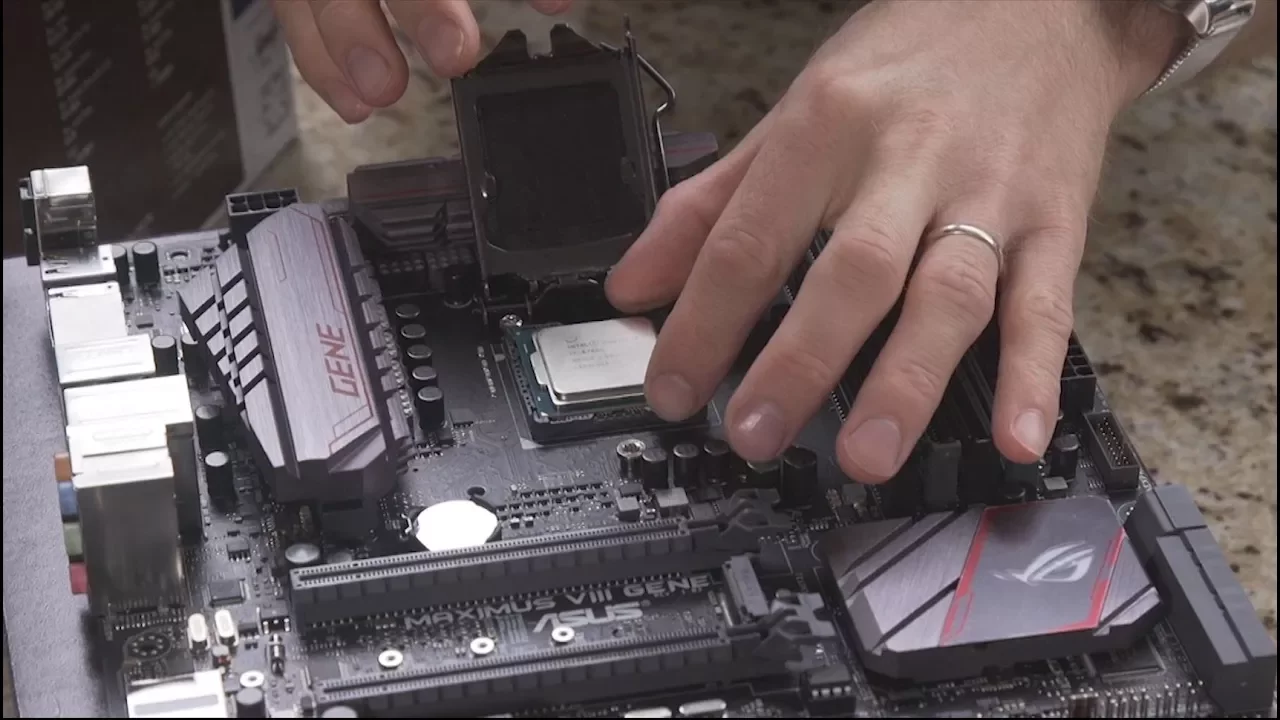
Episode 4 of Avoiding Common PC Building Traps walks new and experienced builders through practical, hands-on considerations that can make or break a first build. The first segment emphasizes airflow management inside the case, advocating for a bias toward positive pressure by using more intake fans than exhaust fans when possible. The host explains that positive pressure helps push dust out through filters and can allow fans to run at lower speeds for quieter operation, while noting heat naturally rises toward the top and rear of the case as a safe guideline for fan placement. In the middle section the focus shifts to cooling hardware, highlighting the risks and benefits of different cooling approaches. Viewers are reminded that tower air coolers bring lots of thin, sharp fins to maximize surface area, which makes careful handling important to avoid cuts during installation, especially around the CPU and near the GPU. The discussion then turns to liquid cooling and common beginner traps in loops, notably the corrosion risk from mixing metals like copper blocks with aluminum radiators, which can damage the loop and potentially the electronics if leaks occur. Finally the host advises practical troubleshooting steps such as initially building the system outside the case to simplify component testing and isolation of defective parts before final assembly, and ends with a call for viewer feedback on future topics and a sponsor plug. Throughout the episode the presenter blends practical tips with light humor and audience engagement, reinforcing that even seasoned builders can benefit from revisiting fundamentals like cable management, proper I/O shield placement, and avoiding overinvestment in underutilized components. The content builds from air flow and thermal considerations to material compatibility and incremental testing, providing a cohesive progression from case setup to final assembly considerations and maintenance. The takeaway is clear: plan airflow, choose compatible cooling components, test outside the case, and reserve funds for essential peripherals to avoid common pitfalls. The video wraps with a sponsor mention and a prompt for audience suggestions, reinforcing the show’s role as a practical guide for avoiding costly mistakes in PC building.
Topics · Technology · DIY & How-To · Science & Tech Education
Questions answered
- What is the recommended approach to case airflow to reduce dust and noise?
- Use slightly more intake fans than exhaust to create positive air pressure, which helps push dust out through filters and can allow fans to run at lower speeds for quieter operation.
- Why should you avoid mixing metals in a liquid cooling loop?
- Mixing metals such as copper and aluminum can cause galvanic corrosion, which can damage the loop and potentially electronics if a leak occurs.