17" Laptop GelaSkin Installation and Review [HD]
0 up · 0 down · 0 ratings
Description
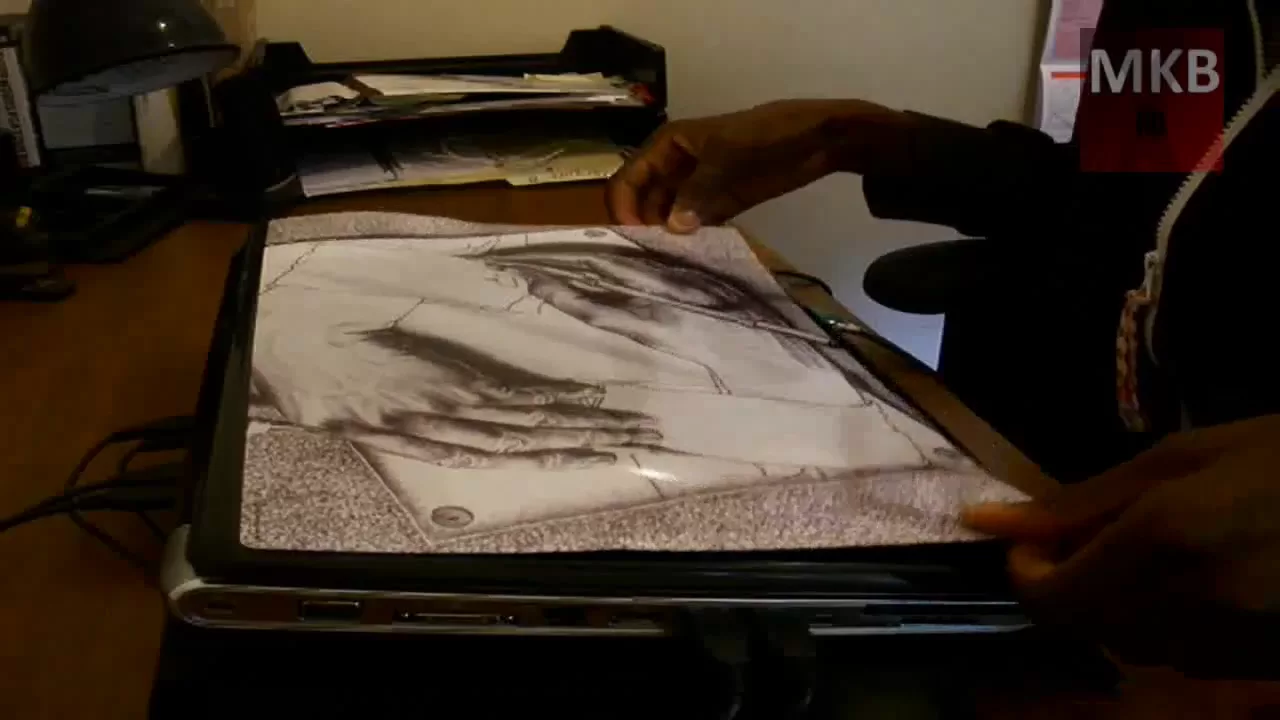
***WATCH IN HD*** The GelaSkin wasn't very difficult to install, didn't take too much effort, and it was worth the final looks. Even if you don't like the design you saw in the video you can still visit the below link to
Channels and socials
check out more possible images you'd like - there are a TON of designs, and you're bound to find one you'll like! These GelaSkins don't only come for 17" laptop PC's, but also for MacBooks, and smaller 15.4" and 13" laptops as well. The skins are also made for smaller devices like cell phones, PDA's and iPods. Uninstallation (not on camera) was quite painless, and left no residue whatsoever. I like it! High-Res Photos: @N07 Overall Rating: 8/10 Here's your link: gelaskins.com Enjoy - SUBSCRIBE
This video provides a hands-on look at applying a GelaSkin laptop skin to a 17 inch laptop, presented as both a tutorial and a review. The creator begins by cleaning the laptop with a microfiber cloth to remove dust and oils, emphasizing that a clean surface is essential for proper adhesion. The installation process is shown step by step, starting with peeling the skin from its backing, aligning one edge, and smoothing across the surface to avoid air bubbles. He acknowledges the difficulty of achieving perfect alignment and demonstrates that re-positioning is possible before the adhesive fully sets. After a few attempts, the skin is applied cleanly with minimal air pockets, and he notes the slightly tacky texture helps it stay in place while being positioned. The creator comments on the skin’s visibility and texture, pointing out that it adds a new look to the laptop without significantly increasing thickness, and that the back portion is not completely covered but still presents a stylish finish. He rates the final result an 8 out of 10, praising the design, adhesion strength, and overall durability. The video closes with a prompt to explore additional designs on the official Gelaskins site and a brief nod to the uninstallation process being residue-free, inviting viewers to considerGelaskins for other devices beyond 17 inch laptops. Overall, the review blends practical installation tips with personal impressions of aesthetics and fit, concluding that the product is well designed and worth trying for those seeking a customized laptop appearance.
Topics · technology · reviews · unboxing · tutorial · gadgets · consumer electronics
Questions answered
- What is the main purpose of the video
- To demonstrate the installation process and provide a review of the Gelaskin skin for a 17 inch laptop, including how it fits, looks, and holds up after application.
- Does the creator mention any potential drawbacks
- Yes, he notes that getting perfect alignment can take multiple attempts and that the back portion may not be completely covered, but still looks good and adheres well.