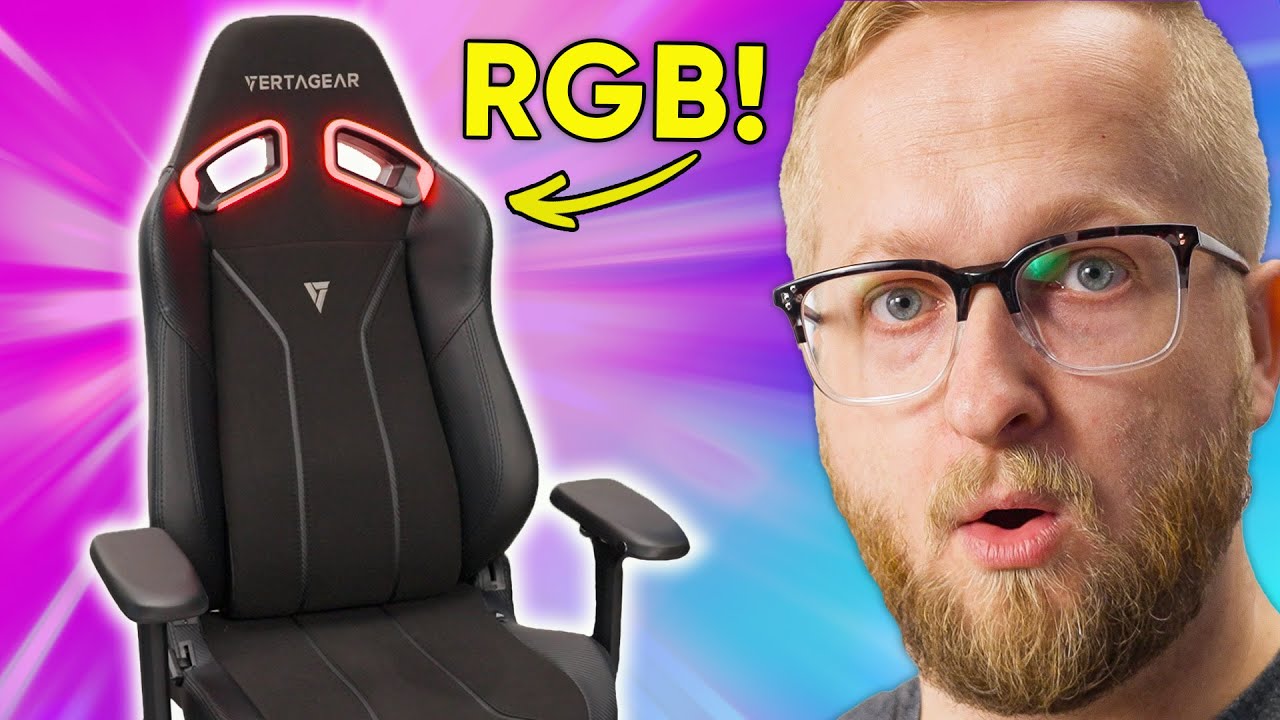
The most GAMING chair yet - Vertagear SL5800
0 up · 0 down · 0 ratings
Promos
Thanks to Vertagear for sponsoring this video! Buy a Vertagear SL5800: bit.ly Vertagear 800 Series page: bit.ly Our resident gamer and chair aficionado Colton wants to take his GAMING sessions to the next level, so Vertagear sent over their new SL5800 with built-in RGB to see if it helps enhance his gaming immersion. Want us to unbox something? Make a suggestion at lmg.gg ► SUBSCRIBE ON FLOATPLANE: floatplane.com ► GET MERCH: lttstore.com ► AFFILIATES, SPONSORS & REFERRALS: lmg.gg ► PODCAST GEAR: lmg.gg ► SUPPORT US ON FLOATPLANE: floatplane.com FOLLOW US ELSEWHERE --------------------------------------------------- Twitter: twitter.com Instagram: @shortcircuityt TikTok: @linustech Facebook: @ShortCircuitYT CHAPTERS --------------------------------------------------- 0:00 Welcome to Friend Circuit 1:17 Pet Hair Not Included 2:30 Sit Down For What You Believe In 3:32 Installing the RGB 5:20 Taking a Seat 6:42 Vertagear Specifics 7:35 Configuring RGB 8:47 Gamers, We Need to Talk 9:19 Arty (Official Gamer) 10:45 Andy (Uses a Mac) 11:11 Sarah (Loves Comfortable Chairs) 12:08 Outro
The video opens with an energetic unboxing of the Vertagear SL5800, part of Vertagear’s new 800 series, hosted by Colton in a sponsored setup. The host group jokes about the process and emphasizes a straightforward, simple installation that Vertagear advertises, while introducing the six color variants and the SL5800’s stated sizing and weight limits. The team carefully examines the packaging, the included instruction sheet, and the small but handy pet-hair remover that doubles as a clever house-cleaning accessory, highlighting how these details affect the setup experience. After verifying the contents, they proceed to assemble the chair, noting the clean flush look of the M8 screws and praising the overall straightforward build. The piece then shifts to the optional RGB upgrade kit, including the battery setup and wireless pairing with a PC via USB, and demonstrates the initial configuration before confirming the chair is ready for testing. With the chair assembled, the team installs the RGB upgrade and demonstrates the wireless pairing process, including the battery charger and the method to enable pairing mode. They showcase the headrest lighting and discuss the battery life expectations, then connect the RGB system to NZXT CAM to explore lighting controls, brightness, and synchronization modes with music and game temperature readings. The RGB setup is presented as a feature that enhances immersion, though price is called out later in the video as a potential sticking point. The testers then sit in the chair to evaluate comfort, noting the Contour Max lumbar support with its four memory-foam-like modules, the cushy feel of the seat, and the memory-foam pillars that adapt to the sitter and promote airflow. They also discuss how the chair’s design, including a waterfall edge and a wide base, affects long-term comfort and usability, with impressions ranging from pleasantly supportive to needing more shoulder room for taller users. The evaluation includes multi-person feedback, with guests testing comfort, armrest adjustability, and overall seating experience. Sarah comments on the chair’s padding and the headrest RGB while Arty and others test spinability of the caster wheels and comment on ergonomic features and memory-foam comfort. The segment also touches on the chair’s price point: at $499.99 for the SL5800 and $229.99 for the RGB upgrade, viewers are left weighing value against performance and branding, with multiple participants commenting on price versus features. The video closes by reaffirming that the chair is sponsor-supported, inviting viewers to check the chair in the description links, and teasing a subsequent desk setup video to come, keeping the team in the chair-testing loop.
Topics · tech review · gaming gear · sponsored content · furniture
Questions answered
- What is the Vertagear SL5800 compatible with in terms of RGB control software?
- The SL5800 RGB kit can be configured with NZXT CAM and is also compatible with Signal RGB.
- What is the stated seating support feature called on the SL5800 and how does it work?
- The chair uses Vertagear's Contour Max lumbar support, which consists of four memory-foam style modules designed to guide the back and provide lumbar support without manual adjustment.
- How long does the RGB upgrade kit’s battery reportedly last on a single charge?
- Vertagear states the battery should last up to 14 hours on a single charge.