HD Tutorial: Remove Background Noise
0 up · 0 down · 0 ratings
Description
***WATCH IN HD*** Here I show you how to remove background noise, or white noise in your audio tracks. A lot of times I'll finish a tutorial and notice there's a lot of noise from my fans in the background - well no more! This method works for every audio format I can think of. It not only eliminates background noise, but it draws more attention and focus to your voice. I use it in this tutorial, so you can hear what it sounds like! Enjoy - SUBSCRIBE
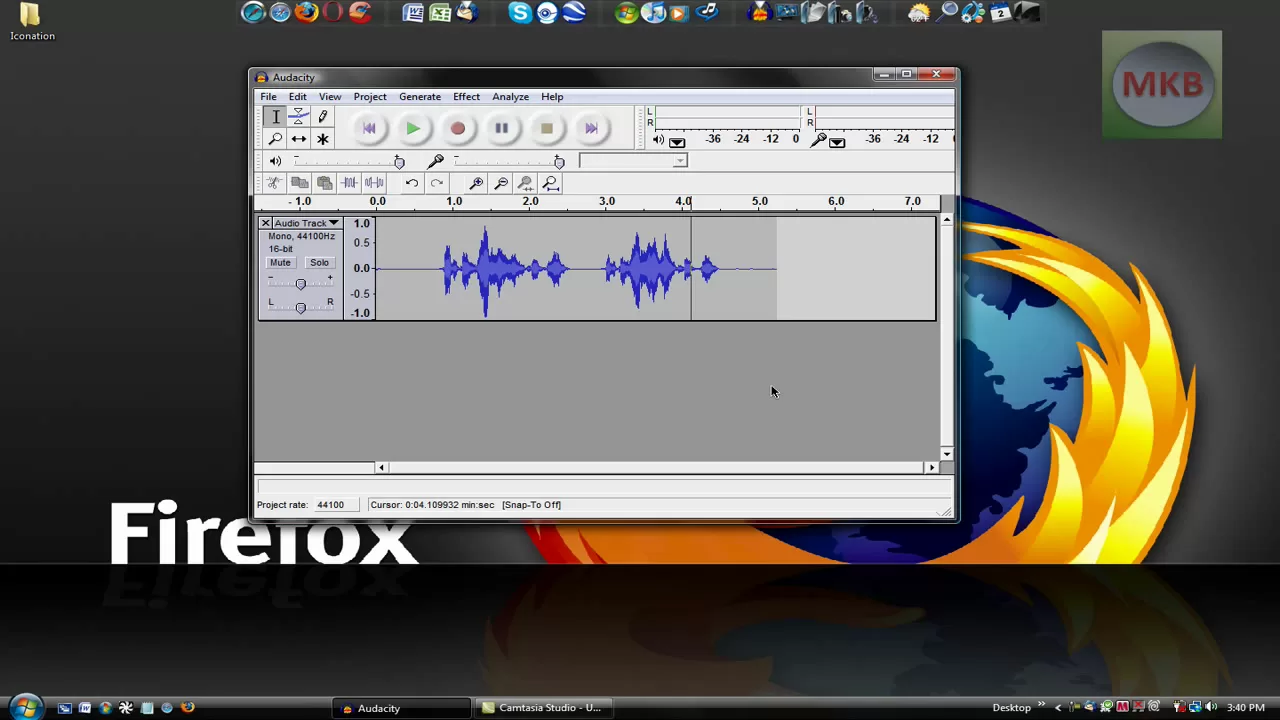
The video presents a practical, step-by-step guide to removing background noise from audio tracks using two different programs: Audacity and Camtasia Studio 6. The presenter begins with Audacity, selecting a portion of the timeline containing the white noise to be removed, then uses the Noise Reduction effect to create a noise profile and apply it to the entire track. He demonstrates adjusting the noise reduction level, previews the result, and explains how more or less noise can be filtered out depending on the desired balance between noise suppression and voice clarity. After finishing with Audacity, the video transitions to Camtasia Studio 6 where the workflow is applied directly to a video timeline. The speaker highlights selecting the noisy region, utilizing the audio enhancements feature, and choosing the remove noise option to automatically detect and eliminate background noise in that segment. He emphasizes that the technique can handle various noise scenarios, including fan noise and ambient hum, and shows how to restore noise if needed, ensuring viewers know both how to remove noise and how to revert changes. The overall takeaway is that this dual-method approach improves audio quality by making the speaker’s voice more prominent, with practical tips on timing, region selection, and previewing results to achieve clean narration in tutorials or recorded presentations.
Topics · video-editing · audio-editing · tutorials · technology · how-to · education
Questions answered
- What two programs are demonstrated for removing background noise?
- Audacity and Camtasia Studio 6.
- What is the basic workflow in Audacity for noise removal?
- Select a noise sample, use Effect > Noise Removal to get the noise profile, select the entire track, apply the noise removal, and adjust the amount of noise filtered out.
- Can the noise removal steps be reversed if needed?
- Yes, you can use the Restore Noise option to revert changes.