Use ANY Controller Lag Free over USB!
0 up · 0 down · 0 ratings
Promos
Receive an additional $25 credit for Ting today when you use code LINUS2018 at linus2018.ting.com Mack Weldon: Use offer code TECHTIPS to get 20% off your next Mack Weldon order at geni.us In a world where retro controllers are either cheap USB knock-offs or Bluetooth reproductions, one box arrives to rule them all… Buy a Bliss-Box 4-Play: bliss-box.net Need retro controllers for it? Buy an OG NES controller on Amazon: geni.us Buy an OG SNES controller on Amazon: geni.us Buy an OG N64 controller on Amazon: geni.us Buy an OG PS2 DualShock 2 on Amazon: geni.us Buy an OG ColecoVision controller on Amazon: geni.us Discuss on the forum: linustechtips.com Our Affiliates, Referral Programs, and Sponsors: linustechtips.com Linus Tech Tips merchandise at designbyhumans.com Linus Tech Tips posters at crowdmade.com Our Test Benches on Amazon: amazon.com Our production gear: geni.us Twitter - twitter.com Facebook - @LinusTech Instagram - @linustech Twitch - twitch.tv Intro Screen Music Credit: Title: Laszlo - Supernova Video Link: youtube.com iTunes Download Link: itunes.apple.com Artist Link: soundcloud.com Outro Screen Music Credit: Approaching Nirvana - Sugar High youtube.com Sound effects provided by freesfx.co.uk
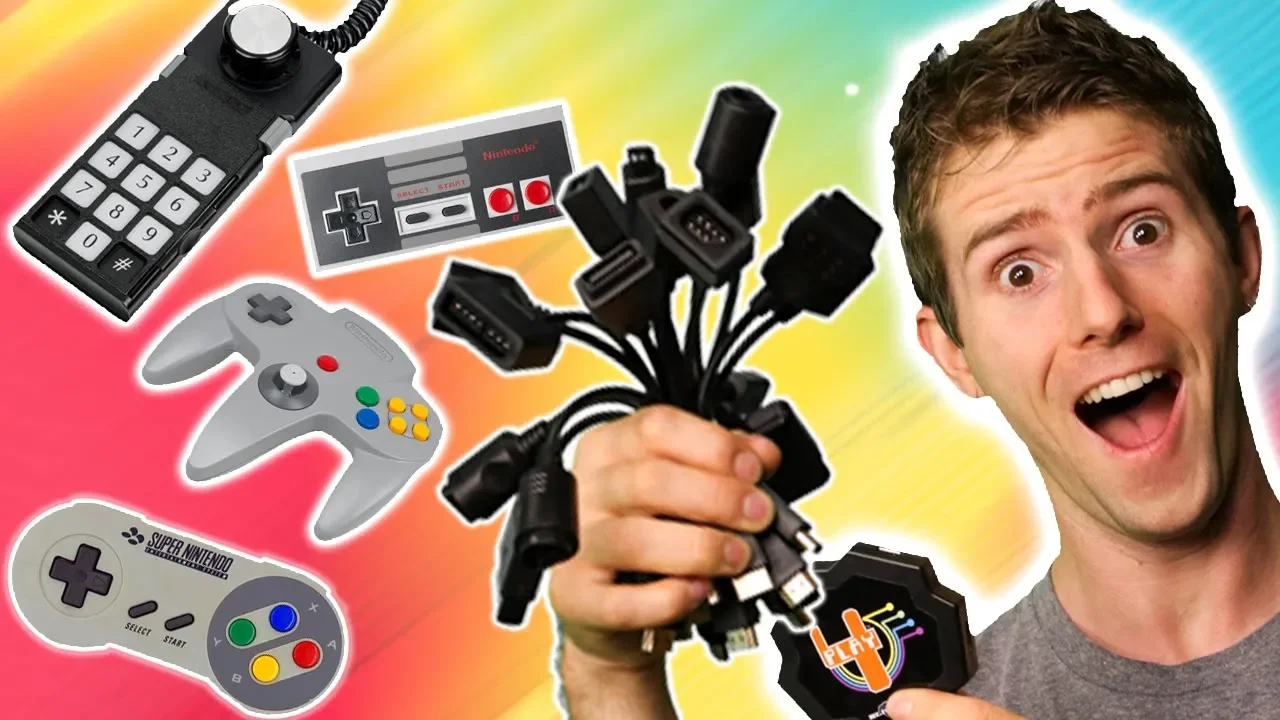
The video explores a hardware solution for achieving lag free play from a variety of retro controllers over USB. The host introduces Bliss-Box as a universal hub that combines multiple adapters into a single USB backplane, enabling up to four controllers for many classic systems with minimal wiring clutter. They demonstrate setup details, including the included adapters, the front panel switches for foreplay or single play modes, and how the system detects different controllers automatically when used with an emulator. The discussion highlights practical playtesting, showing that the Bliss-Box delivers low latency across several classic controllers (NES, SNES, N64, GameCube, PS2) and supports advanced features like pressure sensitive buttons where applicable. They also address quirks encountered during testing, such as resetting the device when swapping controllers and small software issues that can be mitigated with firmware updates. The verdict is cautiously positive: Bliss-Box appears to be a strong path toward a streamlined retro gaming setup, though the price and some software frictions mean it is not a perfect, plug-and-play solution yet. The video closes with notes on availability, an emphasis on latency as the core benefit, and an invitation to explore more about Bliss-Box’s evolving ecosystem and community resources.
Topics · technology · gaming · hardware · retro gaming · emulation
Questions answered
- What is Bliss-Box and what problem does it solve for retro gaming setups?
- Bliss-Box is a universal adapter hub that consolidates multiple retro controller connectors into a single USB interface, enabling up to four controllers from different retro consoles to be used with modern emulation setups without a tangle of dongles.
- How does Bliss-Box perform in terms of latency and controller compatibility?
- In the tested setup it delivered low latency across a range of controllers including NES, SNES, N64, GameCube, and PS2, with automatic detection of controller types. Some issues can occur with specific controllers or software, but overall latency performance is strong and close to original hardware for many titles.
- What are some practical caveats or downsides to using Bliss-Box?
- Users should be aware of potential software or firmware niggles, the need to reset or reinitialize when swapping controllers, and the cost of the box plus adapters compared to buying individual controllers. Hardware setup is relatively simple, but some compatibility and setup quirks may require troubleshooting.