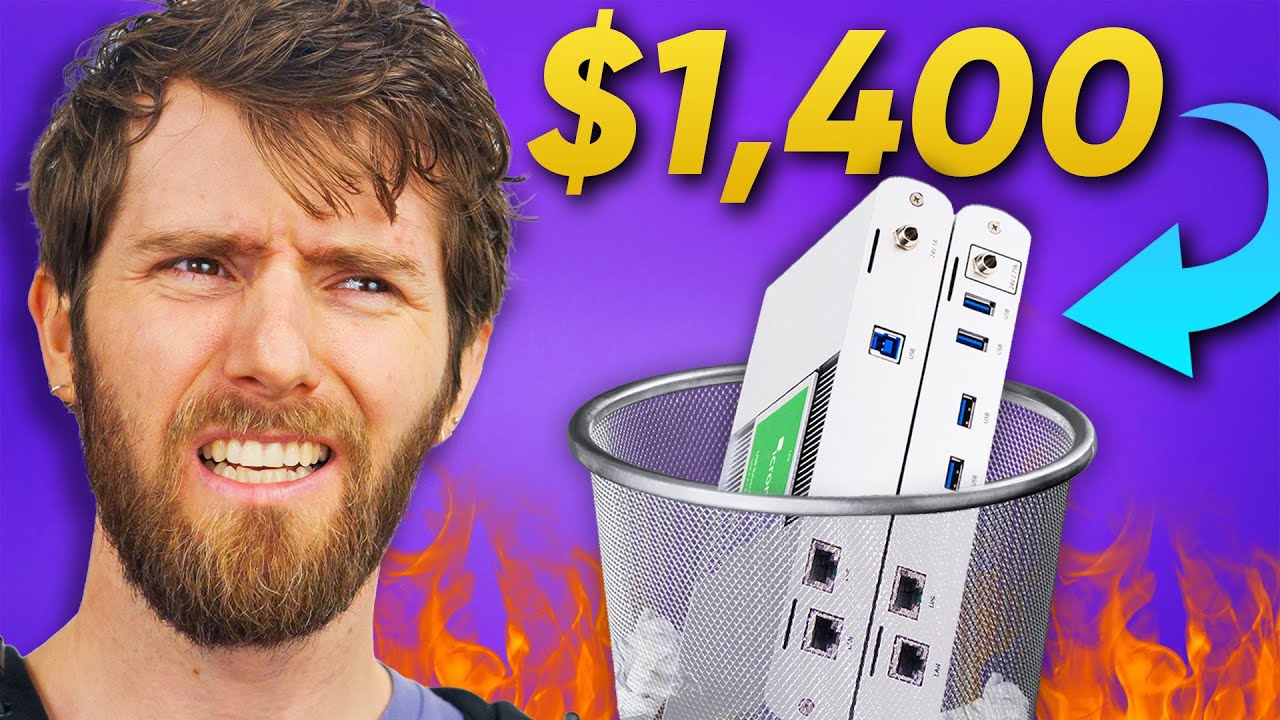
Have I been doing this the expensive way for no reason? - Replacing my Icron Raven
0 up · 0 down · 0 ratings
Description
Get Exclusive NordSecurity deals here ➼ nordsecurity.com All products are risk-free with Nord's 30-day money-back guarantee! Win a Hennessey Ford Bronco or $75K cash with no purchase necessary with the Ridge Wallet sweepstake!
Promos
Check out the link below: ridge.com Putting your PC in another room makes so much sense. Why suffer through the noise and heat your gaming rig puts off when you could just…not? But getting peripherals to work from an entirely different part of the house is prohibitively expensive. Or is it? We take a look at some of the much more budget-friendly options available to getting USB working in a completely different room. Discuss on the forum: linustechtips.com Buy an Ezcoo 165ft 4-Port USB Extender: geni.us Buy a Monoprice USB Extender: lmg.gg Buy a SABRENT 16 Port Powered USB 3.0 Hub: geni.us Buy a Jackery Explorer 500W Portable Power Station: lmg.gg Buy a Corning Optical Cable: geni.us Buy an Icron Raven 3104 Extender System: geni.us Purchases made through some store links may provide some compensation to Linus Media Group. ► GET MERCH: lttstore.com ► GET EXCLUSIVE CONTENT ON FLOATPLANE: lmg.gg ► SPONSORS, AFFILIATES, AND PARTNERS: lmg.gg ► EQUIPMENT WE USE TO FILM LTT: lmg.gg ► OUR WAN PODCAST GEAR: lmg.gg FOLLOW US --------------------------------------------------- Twitter: twitter.com Facebook: @LinusTech Instagram: @linustech TikTok: @linustech Twitch: twitch.tv MUSIC CREDIT --------------------------------------------------- Intro: Laszlo - Supernova Video Link: youtube.com iTunes Download Link: itunes.apple.com Artist Link: soundcloud.com Outro: Approaching Nirvana - Sugar High Video Link: youtube.com Listen on Spotify: spoti.fi Artist Link: youtube.com Intro animation by MBarek Abdelwassaa @mbarek_abdel Monitor And Keyboard by vadimmihalkevich / CC BY 4.0 geni.us Mechanical RGB Keyboard by BigBrotherECE / CC BY 4.0 geni.us Mouse Gamer free Model By Oscar Creativo / CC BY 4.0 geni.us CHAPTERS --------------------------------------------------- 0:00 Intro 1:23 Icron USB Raven 3124 - How it works 2:49 Corning Cables 3:48 Walls, and the Cables Already Within 4:55 Building Our Own...Poorly 7:23 The Ezcoo...EZcoo? ezCoo? 8:28 Let's take this outside 10:35 Monoprice's USB Extender Solution 11:45 Copper is Copper: A Conclusion
Have I been doing this the expensive way for no reason? - Replacing my Icron Raven walks through a practical comparison of USB extension strategies to move peripherals like mice, keyboards, and webcams away from the host PC. The video starts by contrasting the high price of the Icron Raven 3124 with cheaper, more accessible options, then explains the basic USB signaling and how these extenders encode USB data for transmission over fiber or copper. It demonstrates a DIY approach using a powered USB hub, standard cables, and keystone jacks, testing a setup that hopes to bridge several tens of feet. The host then pushes the DIY concept further with a 50 meter copper link and a 50 meter fiber-like extension, evaluating whether cost savings come at the expense of reliability or latency. Throughout, the video evaluates real-world practicality, including the trade-offs of copper versus optical solutions, the limitations of USB spec distance and hubs, and how commercial extenders compare to a hand-made workaround. The segment culminates with a pragmatic conclusion that inexpensive copper and standard components can sometimes meet the need, while optical or dedicated extenders still offer advantages for longer distances or higher reliability. In the closing, the hosts reflect on how these options fit different budgets and use cases, stressing that the “best” solution depends on distance, performance needs, and willingness to tinker. The sponsor segments and practical build tips are interwoven to give viewers actionable options they can apply in their own builds, whether they want to push 10 meters, 50 meters, or beyond while keeping costs reasonable.
Topics · technology · hardware · home_networking · consumer_electronics
Questions answered
- What is the basic principle behind USB extenders using copper or fiber to extend a USB signal beyond USB cable limits?
- USB extenders work by encoding the USB data for transmission over a different medium, such as copper cabling or fiber, and then decoding it back to USB at the receiver. This can involve a powered or unpowered hub acting as a repeater and, in some cases, using optical conversion to maintain signal integrity over longer distances.
- Why might someone choose a cheap Ezcoo or Monoprice extender over an expensive Icron Raven solution?
- Cheaper extenders can be sufficient for typical keyboard and mouse usage over moderate distances, are easier to source, and dramatically reduce upfront costs. They may present some trade-offs in latency, distance, or reliability, but for many home setups they offer a practical, budget-friendly alternative.
- What is a key limitation when using copper USB extenders for long distances?
- Copper extenders are limited by signal degradation and power delivery over distance, which can prevent USB devices from functioning correctly beyond certain lengths. Solutions using repeaters or hubs can extend range, but consumer copper options generally cap out sooner than optical or fiber-based systems.