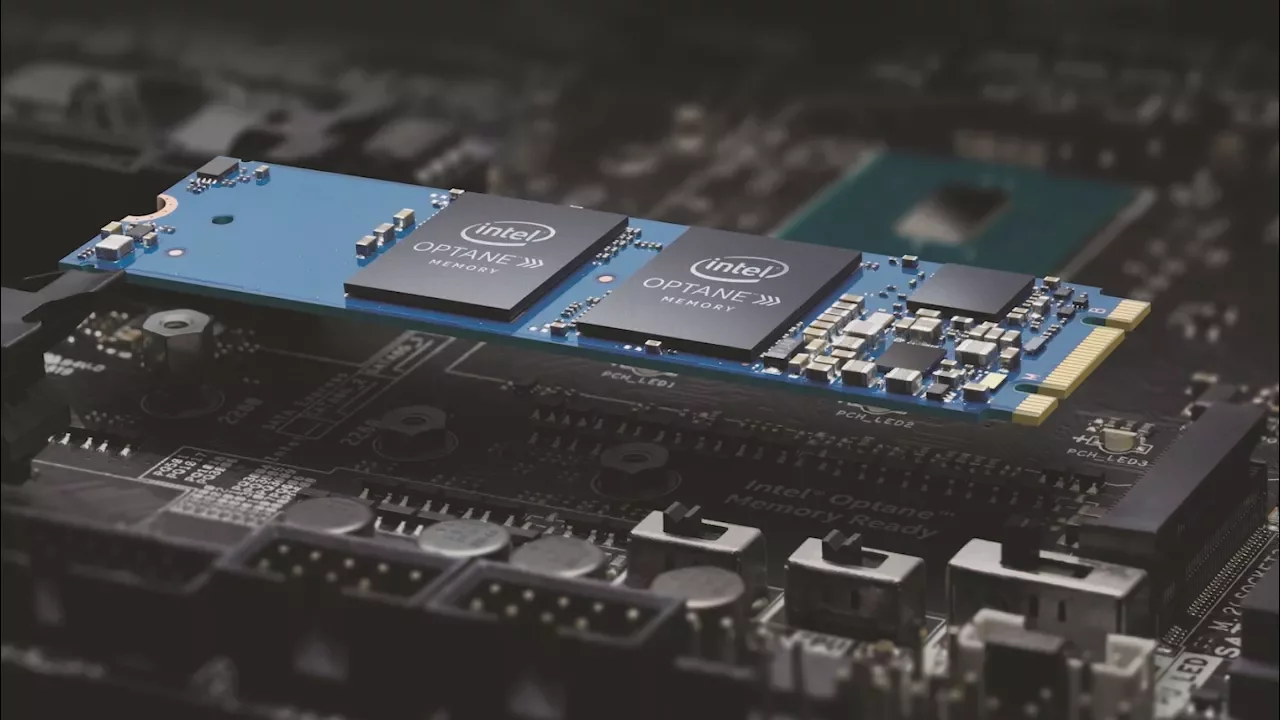
How to Set Up Intel Optane Cache
0 up · 0 down · 0 ratings
Promos
Thanks to Seagate for sponsoring this video! Learn more about Seagate Barracuda with Intel Optane: geni.us Buy Seagate Barracuda Hard Drive: geni.us Intel Optane Memory is a new solution to speed up your storage drastically, even if you don't have an SSD! How do you set it up? Techquickie Merch Store: designbyhumans.com Techquickie Movie Poster: shop.crowdmade.com Follow: twitter.com Leave a reply with your requests for future episodes, or tweet them here: twitter.com Join the community: linustechtips.com Intro Theme: Showdown by F.O.O.L from Monstercat - Best of 2016 Video Link: youtube.com iTunes Download Link: itunes.apple.com Listen on Spotify: open.spotify.com
The video explains how Intel Optane Cache can drastically speed up storage performance, even without an SSD, by acting as a fast caching layer between the CPU and a traditional hard drive. It begins by outlining the core concept: Optane uses 3D XPoint memory technology to accelerate data hot paths, which can lead to noticeably faster boot times, quicker application launches, and snappier system responsiveness. The presenter discusses the typical hardware setup, including the use of PCIe/ PCI-Express connections and M.2 options, and emphasizes that Optane works as a cache to improve the perceived speed of a large HDD without needing a full SSD upgrade. The sponsors are acknowledged, with Seagate Barracuda drives showcased as a compatible pairing, highlighting a practical path for users looking to boost performance without replacing all storage. Throughout the guide, the steps focus on enabling Optane, pairing it with the appropriate motherboard ports, and configuring the caching software and BIOS settings to ensure the system boots and runs with the cache enabled. The second section of the video dives into troubleshooting and optimizations, such as verifying BIOS recognition of the Optane module, selecting the right drive for caching, and ensuring Windows utilities or vendor software correctly configure the cache. The presenter concludes by summarizing the payoff: a faster, more responsive PC experience driven by intelligent caching rather than wholesale hardware replacement, and encourages viewers to review system compatibility before purchasing. By the end of the video, viewers are left with a clear mental model of what Optane Cache does, how to implement it, and what kind of performance gains they might realistically expect in everyday tasks like loading programs and booting the OS.
Topics · technology · hardware · storage · pc-building