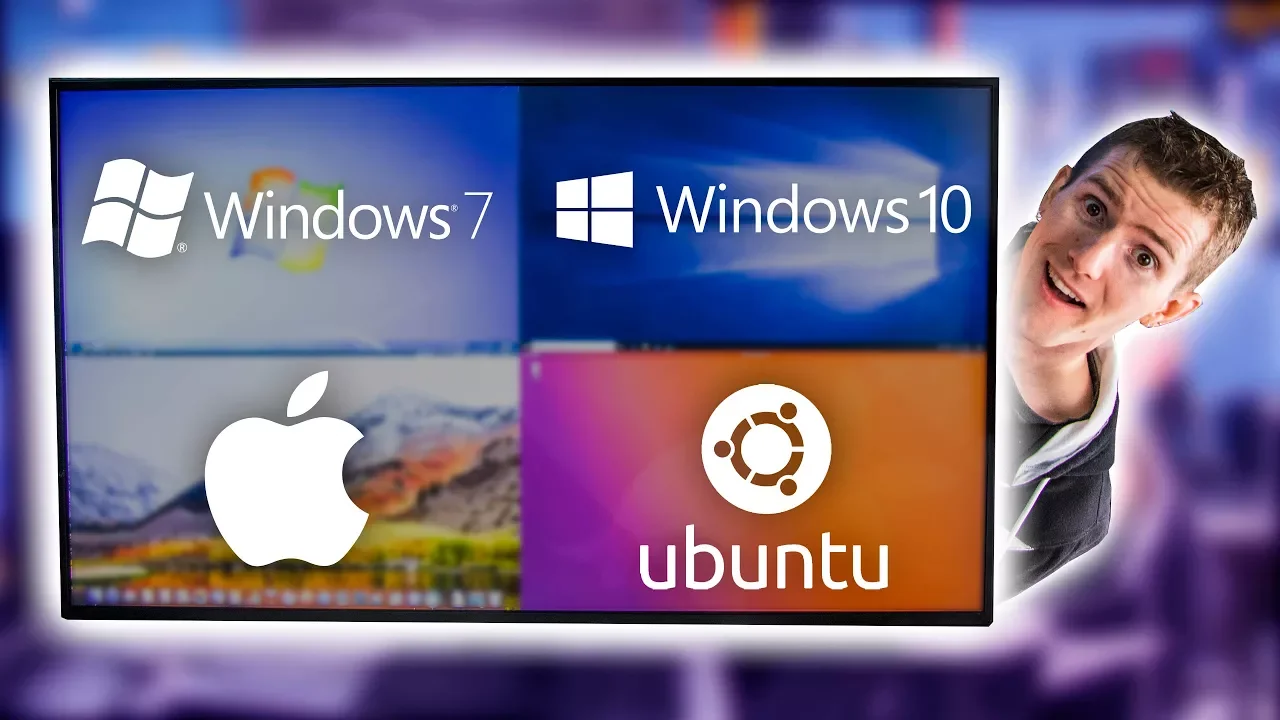
Four Operating Systems on ONE Monitor
0 up · 0 down · 0 ratings
Promos
Thanks to Synergy for sponsoring this video! Save 50% on Synergy 2 when you sign up at symless.com Everyone who purchased Synergy 1 OR Synergy 2 through our URL codes, will have access to BOTH versions for life. Buy LG 43" UD79 on Amazon: geni.us Discuss on the Forum: linustechtips.com Our Affiliates, Referral Programs, and Sponsors: linustechtips.com Linus Tech Tips merchandise at designbyhumans.com Linus Tech Tips posters at crowdmade.com Our production gear: geni.us Get LTX 2018 tickets at ltxexpo.com Twitter - twitter.com Facebook - @LinusTech Instagram - @linustech Twitch - twitch.tv Glamtage Music: Title: We Would Never Do (feat. Nevve) by Taska Black Listen on Spotify: open.spotify.com iTunes Download Link: itunes.apple.com Intro Screen Music Credit: Title: Laszlo - Supernova Video Link: youtube.com iTunes Download Link: itunes.apple.com Artist Link: soundcloud.com Outro Screen Music Credit: Approaching Nirvana - Sugar High youtube.com Sound effects provided by freesfx.co.uk
Four Operating Systems on ONE Monitor presents a cross platform workstation setup that runs Windows 7, Windows 10, MacOS, and Linux simultaneously on a single display. The video explains the motivation behind using multiple operating systems, including compatibility with older software, preference for specific tools on Mac, and the desire to keep Linux alongside more mainstream OS options. It then walks through the hardware configuration, highlighting a large LG monitor with four HDMI inputs plus DisplayPort and USB-C, allowing four machines to be fed in and arranged in quadrants on one screen. The presenters demonstrate the control surface by moving the mouse across OS boundaries and show how keyboard and clipboard actions can be shared across systems via Synergy 2.0, which is sponsored in part by a partner deal. They discuss the tradeoffs of alternative methods like dual-boot, virtualization, or hardware KVM, emphasizing how Synergy 2.0 provides seamless cursor movement and input sharing without the hardware pass-through limitations of some options. The section concludes with practical caveats such as screen sync delays on reconnection and occasional focus issues, along with a promotional note about upgrade/downgrade rights for Synergy customers, encouraging viewers to try the software for themselves.
Topics · technology · computing · hardware · multimonitor · sponsorship · software
Questions answered
- What is the core idea behind running four operating systems on one monitor?
- The core idea is to enable seamless interaction across Windows 7, Windows 10, MacOS, and Linux from a single display, using a large multi-input monitor and Synergy 2.0 to share mouse, keyboard, and clipboard between the systems.
- What hardware makes this setup possible?
- A large LG monitor with four HDMI inputs, DisplayPort, and USB-C allows feeding four machines into one screen, arranged in quadrants for simultaneous visibility.