iPadOS 15 Review: Dropped Expectations!
0 up · 0 down · 0 ratings
Promos
iPadOS 15 is coming to an iPad near you. Not just the iPad Pro. Any iPad. MKBHD Merch: shop.mkbhd.com Tech I'm using right now: amazon.com Intro Track: youtube.com Playlist of MKBHD Intro music: goo.gl ~ twitter.com @MKBHD @MKBHD
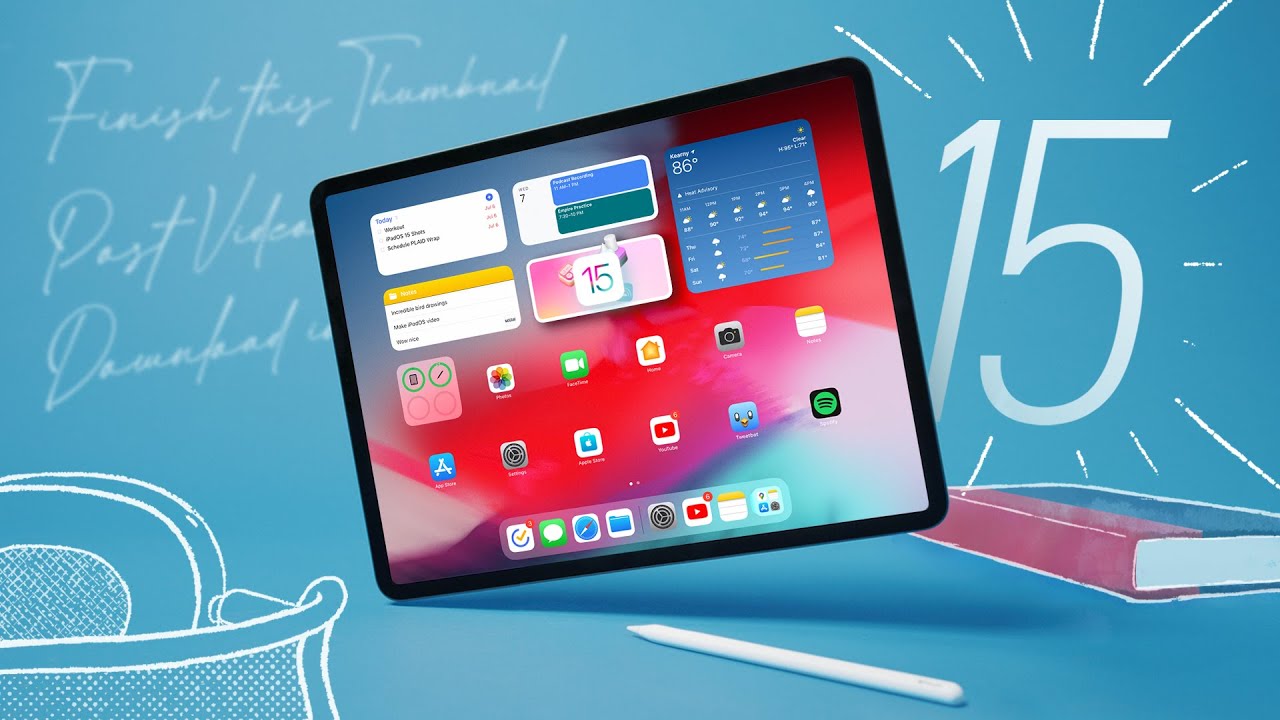
iPadOS 15 is framed as a meaningful but not revolutionary update to Apple’s tablet software, with Marques Brownlee expressing tempered optimism ahead of WWDC 2021. The video centers on concrete UI changes designed to make iPadOS feel more like a multi‑window computer experience, especially for power users who crave better multitasking. The most visible changes include the ability to place widgets anywhere on the home screen, a new app library that acts as a centralized app drawer, and redesigned multitasking cues that surface three prominent options for full screen, split view, or slide over. Brownlee emphasizes that while these tweaks improve usability and the sense of a desktop‑like workflow, they stop short of transforming the iPad into a full replacement for a computer for most users, citing ongoing limitations like weather and calculator apps, and the absence of certain software that could unlock true professional workflows. Overall, the video blends practical demonstrations of the new features with reflective notes on expectations, the evolving role of the iPad, and how the software positions the device in Apple’s broader ecosystem of iPhone and Mac products.
Topics · technology · product-review
Questions answered
- What are the three main multitasking improvements introduced in iPadOS 15?
- iPadOS 15 surfaces three multitasking options via the top‑of‑screen dots: full screen with one app, split view with two apps, and slide over for a floating secondary app. The changes make window management more visible and easier to discover.
- Can iPadOS 15 make the iPad Pro a full laptop replacement according to the review?
- No, the reviewer concludes that iPadOS 15 does not push the iPad Pro to fully replace a laptop for most users, though it enhances productivity and multi‑window workflows. The update improves usability but does not close the gap in areas like weather, calculator, and full desktop‑class software.
- Which new notes capability stands out in iPadOS 15?
- The quick notes feature enables fast note capture from any screen with a gesture, and notes can include web links, images, and clipboard content. It also leverages handwriting recognition and cross‑device syncing, making it easy to reference later.