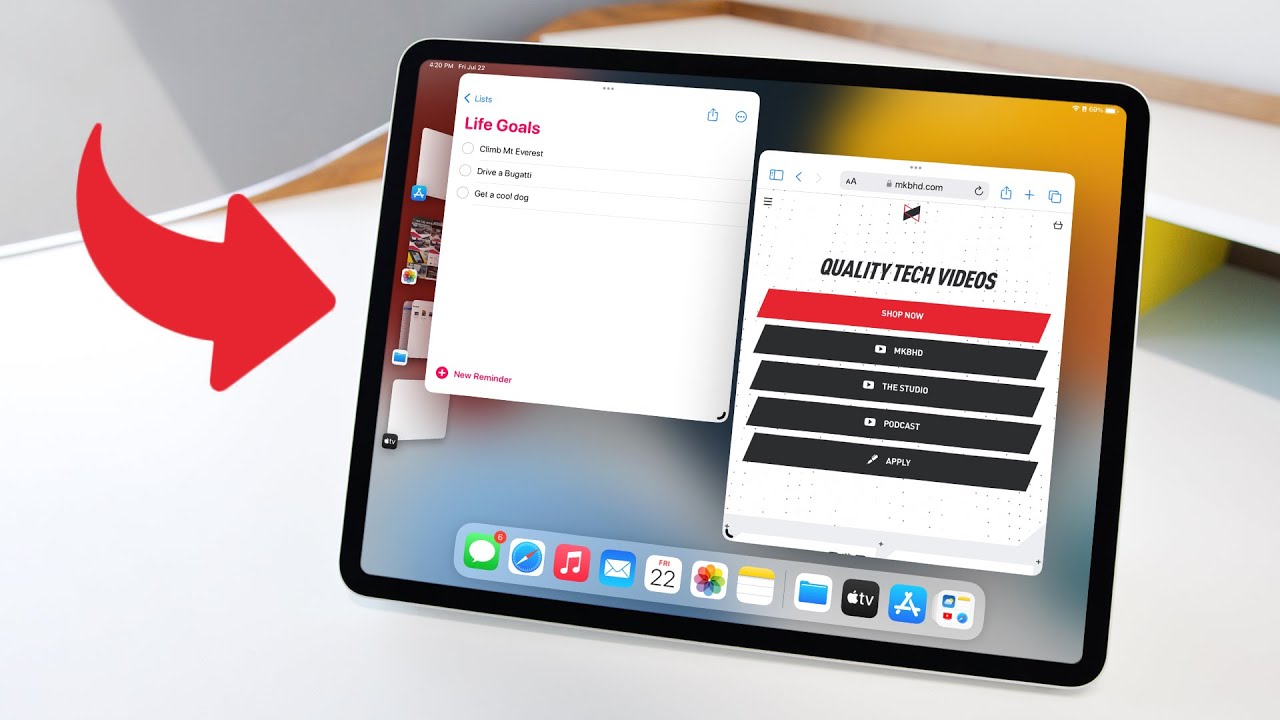
The iPad's Odd New Feature
0 up · 0 down · 0 ratings
Promos
Stage Manager in iPadOS 16 is fascinating to me. I have a theory... iPad Pro M1: geni.us MKBHD Merch: shop.mkbhd.com Tech I'm using right now: amazon.com Intro Track: Speak EZ by Matt Large Playlist of MKBHD Intro music: goo.gl ~ twitter.com @MKBHD @MKBHD
The video opens with MKBHD introducing iPadOS 16 and Stage Manager, framing it as Apple’s attempt to deliver a Mac-like multitasking experience on the iPad while preserving what makes the iPad distinct. He quickly contrasts the iPad Pro’s top-end hardware,a 13-inch mini-LED display and an M1 chip,with software that hasn’t advanced at the same pace, highlighting years of incremental improvements like widgets and split view but noting that the iPad still avoids emulating the Mac exactly. He presents his core theory that Apple intentionally designs iPad multitasking in an iPad-specific way rather than mirroring Mac multitasking, a theme that will thread through his critique. He explains how Stage Manager works: enabling it in Settings, then launching apps onto a stage where they are windowed rather than full screen, with off-stage recent apps available for quick bring-ins. The system supports up to four apps on stage and can extend across an external display, creating new “piles” of app groups and enabling more complex multitasking on larger screens, though with limitations. He notes that while this is impressive, it is not perfect: limited availability to M1 iPads, a learning curve, and quirks like non-resizing iPhone-sized apps and the need to manually manage app groups, maximize windows, and move windows between displays. He contrasts Stage Manager with traditional Mac multitasking, emphasizing the ongoing tension between delivering powerful functionality and keeping the iPad experience approachable and distinct. In closing, he reflects on how the iPad sits at a crossroads between being a capable tablet and a true computer, inviting viewers to share how they actually use their iPads and acknowledging the ongoing question of what a computer truly is. The video ends with a call to discuss personal usage preferences and a playful nod to remaining confusion about the “what is a computer” debate.
Topics · technology · ipad · apple · review · multitasking · user-interface
Questions answered
- What is Stage Manager and how does it change multitasking on iPadOS 16?
- Stage Manager is a new multitasking interface that places apps on a resizable stage, allows up to four apps on stage, and enables off-stage recent apps access. It also extends to external displays, creating additional app piles. It is designed to be an iPad-specific approach rather than a Mac-like desktop multitasking experience.
- What are the main downsides of Stage Manager mentioned in the video?
- Downsides include limited availability to M1 iPads, a non-fluid, sometimes unintuitive layout with fixed window sizes, issues with iPhone-sized apps, manual management of app groups, and the need to maximize windows and move between displays using additional steps.