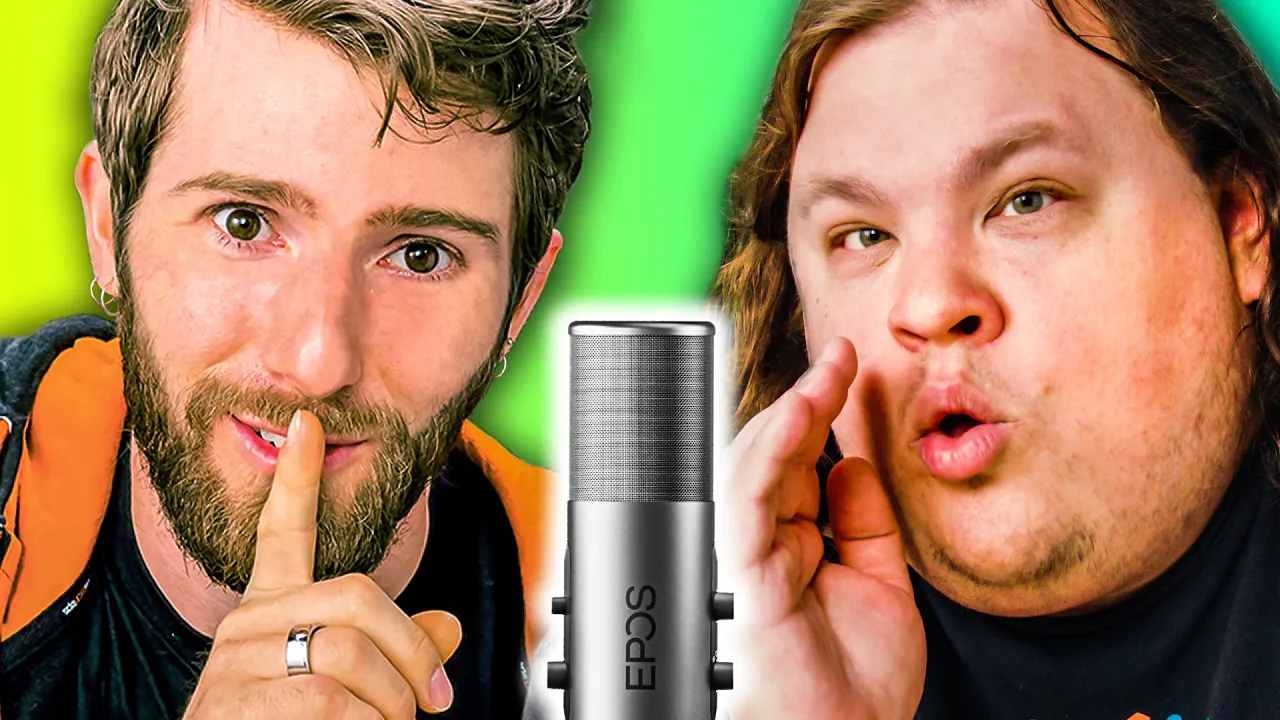
How to Build a PC - ASMR Edition (everyone hated it)
0 up · 0 down · 0 ratings
Description
Thanks to EPOS for sponsoring this video!
Promos
Check out the EPOS B20 Streaming Microphone at lmg.gg We hope to give you all the right tingles and shivers as we show you how to put together a PC quietly. Buy AMD Ryzen 5 3600 On Amazon (PAID LINK): geni.us On Best Buy (PAID LINK): geni.us On Newegg (PAID LINK): geni.us Buy ASUS Prime B550-Plus On Amazon (PAID LINK): geni.us On Newegg (PAID LINK): geni.us On B&H (PAID LINK): geni.us Buy G.Skill Ripjaws V 2x8GB 3600MHz DDR4 RAM On Amazon (PAID LINK): geni.us On Newegg (PAID LINK): geni.us Buy Sabrent Rocket Q 1TB NVMe SSD On Amazon (PAID LINK): geni.us On Newegg (PAID LINK): geni.us Buy Seagate 2TB BarraCuda HDD On Amazon (PAID LINK): geni.us On Best Buy (PAID LINK): geni.us On Newegg (PAID LINK): geni.us Buy Cooler Master Hyper 212 Evo V2 CPU Cooler On Amazon (PAID LINK): geni.us On Newegg (PAID LINK): geni.us On B&H (PAID LINK): geni.us Purchases made through some store links may provide some compensation to Linus Media Group. Discuss on the forum: linustechtips.com ►GET MERCH: lttstore.com ►SUPPORT US ON FLOATPLANE: floatplane.com ►LTX EXPO: ltxexpo.com AFFILIATES & REFERRALS --------------------------------------------------- ►Affiliates, Sponsors & Referrals: lmg.gg ►Check out our podcast gear: kit.co ►Private Internet Access VPN: lmg.gg ►Our Official Charging Partner Anker: lmg.gg ►MK Keyboards: lmg.gg ►Nerd or Die Stream Overlays: lmg.gg ►Official Game Store: nexus.gg ►Amazon Prime: lmg.gg ►Audible Free Trial: lmg.gg ►Our Gear on Amazon: geni.us FOLLOW US ELSEWHERE --------------------------------------------------- Twitter: twitter.com Facebook: @LinusTech Instagram: @linustech Twitch: twitch.tv FOLLOW OUR OTHER CHANNELS --------------------------------------------------- Mac Address: lmg.gg Techquickie: lmg.gg TechLinked: lmg.gg ShortCircuit: lmg.gg LMG Clips: lmg.gg Channel Super Fun: lmg.gg Carpool Critics: lmg.gg MUSIC CREDIT --------------------------------------------------- Title: Laszlo - Supernova Video Link: youtube.com iTunes Download Link: itunes.apple.com Artist Link: soundcloud.com Outro Screen Music Credit: Approaching Nirvana - Sugar High youtube.com Monitor And Keyboard by vadimmihalkevich / CC BY 4.0 geni.us Mechanical RGB Keyboard by BigBrotherECE / CC BY 4.0 geni.us Mouse Gamer free Model By Oscar Creativo / CC BY 4.0 geni.us CHAPTERS --------------------------------------------------- 0:00 Intro 1:01 Pre-Build Safety 1:23 Motherboard 1:58 CPU 2:39 Memory 3:18 Storage 3:56 CPU Cooling 5:14 The Case 6:53 Power Supply 7:48 Cable Management 10:00 The GPU 11:12 EPOS B20 Streaming Microphone
This ASMR edition of How to Build a PC presents a calm, whisper-toned guide to assembling a mid-range gaming machine. The opening segment sets the mood with soft sounds and a whispery narration, introducing EPOS as the sponsor and the B20 microphone used for voice capture. The video then moves into hardware selection and prep, highlighting an ASUS Prime B550-Plus as the motherboard of choice and explaining the reasoning for budget-friendly yet upgrade-friendly components. The host demonstrates CPU installation, RAM seating, and SSD mounting with close-up emphasis on tactile feedback such as audible RAM clicks, which reinforces the ASMR experience while teaching precise handling. Throughout, there are practical tips on static safety, anti-static wrist straps, and pre-testing the board placed on the motherboard box, ensuring a safe, controlled environment before assembly continues. The mid-section covers cooling and case setup, including mounting a Hyper 212 cooler, applying thermal paste, and configuring the Phanteks case for good airflow and cable management, all while maintaining a soothing, quiet atmosphere. Finally, the guide addresses power delivery and cable routing, demonstrating a clean build workflow with modular power supplies and careful cable management, culminating in the first boot and a satisfying auditory confirmation of a successful build. The closing segments pivot to the EPOS B20 microphone as a product plug, highlighting its cardioid pattern, adjustable EQ, and user-friendly hardware controls, tying the build experience back to audio quality and streaming setup for creators and gamers alike.
Topics · technology · how-to · asmr · pc_build · gaming · audio · budget_build · case_cooling
Questions answered
- What components are recommended for a balanced budget build in this guide?
- The video recommends an ASUS Prime B550-Plus motherboard, AMD Ryzen 5 3600 CPU, 16GB of 3600MHz RAM, a 1TB NVMe SSD, and a 650W modular power supply, with a focus on upgrade paths and solid cooling.
- How should you install the CPU cooler according to the tutorial?
- Install the backplate, attach standoffs, mount the cooler with AM4 brackets, insert the thermal paste in a pea-sized amount on the CPU, and secure the cooler firmly to ensure good contact and cooling performance.
- What is emphasized about cable management in the build process?
- The video stresses routing power and data cables cleanly, using zip ties to secure loose cables, and placing cables under the power supply shroud or along chassis cutouts for a tidy appearance.