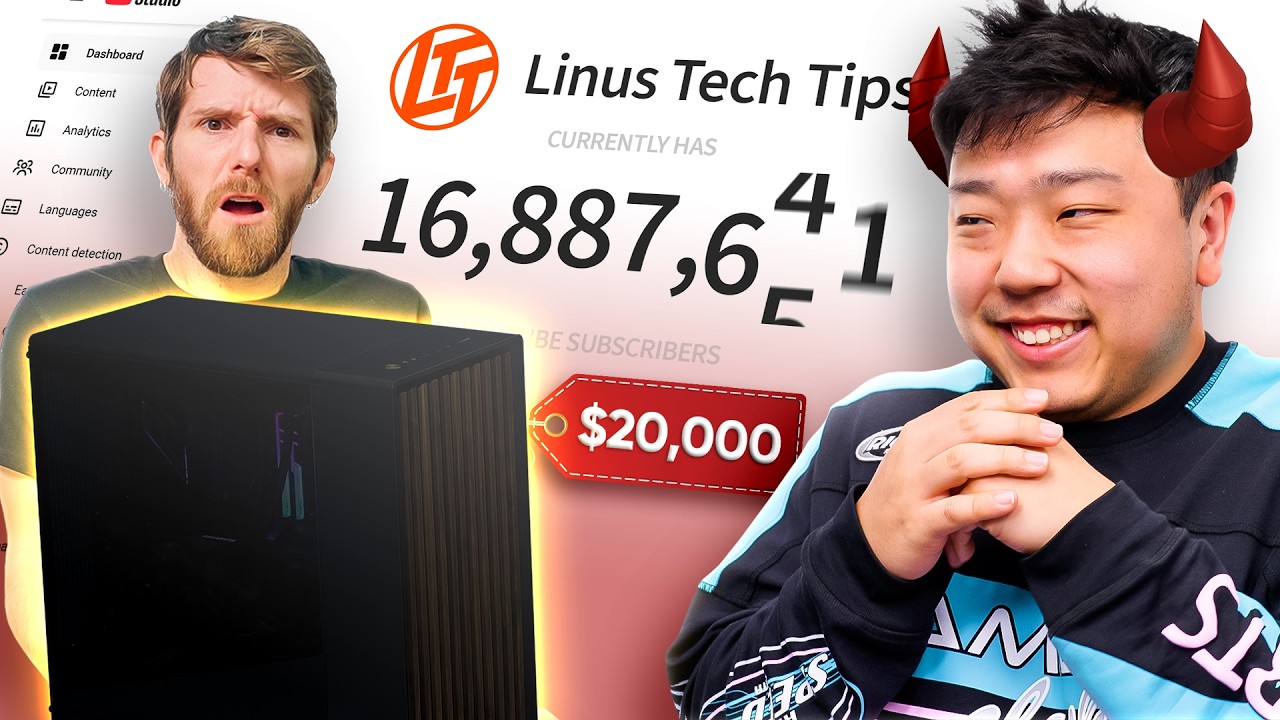
He Tricked Me into Building Him a $20,000 PC
0 up · 0 down · 0 ratings
Description
Check out the parts from the build: ASUS Pro WS WRX90E-SAGE SE EEB Workstation Motherboard For Threadripper: prsm2.com Silverstone Technology XE360-TR5 360mm AIO CPU Cooler: geni.us AMD Ryzen Threadripper PRO 9975WX Processor: geni.us GSkill G5 NEO DDR5-6400 CL32 128gb (8x 16gb) RAM: geni.us Seasonic Prime TX-1600 Noctua Edition 80+ Titanium PSU: geni.us Samsung SSD 9100 PRO 4TB NVME SSD: geni.us NVIDIA RTX PRO 6000 Blackwell Workstation GPU: geni.us Fractal Design North XL Case: geni.us Lian Li UNI Fan TL LCD Wireless 120-Triple Pack: geni.us Discuss on the forum: linustechtips.com
Promos
Click this link boot.dev and use my code LTT to get 25% off your first payment for boot.dev. Sammy Yoo, is a con artist. But also the man behind all the amazing extra content on Floatplane! Last year he got Linus to agree to give him a $1 for every youtube subscriber he could get from a short. Needless to say, his scheme worked. But if bro is gonna get $20,000 PC, theres gonna be some consequences too.
Channels and socials
Check out our Channel Partners: Secretlab - Grab a TITAN Evo ergonomic gaming chair: lmg.gg PIA - Get the VPN of our choice: piavpn.com dbrand - Buy a "Circuit" series skin for your device: dbrand.com ► SHOP LTT PRODUCTS: lttstore.com ► GET EXCLUSIVE CONTENT ON FLOATPLANE: lmg.gg ► DIVE DEEPER ON THE LTT LABS WEBSITE: lmg.gg ► SPONSORS, AFFILIATES, AND PARTNERS: lmg.gg Purchases made through some store links may provide some compensation to Linus Media Group. Affiliate links powered in part by affilimate.com Linus Sebastian is an investor in Framework Computer, Inc and HexOS by Eshtek.
This video documents a high-stakes build that doubles as a prank and a hardware demonstration, beginning with the premise that Linus was promised a $1 bounty for every new subscriber commanded by a viral short. The host discovers that the plan actually worked and that Sammy has to be on the hook for a $20,000 workstation build, prompting a shift in control over the project budget and the goal of maximizing utilization and productivity. The first major technical discussion centers on the CPU choice, with an AMD Threadripper Pro 3975WX being used to demonstrate how Puget Bench numbers justify the configuration as among the fastest for video editing, despite the price. They estimate the motherboard price at around $1,300, underscoring its capability to support up to eight DIMMs across eight channels and multiple PCIe slots, highlighting workstation-grade features like remote management and dual network ports. The pair then discuss the heat spreader, eight-channel memory controller, and the strategy of selecting a “fattier” motherboard to accommodate many dies and memory channels, explaining mechanical and electrical tradeoffs. The assembly process kicks into gear with careful handling of the large CPU, the heatsink, and the unusual mounting bracket from Silverstone, emphasizing the risks of bending pins or misaligning components on a high-end system. They repeatedly stress the learning curve for a first-time builder and the pressure of working with extremely expensive hardware, while also injecting humor and light ribbing about who is actually doing the work and who is being filmed. The operating principle is to ensure every connection is secure, with explicit cautions about avoiding contact with pins and ensuring proper seating of the Threadripper due to its size and the complexity of its socket, followed by a quick tour of the Fractal North XL case for form factor and airflow planning. The RAM configuration details are revealed, showing 128GB in eight-channel mode, and the team demonstrates RAM installation steps with corrective feedback from the editor about proper seating and channel balance. As the build progresses, attention turns to power supply selection, with a luxurious TX-1600 layered with a Noctua premium tax, reflecting the desire to sustain dual high-end GPUs and demanding workloads. The climax features the RTX Pro 6000 with 96GB VRAM, a GPU nearly priceless for workstation tasks, and a critical moment when the team experiences difficulty mounting it, underscoring the high-stakes tension of a $18,000 to $20,000 build. A post-assembly test reveals BIOS and post-code issues, prompting a USB BIOS flashback and a reminder that inventory quirks can derail even a meticulously planned build, leading to a partial throughline of “part two” to finish the project and maximize output while showcasing the editing and export capabilities. The video wraps with a light-hearted postscript about productivity monitoring and a playful sponsorship segment that blends programming humor with ongoing in-house challenges, leaving viewers entertained by the quirks of a high-cost, high-performance workstation build and the ongoing banter between Linus and Sammy. The overall takeaway is a blend of technical education on premium workstation components and the dynamic, comedic chemistry of real-time problem solving under pressure, all while acknowledging the larger context of affiliate links, sponsorships, and audience engagement.
Topics · technology · hardware · entertainment · computing · video-editing · workstation
Questions answered
- What CPU was chosen for the build and why?
- The AMD Ryzen Threadripper Pro 3975WX was chosen because, according to Puget Bench results, it delivers a strong balance of fast core performance and high core count, making it a top option for video editing workloads in a $20,000 workstation.
- What makes the motherboard notable in this build?
- The ASUS Pro WS WRX90E-SAGE SE is a workstation-class motherboard with eight-channel memory, support for up to 96-core CPUs, seven PCIe slots, remote management, dual 10 gig LAN, and extensive IO, which justifies its high price and the build’s ambition.
- What was the outcome when mounting the RTX Pro 6000 GPU?
- Mounting the RTX Pro 6000 was challenging due to its size and weight, but the team ultimately inserted it, with the scene emphasizing the high stakes and careful handling required for such premium hardware.
- What issue did the build encounter during POST and how was it resolved?
- During POST the board reported a DRAM/BIOS related issue; a USB BIOS flashback was performed which resolved the BIOS compatibility problem, allowing the system to boot.
- How does the video address budgeting and sponsorships?
- The video openly discusses budget constraints and the need to showcase the full cost, while including affiliate links and sponsor segments, illustrating how premium hardware and sponsorships intersect in tech content creation.
- What is a notable lesson for first-time builders shown in the video?
- The video demonstrates the importance of careful handling of expensive components, proper seating of CPUs and RAM, and avoiding contact with sensitive contacts, underscoring that even seasoned builders can struggle with a high-stakes build.