Laser Cutter for Any Skill Level - Glowforge
0 up · 0 down · 0 ratings
Channels and socials
Thanks to Freshbooks for sponsoring this video! Head over to freshbooks.com and don’t forget to enter Linus Tech Tips in the “How Did You Hear About Us” section when signing up for your free trial. Subscribe for more CES content: youtube.com Follow so you don't miss an upload: @linustech twitter.com
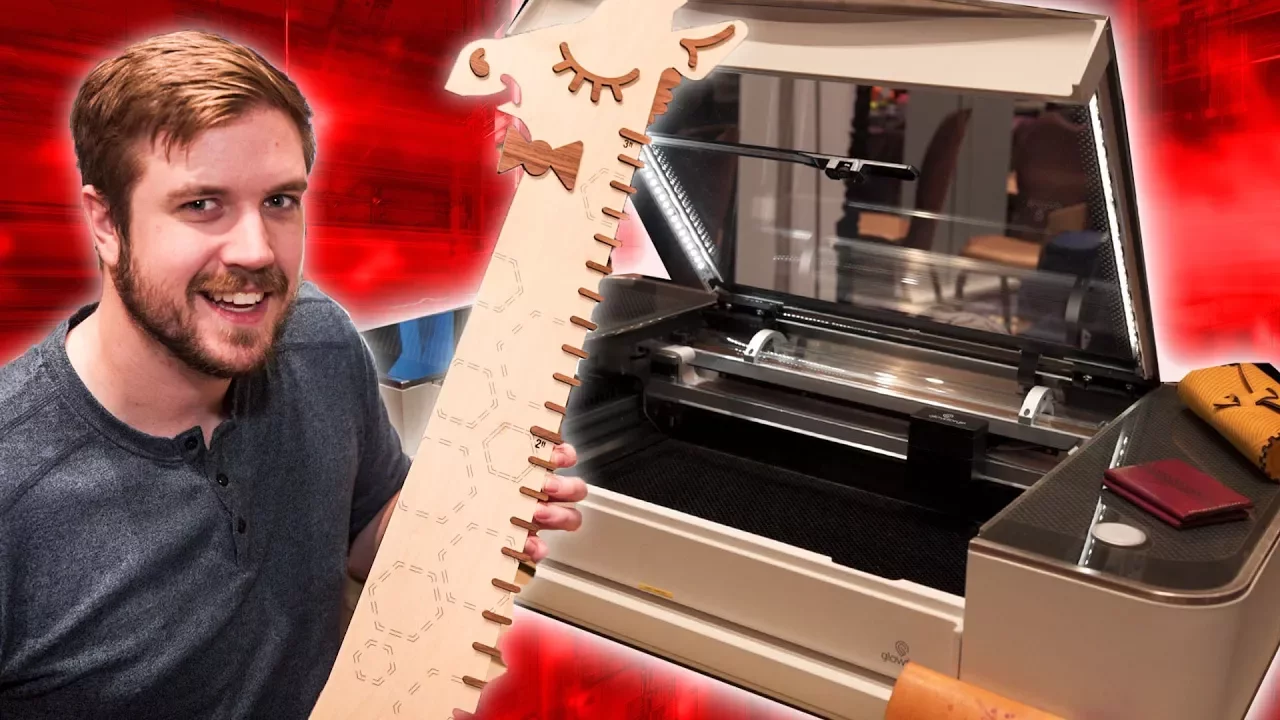
The video provides a detailed hands-on look at the Glowforge, a consumer-oriented laser etcher and cutter designed to be user friendly for a broad audience beyond engineers or schools. It explains core features such as an easy web app that accepts 3D grayscale images in raster or vector formats, automatic material detection when using Glowforge materials, and the ability to cut or engrave a variety of materials including plastics and wood. A key highlight is the integrated camera, which allows users to visualize what the laser sees, facilitating quick object alignment without manual measurements. The system can autofocus along curved surfaces, enabling precise engraving along edges like the top of a MacBook. The video also covers the mechanical design, noting the mirrors are anchored in solid aluminum blocks for stability and that the head is sealed to reduce maintenance, with access possible via magnets. There is discussion of the device’s size and its pass-through slot, which enables feeding long workpieces through the machine while operating, though this feature adds cost. Basic and pro configurations are contrasted: the basic model starts at around four thousand dollars with a 40W laser and no pass-through or built-in venting, while the pro version at eight thousand dollars adds a 45W laser, a built-in vent, and the pass-through option for longer projects. The host acknowledges that while the Glowforge represents a significant step toward consumer-friendly laser cutting, the price remains a barrier for many potential buyers, and they briefly pivot to sponsor content about FreshBooks, noting how the service could streamline invoicing for creators working with such tools. Overall, the video aims to present Glowforge as an accessible entry point into laser cutting and engraving, while providing practical details on setup, capabilities, and considerations for prospective buyers who weigh cost against the convenience and features offered.
Topics · technology · manufacturing · consumer-electronics · tools
Questions answered
- What features make Glowforge accessible to non engineers?
- Glowforge uses an easy web app, automatic material detection, a built in camera for visual alignment, and autofocus along curved surfaces to simplify setup and operation for non engineers.
- What can Glowforge do in terms of materials and outputs?
- It can engrave and cut a range of materials including plastics and wood, supports raster and vector formats, and can cut a logo into a puzzle using automatic features.
- What are the price options and what do they include?
- The basic version starts around four thousand dollars with a 40 watt laser, no pass through slot and no built in venting. The pro version costs around eight thousand dollars, adds a 45 watt laser, a built in vent, and a pass through slot for long workpieces.