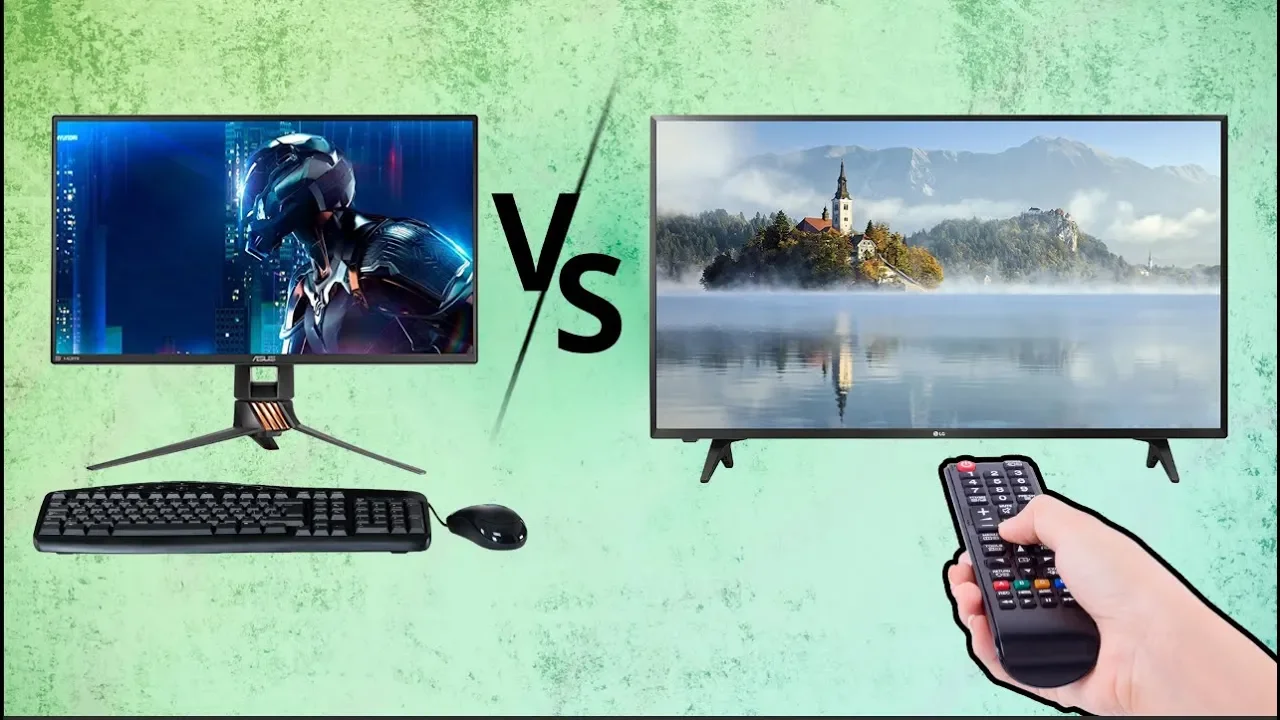
What's the Difference Between Monitors and TVs?
0 up · 0 down · 0 ratings
Promos
Receive an additional $25 credit for Ting today when you sign up at techquickie.ting.com Monitors and TVs are strikingly similar these days - but have they become interchangeable, or are there still important differences between them? Buy the latest Smart TVs On Amazon (Paid Link): geni.us On Newegg (Paid Link): geni.us On Walmart (Paid Link): geni.us Buy Gaming Monitors On Amazon (Paid Link): geni.us On Newegg (Paid Link): geni.us On Walmart (Paid Link): geni.us Purchases made through some store links may provide some compensation to Linus Media Group. Techquickie Merch Store: designbyhumans.com Techquickie Movie Poster: shop.crowdmade.com Follow: twitter.com Leave a reply with your requests for future episodes, or tweet them here: twitter.com Join the community: linustechtips.com Intro Theme: Showdown by F.O.O.L from Monstercat - Best of 2016 Video Link: youtube.com iTunes Download Link: itunes.apple.com Listen on Spotify: open.spotify.com
The video examines how monitors and televisions have converged in features, yet remain distinct in intended use and performance characteristics. It explains that while both display types can share large screen sizes and high resolutions, monitors are typically optimized for near-field viewing and computer use, with an emphasis on low input lag, fast response times, and precise color control. The discussion highlights how gaming and professional tasks benefit from features like high refresh rates, adaptive sync technologies, and short pixel response, which are more commonly prioritized in monitors than in typical televisions. It also covers how TVs historically emphasized living-room usability, such as embedded smart features, wide viewing angles, and cinematic color, sometimes at the expense of fastest possible input response. Throughout, the presenter contrasts real-world scenarios, like gaming at desk distance versus watching media from a couch, to illustrate why someone might choose one type over the other. The segments suggest that the line between monitors and TVs is blurring, but the choice depends on whether your priority is gaming precision, color-critical work, or media consumption and entertainment features. In the conclusion, the video recommends evaluating your primary use case, workspace or living room setup, and acceptable tradeoffs when deciding between a monitor and a TV, rather than assuming one device fits all needs.
Topics · technology · display · consumer electronics · gaming
Questions answered
- What is the main difference between a computer monitor and a television regarding input lag and response time?
- Monitors typically offer lower input lag and faster response times, which reduces motion blur and improves precision in gaming and desktop work.
- Can a television be used effectively as a computer monitor for gaming, and what adjustments help?
- Yes, a TV can be used as a gaming display, but you should enable game mode, adjust picture settings for reduced processing, and consider distance and screen size to balance viewing comfort with responsiveness.
- Do OLED, QLED, or local dimming features impact gaming performance differently on monitors vs TVs?
- Yes, OLED generally provides fast response and excellent contrast, while QLED and local dimming on LEDs improve brightness and color but may introduce motion artifacts; the impact varies by panel design and use case, with monitors often prioritizing lower latency.