Petabyte Project is FULL! Time to upgrade...
0 up · 0 down · 0 ratings
Promos
Check out the iFixit Essential Electronics Toolkit at ifix.gd or visit ifixit.com for more great tools! Save 10% and Free Worldwide Shipping at Ridge Wallets by using offer code LTTSEPTEMBER at ridgewallet.com That didn't take long - A whole Petabyte of storage is now completely full, so come along for the ride while we deploy a band-aid solution! Buy Seagate IronWolf Pro hard drives: On Amazon: geni.us On Newegg: lmg.gg Purchases made through some store links may provide some compensation to Linus Media Group. Purchases made through some store links may provide some compensation to Linus Media Group. Discuss on the forum: linustechtips.com Our Affiliates, Referral Programs, and Sponsors: linustechtips.com Get Private Internet Access today at geni.us Displate metal posters: lmg.gg Linus Tech Tips merchandise at lttstore.com Linus Tech Tips posters at crowdmade.com Our Test Benches on Amazon: amazon.com Our production gear: geni.us Our Chrono.gg game store: ltt.chrono.gg Twitter - twitter.com Facebook - @LinusTech Instagram - @linustech Twitch - twitch.tv Intro Screen Music Credit: Title: Laszlo - Supernova Video Link: youtube.com iTunes Download Link: itunes.apple.com Artist Link: soundcloud.com Outro Screen Music Credit: Approaching Nirvana - Sugar High youtube.com
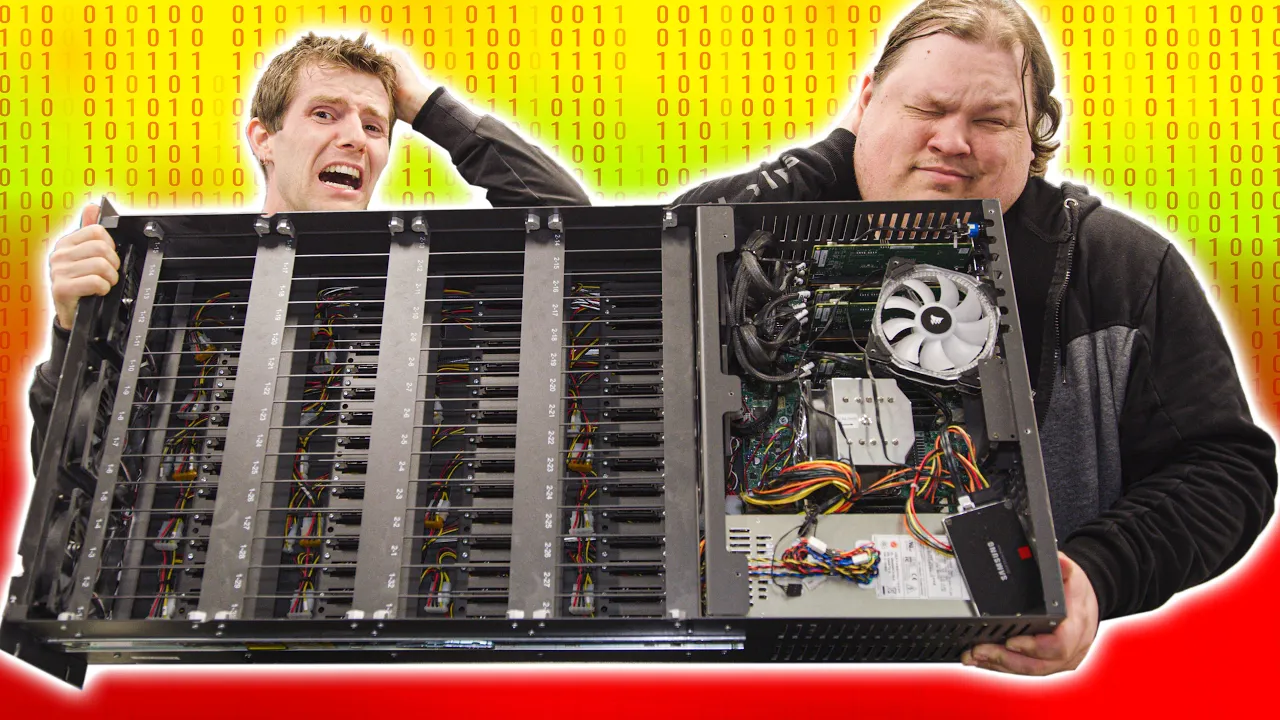
Petabyte Project is FULL! Time to upgrade... follows Linus and the Linus Tech Tips crew as they confront a critical storage shortage after their petabyte-scale server cluster filled up. The video opens with a candid admission that their main editing server has less than five percent free space, while the vault sits at around twenty terabytes, prompting a band-aid upgrade rather than a full rebuild. They reveal the arrival of 15 new Seagate IronWolf Pro drives and outline the plan to repurpose them to expand the vault capacity using a GlusterFS open source file system that presents a single large share across two servers. The team discusses design tradeoffs, including a RAID configuration choice (RAID Z2 with explicit redundancy to guard against drive or cable failures) and the practical realities of upgrading in a live production environment, such as draining the server, moving hardware, and maintaining careful cable management. They explain that the extra capacity will not be fully utilized immediately because GlusterFS emphasizes raw capacity over redundancy, and underline the two-server path being avoided for now in favor of a single, bigger server node in a future project. The episode also covers the physical and procedural challenges of maintenance in a data center-like environment, from handling cabinet access and drive labeling to dealing with degraded disks and the consequences of vibration on hard drives during relocation. In a light-hearted aside, the video includes product plugs, an aside about a filter on the cabinet door, and banter about the editors’ two-hour downtime, culminating in a plan to complete the upgrade while keeping critical data safe and accessible. The closing moments tease a future video that will showcase a fully upgraded single-box petabyte system, and invite viewers to subscribe for the full build while the team completes testing, verification, and final integration tasks.
Topics · technology · data_storage · hardware · video_log
Questions answered
- What storage expansion approach does the video propose for the vault, and why is GlusterFS used in this setup?
- The video proposes expanding the vault by adding 15 new 12 terabyte drives to reach roughly 180 terabytes of raw capacity, using a GlusterFS open source file system to present the two servers as a single large share on the network. GlusterFS is chosen because it supports a scalable, distributed file system that can aggregate storage from multiple servers, enabling a unified namespace and simplified access for editing workflows while the team plans to upgrade to a larger single-box petabyte solution in a future project.
- What RAID configuration is implemented for data protection, and what are its tradeoffs in this setup?
- The setup uses a RAID Z2 with 13 usable drives out of 15, providing redundancy to guard against data loss from a drive or cable failure. The tradeoffs include reduced usable capacity due to redundancy and the potential complexity of managing a more distributed backplane architecture, which can complicate expansion and drive replacement compared to a traditional backplane design.
- What challenges did the team face during the upgrade and how were they resolved?
- Challenges included degraded drives, replacing cables and controllers, ensuring compatibility of new drives with sector sizes, and ensuring all drives re-silvered properly. They resolved these by swapping cables, replacing drives with a consistent set of drives compatible with the Storinator and ZFS configuration, diagnosing sector size mismatches (4k vs 512e), and finally reintegrating volume bricks into GlusterFS to restore full capacity and performance.