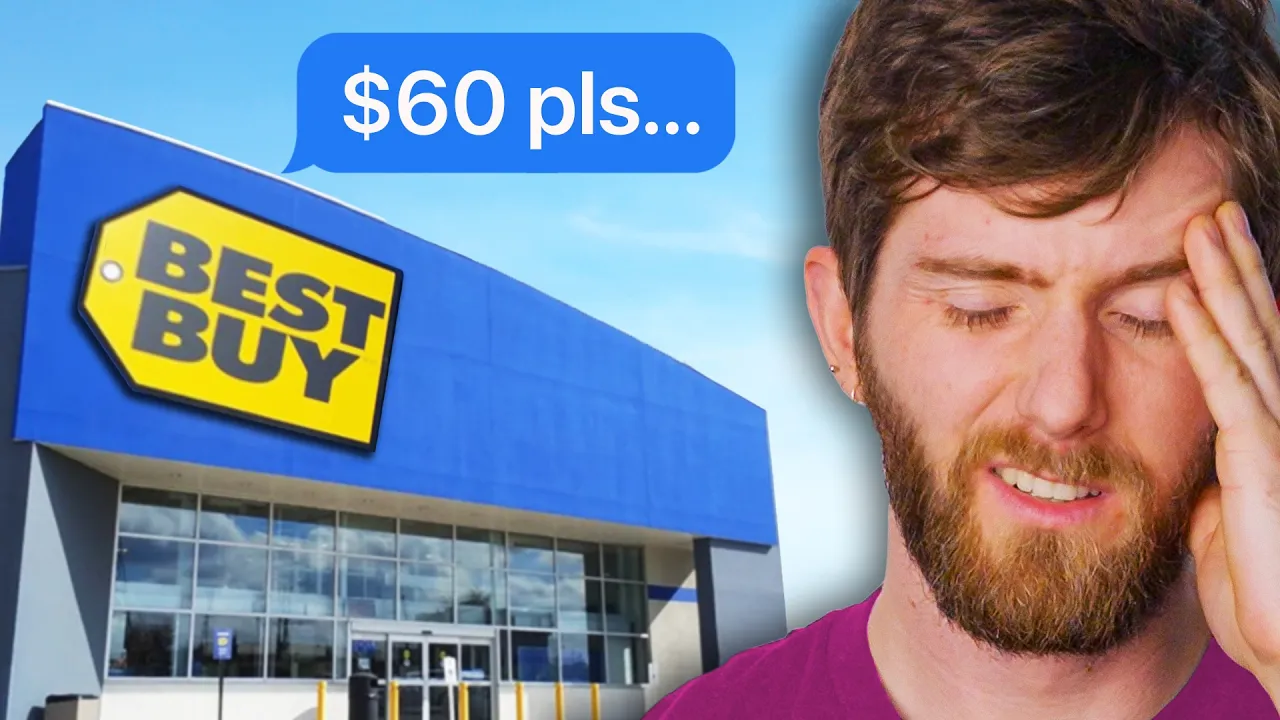
I Took My PC to BestBuy to Make it Faster...Here's How They Did it.
0 up · 0 down · 0 ratings
Promos
Save 20% on a monthly subscription plus a 7-day trial of Guard.io at guard.io Save 10% and Free Worldwide Shipping at Ridge by using offer code LINUS at The Ridge Wallet: Slim, RFID-blocking Metal Wallets In many areas, GeekSquad is the only recognizable name in the PC Repair game. Is getting your computer tuned up at your local BestBuy actually worth the money? Discuss on the forum: linustechtips.com Need to fix your computer? These tools might help: Ninite - ninite.com Sysinternals - learn.microsoft.com WinDirStat - windirstat.net There are plenty of helpful folks on our forum: linustechtips.com Purchases made through some store links may provide some compensation to Linus Media Group. ► GET MERCH: lttstore.com ► LTX 2023 TICKETS AVAILABLE NOW: lmg.gg ► GET EXCLUSIVE CONTENT ON FLOATPLANE: lmg.gg ► SPONSORS, AFFILIATES, AND PARTNERS: lmg.gg ► OUR WAN PODCAST GEAR: lmg.gg FOLLOW US --------------------------------------------------- Twitter: twitter.com Facebook: @LinusTech Instagram: @linustech TikTok: @linustech Twitch: twitch.tv MUSIC CREDIT --------------------------------------------------- Intro: Laszlo - Supernova Video Link: youtube.com iTunes Download Link: itunes.apple.com Artist Link: soundcloud.com Outro: Approaching Nirvana - Sugar High Video Link: youtube.com Listen on Spotify: spoti.fi Artist Link: youtube.com Intro animation by MBarek Abdelwassaa @mbarek_abdel Monitor And Keyboard by vadimmihalkevich / CC BY 4.0 geni.us Mechanical RGB Keyboard by BigBrotherECE / CC BY 4.0 geni.us Mouse Gamer free Model By Oscar Creativo / CC BY 4.0 geni.us CHAPTERS --------------------------------------------------- 0:00 Intro 1:44 The Drop-Off 2:12 What's in a Tune-up? 3:40 Ain't got no RGB 5:46 Don't do this 7:21 Taking out the Trash 8:17 Clicking Next 8:41 Was it Worth it? 11:08 Outro
I Took My PC to BestBuy to Make it Faster and documented the whole process from intake to the final results. The video opens with a commentary on how the computer repair ecosystem has shifted, noting that many conventional shops have folded or been bought, and that Geek Squad at Best Buy remains a common option for many users. The host explains they brought a slow three-year-old PC to a local Geek Squad precinct to see what a “system tuneup” actually entails beyond the marketing pitch, including software installation like TurboTax and a look at the internal MRI toolchain used by staff. The first segment breaks down the intake interaction, the implied upsell potential for hardware repairs and malware removal, and how the service is supposed to address startup performance and system health. The core of the video compares the before and after boot and startup timings, revealing a measurable 22 percent improvement in load times after the tuneup. The host dives into specific efficiency changes such as trimming startup programs, removing unnecessary background software like iCUE when it does not contribute to system performance, and reconsidering the role of registry cleaners, which Microsoft warns against. Finally, the video weighs the overall value of the service, noting a $60 tuneup fee and $8 for software installation, while reflecting on whether the results justify the time and cost, and offering tips for viewers who might prefer to DIY or use free tools to achieve similar results. The closing thoughts acknowledge that while the tuneup delivered tangible gains, some practices appeared scripted or misaligned with best practices, and emphasize that the same outcomes could often be achieved with readily available tools outside of a store setting. The host also introduces a brief aside about Guardio, a browser security extension, and ties this into a broader discussion about staying safe online, while hinting at the value of verifying repair work through independent testing and community forums.
Topics · Technology · Consumer Electronics · Computer Maintenance · Tech Industry Practices
Questions answered
- What exactly did the Geek Squad tuneup include and what were the observed improvements?
- The tuneup included startup process review, Windows updates, anti-malware updates, registry cleanup, and removal of temporary files. Observed improvements were a reduction in startup time from 26 seconds to about 20 seconds and desktop load time from just under 1 minute to about 25 seconds, amounting to roughly a 22% improvement.
- Why did the reviewer question the registry cleanup and other tools used?
- The reviewer notes that Microsoft does not support registry cleaners and warns they can cause harm. They observed that the therapy included using tools that may be outdated or unapproved, and one tool found more registry problems after the tuneup, suggesting the value of certain cleaners is questionable and that results can vary by location and supervisor.
- Is the service worth the cost based on this video?
- The video suggests mixed value: the tuneup cost is $60 and software installation costs extra, with measurable performance gains, but some improvements could have been achieved with free or DIY approaches, and some aspects appeared scripted or not fully disclosed to the customer.