Acer V233H AJBD 23IN Widescreen 1080p LCD Monitor Black Unboxing & First Look Linus Tech Tips
0 up · 0 down · 0 ratings
Description
ncix.com Mostly just needed this for an episode of NCIX Tech Tips that I filmed on Friday.
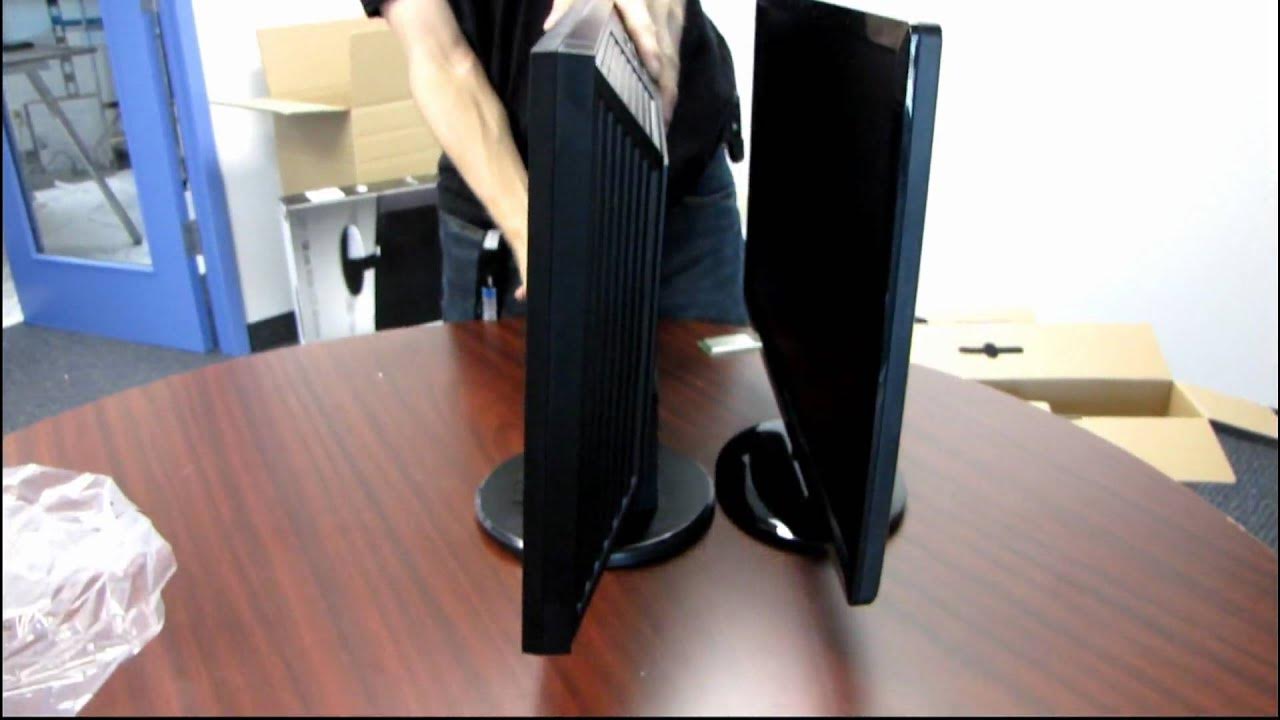
This video provides a concise unboxing and first-look overview of the Acer V233H AJBD 23 inch widescreen LCD monitor with 1080p resolution. The host walks through the package contents, noting that the box includes both VGA and DVI cables, a power cable, and a basic stand with a simple base that offers solid stability but no swivel or tilt adjustments. He demonstrates the unboxing sequence, revealing the monitor itself and a protective top cover, then compares LED backlighting to a traditional CCFL backlight, highlighting the reduced thickness and weight typical of LED displays. The presenter also points out connectivity options on the back, including video inputs, a Kensington lock slot for security, and ventilation features to manage heat, while calling attention to the monitor’s mounting options via four Visa mount screws. Throughout the segment, he emphasizes that this is a value-oriented device capable of displaying native 1080p content without scaling, making it suitable for HD media and 16x9 content with no black bars. The video foreshadows a broader NCIX Tech Tips comparison covering power consumption, contrast ratio, color reproduction, and overall thickness, signaling a deeper dive beyond this unboxing. The closing remarks invite viewers to subscribe to Linus Tech Tips and the NCIX channel for more in-depth testing and future videos.
Topics · Technology · Hardware · Unboxing · Computer peripherals
Questions answered
- What accessories come included with the Acer V233H AJBD monitor in this unboxing?
- The package includes VGA and DVI cables, a power cable, and the monitor with a simple stand base.
- What technology is highlighted as a key advantage of this monitor compared to older backlights?
- The video emphasizes LED backlighting as a thinner, cooler alternative to traditional CCFL backlights.
- Which connectivity options and security feature are visible on the monitor’s rear?
- Back inputs include VGA and DVI, there is a Kensington lock port for security, and four Visa mount screws for mounting.