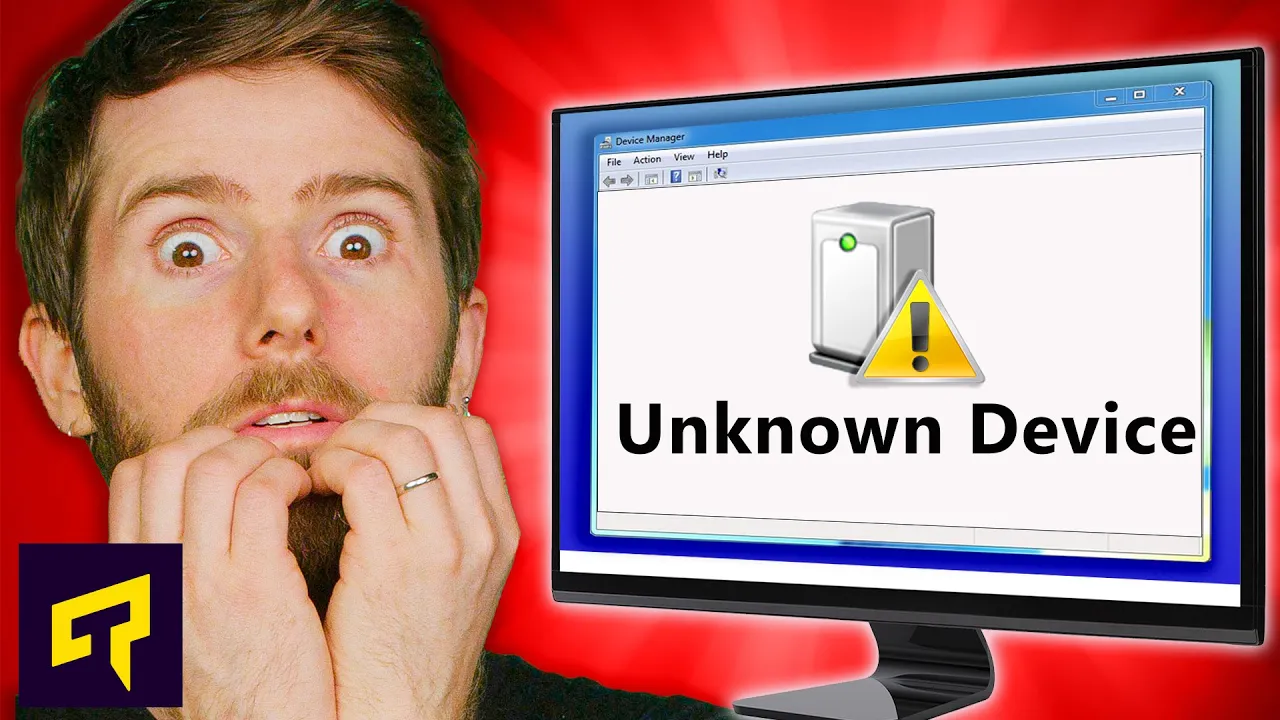
"Unknown Devices" And How To Fix Them
0 up · 0 down · 0 ratings
Promos
Try Pulseway FREE today, and make IT monitoring simple at: pulseway.com It's common to have mysterious errors in Windows Device Manager, with certain components just showing up as "Unknown Devices." Why does this happen, and how can you fix it? Leave a reply with your requests for future episodes. ► GET MERCH: lttstore.com ► LTX 2023 TICKETS AVAILABLE NOW: lmg.gg ► GET EXCLUSIVE CONTENT ON FLOATPLANE: lmg.gg ► SPONSORS, AFFILIATES, AND PARTNERS: lmg.gg FOLLOW US ELSEWHERE --------------------------------------------------- Twitter: twitter.com Facebook: @LinusTech Instagram: @linustech TikTok: @linustech Twitch: twitch.tv
The video opens by guiding viewers to inspect Windows Device Manager for devices marked with a yellow exclamation point, typically under the Unknown or Other devices category. It explains that modern Windows versions can automatically recognize most hardware because devices broadcast a unique identifier, allowing Windows to install the appropriate driver from either pre-loaded system files or Windows Update. When a device shows up as Unknown, the identification process can fail or a driver may be missing, leading to cryptic errors. The host recommends starting with a standard Windows Update cycle to fetch drivers automatically, noting that this often resolves the issue on the second attempt. If automatic updates don’t help, the video provides a structured set of next steps, including examining hardware IDs for unknown devices to identify the manufacturer and exact part number, then visiting the device maker’s site to download and install the current driver. The discussion covers scenarios where missing drivers aren’t the root cause, and outlines a sequence of alternative fixes such as unplugging and replugging the device, or performing a soft uninstall and reboot to force Windows to re-detect the hardware. The presenter also explores where software conflicts can originate, highlighting that virtualization software and VPNs can create phantom hardware entries, and notes that some entries may persist even after uninstalling the offending program. Finally, the video emphasizes that not all unknown device errors have a clean fix; in some cases, older hardware or newer operating system transitions may require accepting limited functionality or upgrading the device, with a lighthearted outro that invites viewers to share future topic requests and subscribe.
Topics · technology · troubleshooting · windows
Questions answered
- What should you check first when a device shows Unknown in Windows Device Manager?
- Check for a yellow exclamation in Device Manager and try a Windows Update to fetch drivers automatically.
- How can you identify a mysterious device if the hardware ID is unknown?
- Open the device in Device Manager, go to Details, select Hardware IDs, copy the IDs, and search them online to identify the manufacturer and part number.