Kingston UrDrive Software Demo & Explanation Linus Tech Tips
0 up · 0 down · 0 ratings
Description
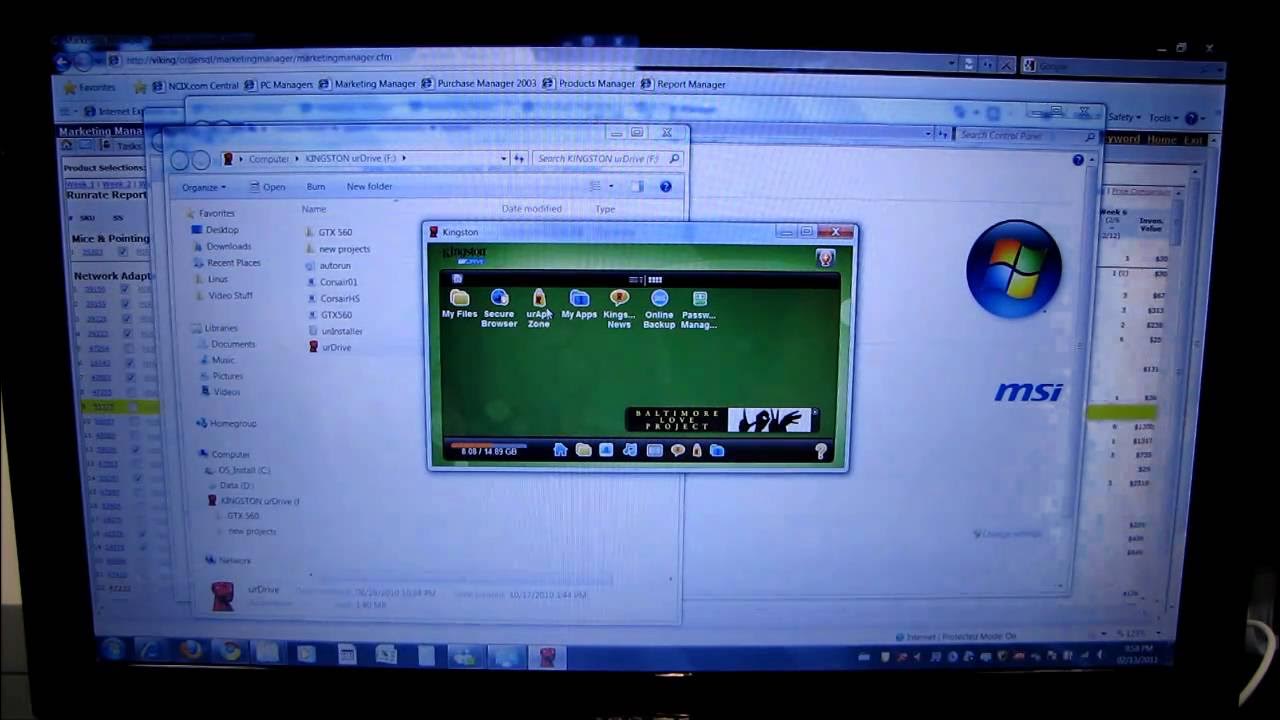
ncix.com Here's an interesting little value add software that Kingston has developed for their USB flash drives.
Kingston DataTraveler UrDrive is introduced as a value-added software suite bundled with Kingston USB flash drives. The presenter, Linus, walks through the installation process and confirms the software is already installed, then delves into what UrDrive offers. He starts by checking for Kingston news and then explores the secure browser feature, highlighting its portable nature which allows browsing without leaving footprints on the host computer. The walkthrough demonstrates built-in protections like anti-keylogging and anti-phishing, and shows how the software can be installed on up to three PCs for enhanced security when using public or shared machines. The app zone is then explored, revealing a catalog of bundled and optional applications such as SOS Online Backup, a password manager, and various utilities like FileZilla and Audacity for quick access from the USB drive. He notes that the UrDrive ecosystem adds value beyond basic USB storage, emphasizing portability and the convenience of having a suite of apps and protection tools on a single device. The video concludes with a quick tour of photos, files, and video organization on the drive, acknowledging that the exact placement of media folders can affect how content is surfaced in the Apps Zone, and ends with a call to subscribe for more tech content. Overall, the video presents UrDrive as a practical way to carry apps, security features, and essential files on a portable USB drive, while illustrating how to navigate the software interface and select useful tools.
Topics · Technology · Computing · USB devices · Software demos · Security
Questions answered
- What are the main features highlighted by the Kingston UrDrive software in this video?
- The main features shown include a portable secure browser with anti-keylogging and anti-phishing protection, the ability to install protection on up to three PCs, access to an App Zone with various utilities, and options like SOS Online Backup and a password manager for convenient use directly from the USB drive.