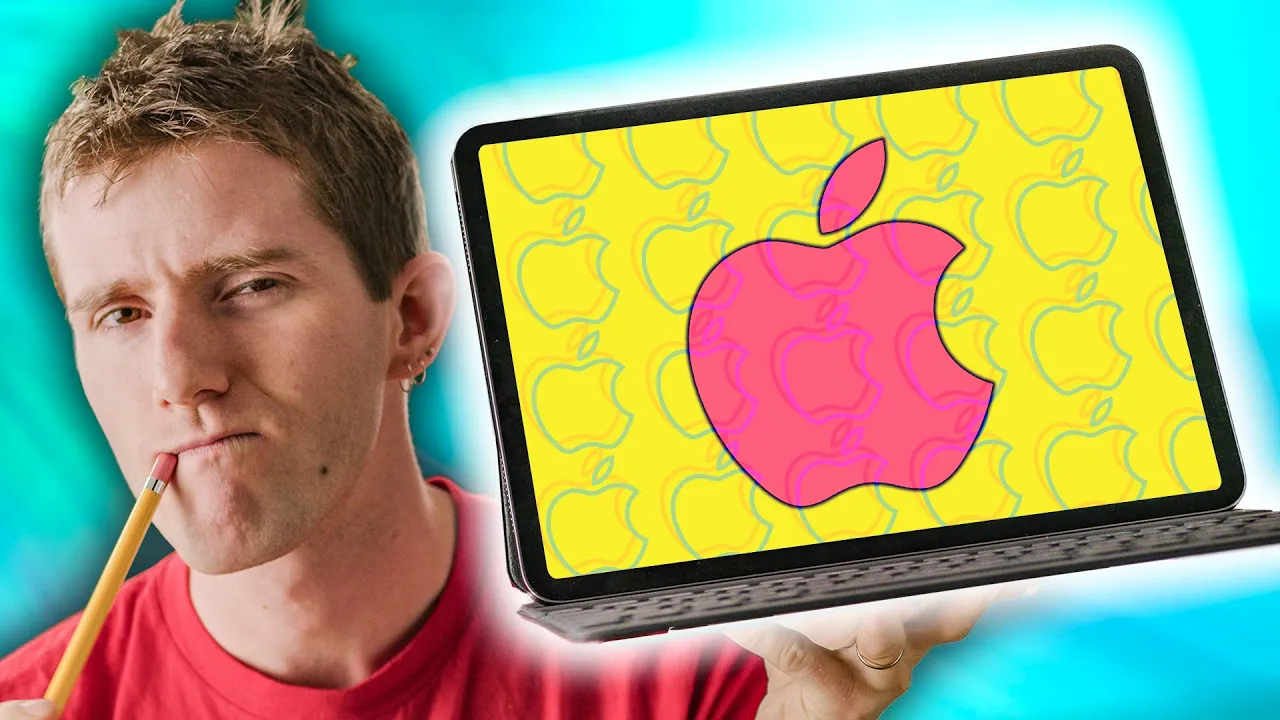
Replace your Laptop... with Something Worse! - iPad Pro 2018
0 up · 0 down · 0 ratings
Promos
Join the Club for only $5 at dollarshaveclub.com Thanks to our sponsor Dollar Shave Club, new members get their 1st month of the Daily Essentials Starter Set including trial-sized versions of their Body Cleanser, One Wipe Charlies’ Butt Wipes, and Shave Butter along with their Executive Razor for ONLY $5 with FREE shipping Get yourself a Dbrand skin at lmg.gg Apple thinks the iPad Pro 2018 is a computer. And it is! Sort of. Buy the iPad Pro 2018: On Amazon: geni.us From Apple: geni.us On Newegg: geni.us Discuss on the forum: linustechtips.com Our Affiliates, Referral Programs, and Sponsors: linustechtips.com Get Private Internet Access today at geni.us Linus Tech Tips merchandise at designbyhumans.com Linus Tech Tips posters at crowdmade.com Our Test Benches on Amazon: amazon.com Our production gear: geni.us Twitter - twitter.com Facebook - @LinusTech Instagram - @linustech Twitch - twitch.tv Intro Screen Music Credit: Title: Laszlo - Supernova Video Link: youtube.com iTunes Download Link: itunes.apple.com Artist Link: soundcloud.com Outro Screen Music Credit: Approaching Nirvana - Sugar High youtube.com
The video introduces the iPad Pro 2018 as a highly capable tablet that Apple markets as a laptop substitute, but the host questions whether it can truly replace a traditional laptop for all users. It begins with context on how tablets are in a transitional phase between dedicated tablets and true portable computers, noting efforts from Microsoft with the Surface line and the evolution to two-in-ones before Apple entered the space with the 2015 iPad Pro. The host highlights the 2018 refresh, including edge-to-edge displays, the A12X Bionic processor, USB-C, face ID, and the updated Apple Pencil, explaining how these features push the iPad Pro toward being a computer-like device while still relying on iOS. He then evaluates the software ecosystem, pointing out that despite significant improvements in multitasking and performance, iOS still lacks essential professional features such as a true file manager, robust external storage support, and full keyboard and mouse integration for desktop-style workflows. The review weighs use-case scenarios for different types of professionals, emphasizing artists and designers who benefit from the Pencil and precise input, while noting that professionals who rely on deadlines and traditional desktop software may still face shortcomings without macOS or a more mature desktop-like experience on iOS. Finally, the host discusses pricing and alternatives, comparing the iPad Pro to the Surface Pro 6 and outlining where the iPad Pro shines as a companion device rather than a complete replacement for a traditional computer, and concluding with a nuanced view that the iPad Pro can serve as a powerful secondary or specialized machine for a subset of professional tasks. Throughout, the host frames the iPad Pro as a powerful tablet that is closer to a laptop substitute than any prior tablet, but he cautions against overpromising its capabilities for all professional workflows. The analysis integrates hardware strengths, software limitations, and real-world use cases, ultimately arguing that while the iPad Pro raises the bar for mobile computing, it remains a tablet that may not fully supplant a traditional computer for most professionals. The video ends by reiterating that choosing the iPad Pro depends on your needs, with strong emphasis on digital artistry and mobile productivity as prime fits, and a reminder that those seeking a true desktop experience might still prefer Windows-based or macOS-based options.
Topics · technology · consumer_electronics · product_reviews · apple · tablets · laptops
Questions answered
- Can the iPad Pro 2018 replace a traditional laptop for most professionals?
- The iPad Pro 2018 can replace a laptop for a subset of professionals, particularly artists and designers who benefit from the Pencil and touch input, but for many other professionals who rely on desktop-grade software, file management, and keyboard/mouse workflows, it remains more of a powerful tablet or secondary device rather than a full replacement.
- What are the main software limitations impacting professional use on iPad Pro 2018?
- Key limitations include the lack of a true file manager, limited external storage support, restricted external display options that mirror the iPad screen, no full keyboard and mouse navigation experience in laptop mode, and the need for desktop-class apps and shortcuts to match a traditional computer workflow.
- How does the iPad Pro 2018 compare to the Surface Pro 6 in terms of value and capability?
- The iPad Pro 2018 offers superior input and display technologies and a very strong tablet experience, but the Surface Pro 6 provides a full Windows environment with a traditional keyboard, trackpad, and broader software compatibility, which can be more appealing for users needing a complete desktop experience at a similar price point.