I am the movie now - Nebula Capsule 3 Laser
0 up · 0 down · 0 ratings
Promos
check out the projector's HDR, brightness, and built-in speakers to see if this all-in-one battery-powered projector is right for you. Purchases made through some store links may provide some compensation to Linus Media Group. Want us to unbox something? Make a suggestion at lmg.gg ► SUBSCRIBE ON FLOATPLANE: floatplane.com ► GET MERCH: lttstore.com ► AFFILIATES, SPONSORS & REFERRALS: lmg.gg ► PODCAST GEAR: lmg.gg ► SUPPORT US ON FLOATPLANE: floatplane.com FOLLOW US ELSEWHERE --------------------------------------------------- Twitter: twitter.com Instagram: @shortcircuityt TikTok: @linustech Facebook: @ShortCircuitYT CHAPTERS --------------------------------------------------- 0:00 Intro 0:18 Unboxing 1:46 Remote & projector overview 2:47 Setting up the projector 4:40 You can use your phone as a mouse! 6:37 Image quality impressions 9:26 Linus is the movie now 9:36 Outro
Channels and socials
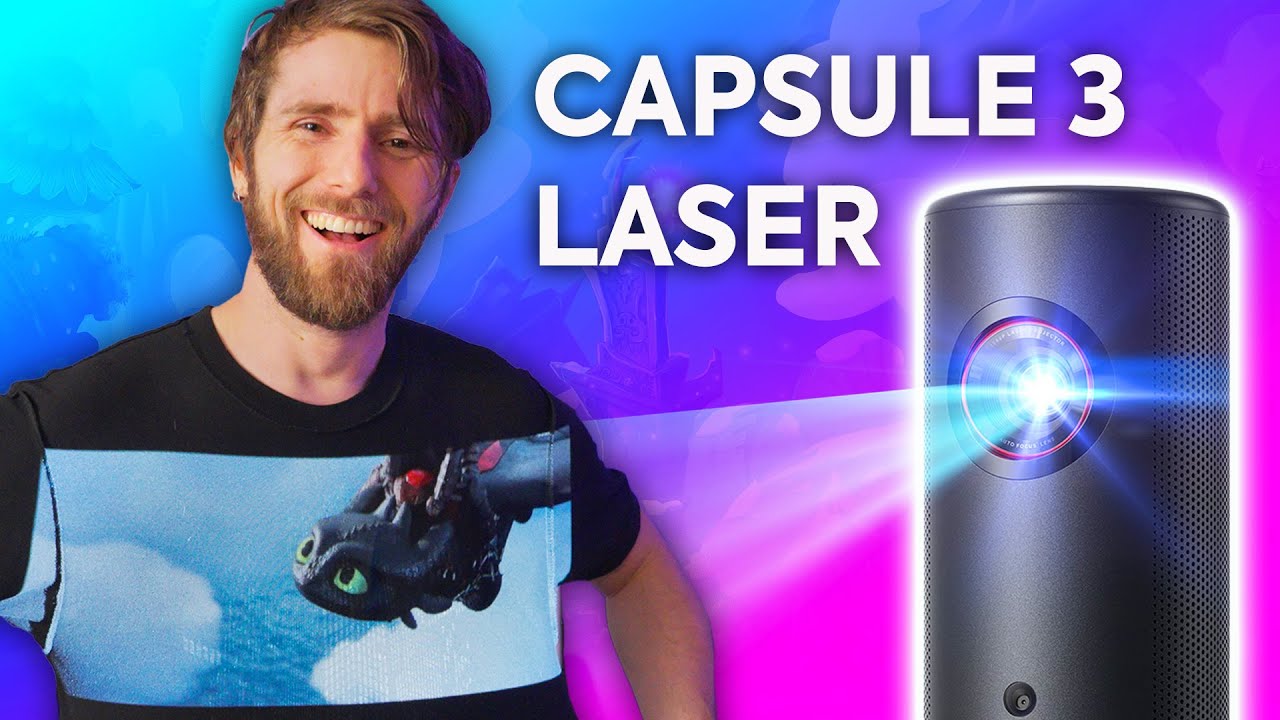
Thanks to Nebula for sponsoring this video! Join the Nebula Community and receive an exclusive discount of $120 OFF for the Capsule 3 Laser Projector. To receive this discount please send an email to Nebula Support "support @seenebula.com" and tell them ShortCircuit sent you! Learn more about Capsule 3 seenebula.co Amazon US: seenebula.co Amazon UK: seenebula.co Amazon DE: seenebula.co The Nebula Capsule 3 Laser was probably never meant to project onto a T-Shirt, but Linus did it anyways. Don't worry though, he also tries the Capsule 3 on a regular projector screen to
The Nebula Capsule 3 Laser is presented as a highly portable, battery-powered laser projector designed for quick setup and versatile use cases. The host walks through unboxing, basic hardware layout, and the quick-start steps, highlighting the device’s compact form factor roughly the size of a Bluetooth speaker and its built-in Android 11 system with Chromecast, Dolby Audio, and Google Play Store access. Setup is shown as remarkably straightforward: loading the device, pairing with a phone, and using the on-device controls. The host demonstrates autofocus and auto Keystone functionality, and he experiments with a test pattern to gauge image stability on an uneven surface. He then explores the Android-based app ecosystem, noting how the Play Store and streaming apps can be installed, and tests out a few features like YouTube previews, HDR capability, and Bluetooth speaker functionality. The overall impression emphasizes portability, ease of use, and the potential for casual movie watching or on-the-go presentations, while acknowledging the price point around $800 and the device’s brightness constraints. The reviewer also touches on practical considerations such as mounting options, ambient light handling, and the usefulness of built-in speakers in real-world viewing scenarios, concluding that the Capsule 3 Laser is a compelling mini projector for campers, travelers, or quick setups, albeit not a high-end home theater replacement.
Topics · technology reviews · home entertainment · portable devices · hardware unboxing · projectors · color science
Questions answered
- What is the Nebula Capsule 3 Laser primarily designed for?
- It is a battery-powered laser projector intended for portable, quick setup for movie viewing, presentations, and casual use on the go.
- Does the device support streaming apps and Android Play Store?
- Yes, the device runs Android 11 with Chromecast, Dolby Audio, and Google Play Store access, allowing installation of apps like YouTube and Twitch.