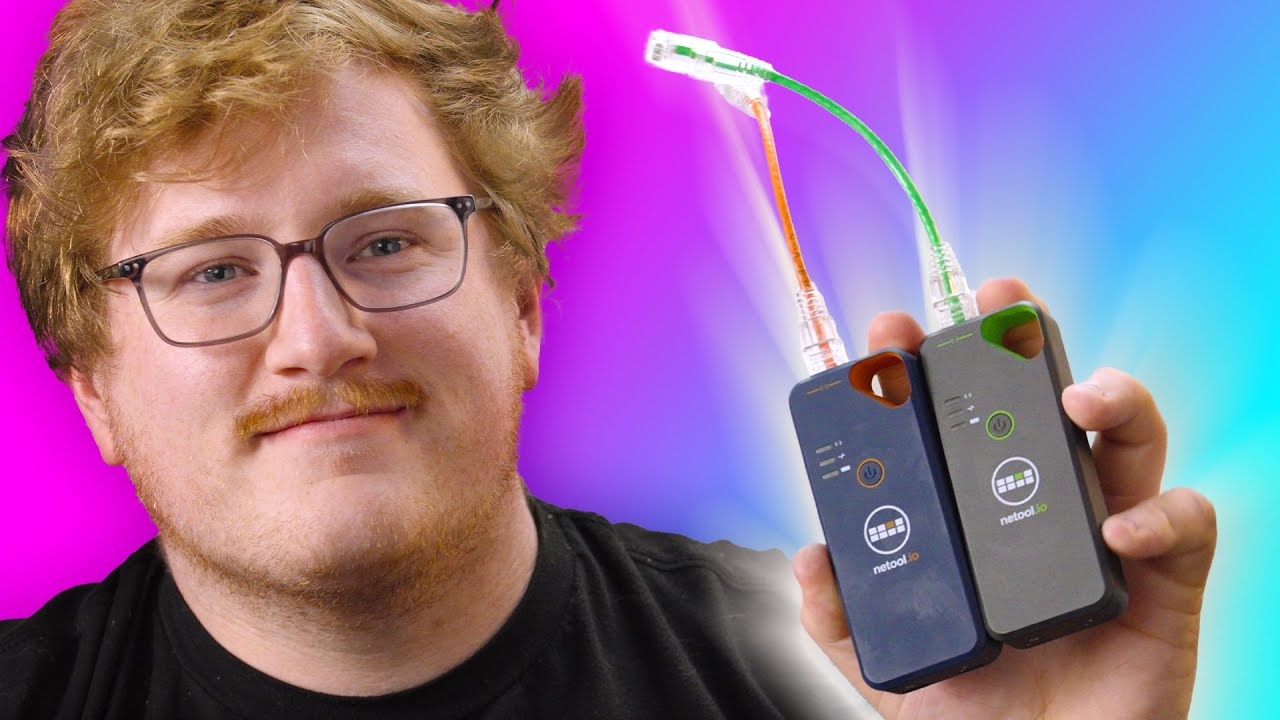
I plug this into EVERYTHING! - Netool.io
0 up · 0 down · 0 ratings
Description
Thanks to Secretlab for sponsoring today's video! Check them out at lmg.gg Jake is here to show off something a bit different -- Networking tools! With the ability to troubleshoot and diagnose connection issues in a small, battery-powered package, this could be the ultimate package for the IT manager on the go.
Check out the Netool.io Pro2: lmg.gg
Promos
Check out the Netool.io Lite: lmg.gg Purchases made through some store links may provide some compensation to Linus Media Group. Want us to unbox something? Make a suggestion at lmg.gg ► GET MERCH: lttstore.com ► LTX 2023 TICKETS AVAILABLE NOW: lmg.gg ► GET EXCLUSIVE CONTENT ON FLOATPLANE: lmg.gg ► SPONSORS, AFFILIATES, AND PARTNERS: lmg.gg ► PRODUCTS WE USE ON THE SHORTCIRCUIT SET: lmg.gg FOLLOW US ELSEWHERE --------------------------------------------------- Twitter: twitter.com Instagram: @shortcircuityt TikTok: @linustech Facebook: @ShortCircuitYT CHAPTERS --------------------------------------------------- 0:00 A more accessible way to troubleshoot 0:33 Unboxings and design impressions 2:30 Downloading the app(s) 3:19 Sponsor - Secretlab 3:37 App and feature walkthrough/testing 10:32 Netool Cloud features 13:01 Pro2 vs Lite differences, pricing, and overall thoughts 14:35 Outro
I plug this into EVERYTHING! - Netool.io dives into a compact, battery-powered networking diagnostic tool designed for IT professionals on the go. The video opens with a practical framing: affordable alternatives to expensive rack-mounted gear, highlighting Netool.io Pro2 and Lite as versatile devices that focus on software-driven troubleshooting and configuration. The host unboxes both units, notes the battery powered design, and points out essential accessories like cables, charging cables, and stickers. The narrative then pivots to the ecosystem, showing how the Pro2 and Lite connect via USB and Ethernet while advertising core capabilities such as PCAP capture, port activity, and live diagnostics. The host emphasizes the value proposition for field techs who need to inspect ports, identify IP addressing issues, and verify network health without dragging bulky equipment to a site.
Topics · networking · tech-unboxing · network-diagnostics · it-management
Questions answered
- What are the main differences between the Netool.io Pro2 and Lite, and which use cases suit each device?
- The Pro2 adds PCAP capture, port configuration, ARP scanning, and more advanced switch configuration options, making it better for complex diagnostics and scripting scenarios. The Lite covers core troubleshooting tasks like IP/DHCP detection, basic port scanning, and general network checks, which suffices for most straightforward testing and validation tasks.
- Can Netool.io devices test Ethernet cables or provide cable testing features?
- Based on the video content, cable testing is not implemented in these models, and reviewers note that it would be a valuable addition. The current feature set focuses on network diagnostics, port configuration, and cloud-based data access.
- Is there remote access or cloud-based management for Netool.io devices?
- Yes, the Netool Cloud feature enables remote sync of readings and cloud-based history notes, allowing multiple technicians to monitor devices and share findings across accounts.