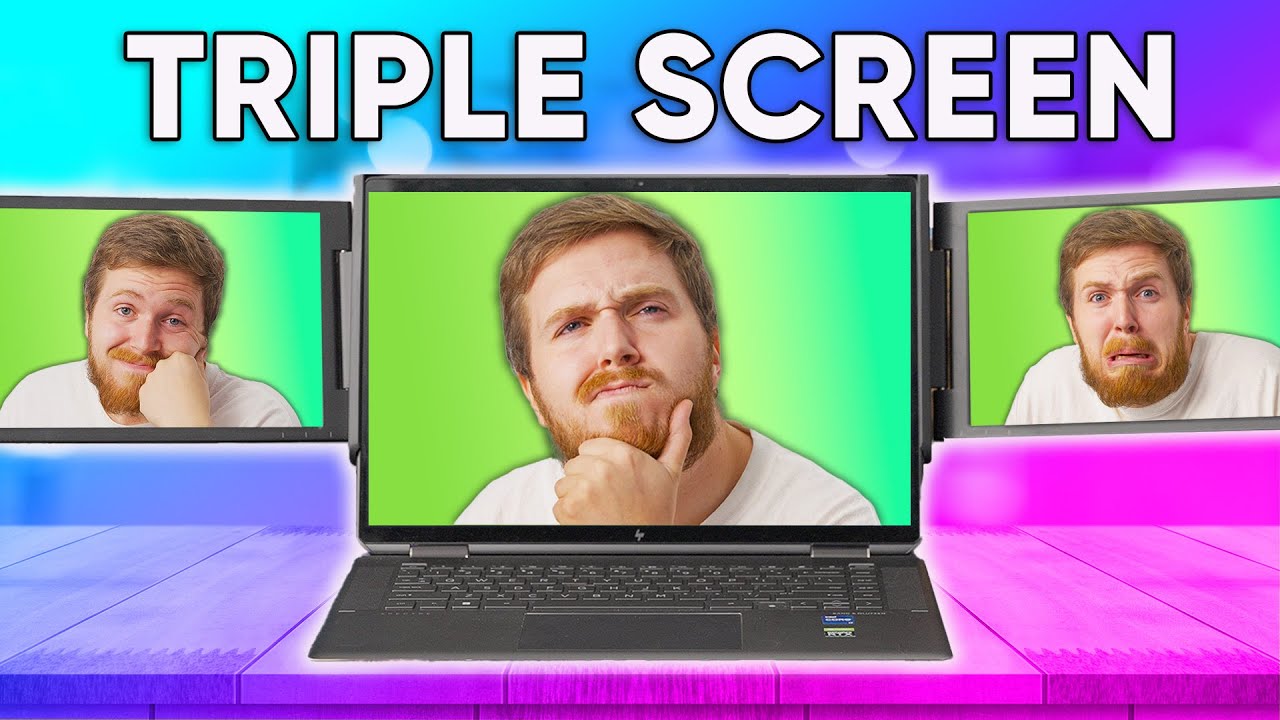
The work-from-home dream is a NIGHTMARE. - Xebec Tri-Screen 2
0 up · 0 down · 0 ratings
Promos
Thanks to Secret Lab for sponsoring today's video! Check them out at lmg.gg Switching back to a single monitor after getting used to having three (or more) can be a pain. Xebec's Tri-Screen 2 portable monitor setup is here with a unique way to try to solve the problem, but does Adam think this solves the issue or does it introduce a whole new set of pain points into your workflow? Buy a Xebec Tri-Screen 2: lmg.gg Purchases made through some store links may provide some compensation to Linus Media Group. Want us to unbox something? Make a suggestion at lmg.gg ► SUBSCRIBE ON FLOATPLANE: floatplane.com ► GET MERCH: lttstore.com ► AFFILIATES, SPONSORS & REFERRALS: lmg.gg ► PODCAST GEAR: lmg.gg ► SUPPORT US ON FLOATPLANE: floatplane.com FOLLOW US ELSEWHERE --------------------------------------------------- Twitter: twitter.com Instagram: @shortcircuityt TikTok: @linustech Facebook: @ShortCircuitYT CHAPTERS --------------------------------------------------- 0:00 Puns are a fireable offence 0:58 Unboxing and what's included 1:37 The messy backstory behind Xebec vs Kwumsy 3:36 Figuring out how it works 4:43 Putting it on a MacBook 5:58 Sponsor - SecretLab 6:26 Buttons and additional adapters 7:22 Setup and some downsides 8:35 Features and specs 9:17 Okay maybe this isn't super convenient 10:31 On the brightside 11:35 Disaster almost strikes 11:50 We already have build quality issues 13:09 Competition and overall thoughts ft. Linus 14:16 Outro
The video opens with the host introducing the Xebec Tri-Screen 2, a portable triple-monitor setup designed to attach to a laptop and restore the multi-monitor workflow that many remote workers miss. He contrasts the experience of using multiple screens with the fatigue of constantly resizing windows on a single laptop screen, emphasizing portability and ease of setup. The unboxing reveals several components: the two additional 10.1 inch LCD IPS screens, two HDMI to Mini-HDMI cables, two USB-A to USB-C cables, a USB-C pass-through charging adapter, a Velcro cable tie, a USB-C extender, and the included user guides. Early discussion delves into a backstory involving a previous company, Kwumsy, and alleged patent issues with Xebec, setting up a context of market competition and potential reliability concerns. The host notes that the Tri-Screen 2 aims to fix some of the issues of earlier attempts, but he remains cautious about how well the product will actually perform in real-world use, foreshadowing a hands-on evaluation later in the video.
Topics · technology · product_review · work_from_home · portable_monitor · hardware · consumer_electronics
Questions answered
- Do Xebec Tri-Screen 2's two 10.1 inch displays feel sturdy enough for daily portable use?
- The video notes some concerns about the kickstand and overall plastic construction, with early impressions suggesting the mechanism may not feel robust enough for heavy daily use, though users can rely on pass-through charging and modular cables for versatility.
- Can the Tri-Screen 2 be used effectively with laptops that lack USB-C ports?
- Yes, the package includes adapters such as USB-A to HDMI and USB-C to USB-C, enabling compatibility with older laptops that do not have USB-C.