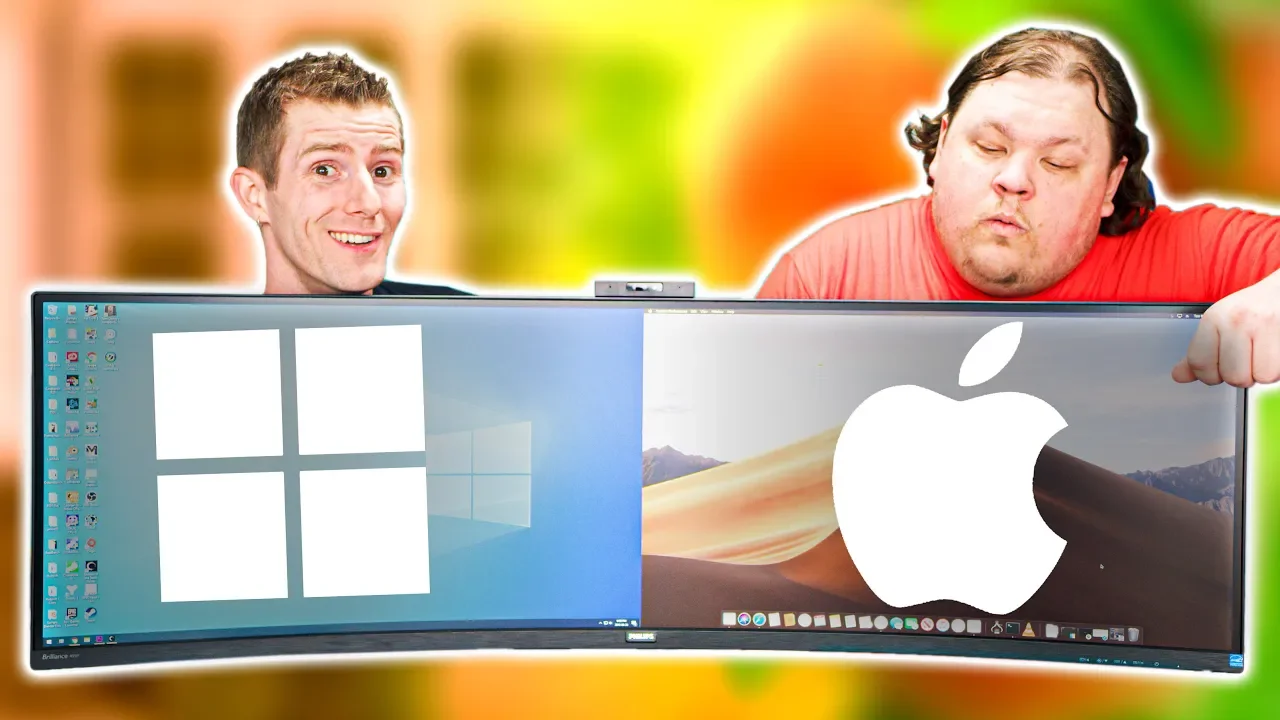
Mac? PC? You don’t have to choose..
0 up · 0 down · 0 ratings
Promos
Monitor and manage your PC in real-time with Pulseway! Create your free account today at lmg.gg Enter Vertagear's Gaming Chair Giveaway at lmg.gg Get the LED Upgrade Kit at lmg.gg Choosing an OS can be hard – There’s only so much desk space! But a super ultrawide display can help with that.. And of course, we had to bring it to its logical conclusion. Buy a Philips 499P9H: On Newegg: lmg.gg Buy a Ryzen 9 3900X (maybe wait for supply to increase): On Amazon: geni.us On Newegg: lmg.gg Buy a GeForce RTX 2080 Ti: On Amazon: geni.us On Newegg: lmg.gg Buy a Radeon VII: On Amazon: geni.us On Newegg: lmg.gg Purchases made through some store links may provide some compensation to Linus Media Group. Discuss on the forum: linustechtips.com Our Affiliates, Referral Programs, and Sponsors: linustechtips.com Get Private Internet Access today at geni.us Displate metal posters: lmg.gg Linus Tech Tips merchandise at lttstore.com Linus Tech Tips posters at crowdmade.com Our Test Benches on Amazon: amazon.com Our production gear: geni.us Twitter - twitter.com Facebook - @LinusTech Instagram - @linustech Twitch - twitch.tv Intro Screen Music Credit: Title: Laszlo - Supernova Video Link: youtube.com iTunes Download Link: itunes.apple.com Artist Link: soundcloud.com Outro Screen Music Credit: Approaching Nirvana - Sugar High youtube.com
The video presents a dual-OS concept where a single PC can run both macOS and Windows simultaneously through virtualization. It starts by underscoring the appeal of having access to macOS-specific software like Final Cut Pro and Windows gaming on the same hardware, framing the problem of choosing an OS as unnecessary. The hosts introduce a device nicknamed the indecisionator and explain that they split a Ryzen 9 3900X into two virtual machines, allocating hardware resources to each OS. They describe their GPU setup with an RTX 2080 Ti for Windows and a Radeon VII for macOS, explaining how GPU passthrough is used to minimize performance loss. The video then covers the challenges they faced, such as Nvidia driver constraints in virtual machines and fixes like switching to message signaled interrupts, as well as enabling macOS Catalina beta drivers for virtualized storage. They emphasize the goal of a smooth, near-native experience by detailing the software stack and the hurdles overcome to achieve it, including a teaser about future Mac Pro virtualization experiments and potential improvements like a shared network drive for near-native speeds. As the primary interaction method, the hosts showcase a Philips 499P9H super ultrawide monitor that acts as a bezel-free display for two virtual machines. They demonstrate a software solution called ShareMouse to enable seamless cursor movement between the macOS and Windows VMs on the same desk, highlighting how the setup effectively behaves like a single machine despite running two operating systems. The video shows practical workflows such as using macOS for content creation with Final Cut Pro, capturing gameplay on Windows with ShadowPlay or OBS, and dragging clips between the two environments for editing and streaming. They also discuss the limitations of the current hardware switches and how the ultrawide display plus software tricks can eliminate the need for multiple monitors or clumsy KVM switches in some scenarios. The presenters acknowledge remaining quirks like occasional cursor ghosting and macOS handling of display inputs, while praising the concept as a compelling direction for power users who want both ecosystems on one PC. In closing, the hosts outline the broader implications of virtualization on modern workstations, suggesting that future hardware like the Ryzen 9 3950X or a new Mac Pro could push the setup even further toward near-native cross-OS performance. They touch on Catalina beta features such as virtualized storage and virtio devices, painting a vision where dual-OS workstations could share high-speed drives and resources with minimal compromise. The video invites viewers to subscribe for updates and future explorations of virtualization on macOS and other platforms, signaling that more refined iterations are on the horizon. They also remind viewers of related content on Mac virtualization and promote sponsor integrations, while keeping the tone enthusiastic about the potential of running macOS and Windows side by side on a single machine for creative, gaming, and development use cases.
Topics · technology · hardware · virtualization · operating_systems · video_gameing · computer_science
Questions answered
- What hardware is used to split the workloads between macOS and Windows?
- An AMD Ryzen 9 3900X is split into two virtual machines, with resources allocated to Windows and macOS respectively.
- How do they handle cursor movement between the two operating systems?
- They use a software solution called ShareMouse to enable seamless cursor movement across the two VMs on the ultrawide display.
- What is the main display used to host both operating systems without bezels?
- The Philips 499P9H ultrawide display creates a bezel-free setup that visually merges two systems into one large workspace.