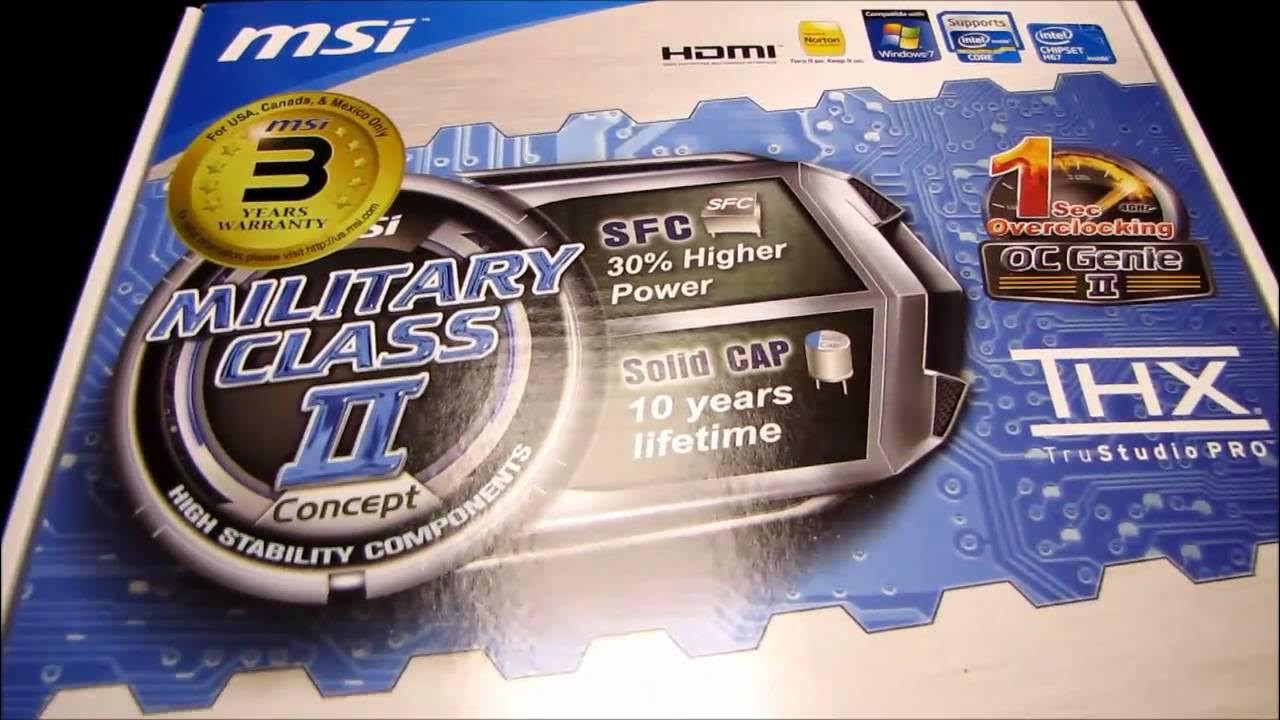
MSI H67MS-E43 H67 Sandy Bridge Motherboard Unboxing & First Look Linus Tech Tips
0 up · 0 down · 0 ratings
Description
ncix.com Wewt. It's got Military Class II!
The video is an unboxing and first look at the MSI H67MS-E43 H67 Sandy Bridge motherboard, framed as a value tier board from MSI’s E series. The host walks through the packaging and highlights MSI’s claimed Military Class II components, including solid capacitors and chokes designed for better current delivery and longer lifetimes. He points out the included software and features such as OC Gen2, THX True Studio Pro audio, and the UEFI BIOS support which aligns with MSI’s brand across P67 and H67 lineups. The quick installation guide, drivers DVD, and front panel connectors give viewers a sense of the setup process for a new build. Throughout the unboxing, the host discusses practical considerations like compatibility with Windows 7, the various SATA ports including two 6 Gbps ports, the four front USB headers, and the range of video outputs on offer. The tone stays focused on the board’s value proposition and basic usability, with practical notes about the CPU socket, RAM installation, and PCI Express expansion options. By the end, the host emphasizes the board’s intended audience for budget or midrange builds and invites viewers to subscribe for more unboxings and reviews.
Topics · hardware · unboxing · gaming_pc · computer_hardware
Questions answered
- What CPUs are compatible with the MSI H67MS-E43 motherboard?
- The motherboard supports LGA1155 processors from the second generation Intel Core i series, including i5 and i7 families, but is not compatible with LGA1156 CPUs.
- Can you overclock on this H67 motherboard?
- Overclocking is not available for unlocked multipliers on this motherboard when using an H67 chipset board, so K-series CPUs cannot be overclocked.