Easy Mode For Modern Retro Gaming - RetroTINK-5X Pro
0 up · 0 down · 0 ratings
Description
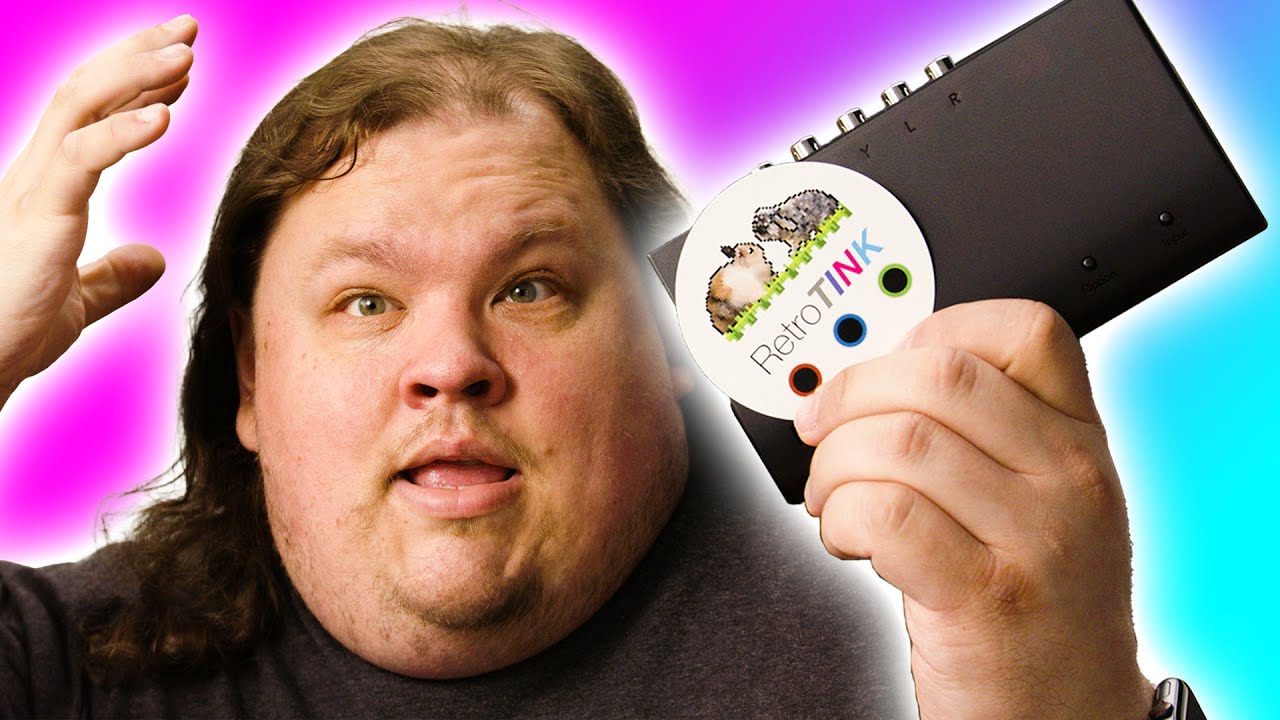
Check out how iFixit can help you restore your devices at: ifixit.com Trying to hook up a retro console like a Sega Genesis on a modern TV can be tricky as you can't simply hook it up and expect it to work. The RetroTINK-5X Pro makes it extremely easy and it almost feels like you are cheating!
Promos
Check out the RetroTINK-5X Pro at lmg.gg Purchases made through some store links may provide some compensation to Linus Media Group. ►GET MERCH: lttstore.com ►SUPPORT US ON FLOATPLANE: floatplane.com ►LTX EXPO: ltxexpo.com AFFILIATES & REFERRALS --------------------------------------------------- ►Affiliates, Sponsors & Referrals: lmg.gg ►Check out our podcast gear: kit.co ►Private Internet Access VPN: lmg.gg ►Our Official Charging Partner Anker: lmg.gg ►Secretlabs Gaming Chairs: lmg.gg ►MK Keyboards: lmg.gg ►Nerd or Die Stream Overlays: lmg.gg ►Green Man Gaming lmg.gg ►Amazon Prime: lmg.gg ►Audible Free Trial: lmg.gg ►Our Gear on Amazon: lmg.gg FOLLOW US ELSEWHERE --------------------------------------------------- Twitter: twitter.com Instagram: @shortcircuityt Facebook: @ShortCircuitYT FOLLOW OUR OTHER CHANNELS --------------------------------------------------- Linus Tech Tips: lmg.gg TechLinked: lmg.gg Mac Address: lmg.gg Techquickie: lmg.gg LMG Clips: lmg.gg Channel Super Fun: lmg.gg Carpool Critics: lmg.gg
The video provides a detailed hands-on look at the RetroTINK-5X-Pro as a modern solution for upscaling and processing retro game signals to fit contemporary displays. It begins by framing the OSSC open-source scan converter as a reference point, highlighting its strengths and limitations, especially in terms of input options and the need for additional adapters to support legacy signals. The host introduces the RetroTINK-5X-Pro as a simpler, “set it and forget it” alternative that still delivers high-quality upscaling, with specific emphasis on how it streamlines connection workflows and simplifies user interaction compared to more modular builds. The device’s physical design, inputs, and basic controls are walked through, including the micro USB power, HDMI output, component, SCART, and a SKART adapter, establishing a baseline understanding of what comes in the box and how to power and operate the unit. The discussion then shifts to software controls, where the on-device menu and remote allow for fine-tuned image adjustments, among them resolution switching, scanline intensity, interpolation modes, and color and filtering options. Throughout, the host juxtaposes the 5X-Pro against the OSSC, noting that while the OSSC offers deeper customization, the RetroTINK-5X-Pro excels in user-friendly operation and practical out-of-the-box image quality, especially for common CRT-era setups. The video also demonstrates practical test cases using various systems and signals, including 1080p modes, 1440p upscaling, and a 240p downscale option, while exploring how different modes affect sharpness, scanlines, and color fidelity. Finally, the host evaluates real-world results on a Sega Genesis, Commodore 64, and other classic hardware, addressing edge cases like broadcast-like composite and the benefits of using appropriate scaling profiles for different consoles. The overall takeaway is that the RetroTINK-5X-Pro represents a nearly perfect balance of performance and simplicity for retro gaming on modern displays, with the caveat that truly custom setups may still require more granular control via the OSSC for certain exotic configurations.
Topics · technology · retro gaming · video hardware · HDMI upscaling · CRT emulation · consumer electronics
Questions answered
- What is the RetroTINK-5X-Pro best used for in a modern retro setup?
- The RetroTINK-5X-Pro is best used as a user-friendly upscaler that delivers high-quality image with many presets and on-device controls, ideal for quickly getting retro consoles onto modern displays without extensive manual timing settings.
- How does the 5X-Pro handle different signal types like 1080p and 240p?
- It offers multiple resolution options, including a 1080p mode with sharp or soft interpolation, and a 240p downscale, allowing for adaptable scaling while preserving as much original geometry as possible.
- Can the RetroTINK-5X-Pro replace the OSSC for all users?
- Not for all users. The OSSC provides deeper customization and manual timing options that some enthusiasts require, whereas the 5X-Pro prioritizes ease of use and ready-to-go performance.
- What inputs are available on the RetroTINK-5X-Pro?
- The device includes HDMI, component video, a SKART input, and a composite/S-Video capable green input, with micro USB power and labeled controls for navigation.
- Is there any notable caveat when using the 5X-Pro with certain consoles?
- Some consoles may not be fully supported directly, resulting in suboptimal results compared to a fully customizable setup like the OSSC, but most common systems perform very well with the built-in profiles.