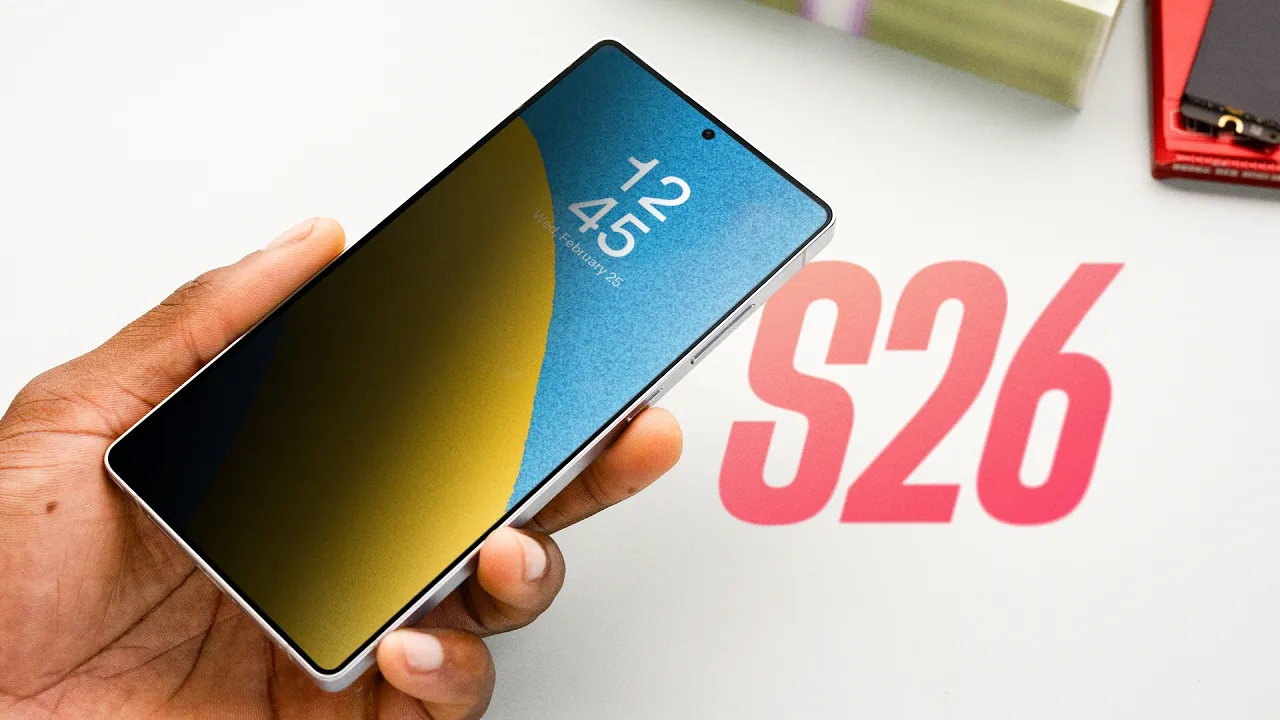
Samsung Galaxy S26/Ultra Impressions: 1 Crazy Display Feature!
0 up · 0 down · 0 ratings
Channels and socials
Galaxy S26 Ultra has one pretty sick privacy display feature Protect your Samsung S26 with dbrand at dbrand.com That shirt: mkbhd.com Affiliate Links: Samsung Galaxy S26 Ultra: geni.us Samsung Galaxy S26: geni.us Playlist of MKBHD Intro music: goo.gl ~ twitter.com @MKBHD @MKBHD
The video opens with MKBHD outlining the context for the Samsung Galaxy S26 and S26 Ultra, explaining a snowbound California trip and how a team member captured hands-on footage due to travel disruptions. He quickly highlights the new pricing structure across the lineup, noting that the S26 starts at $899 with 256GB, the S26+ at $1,100 with 256GB, and the S26 Ultra at $1,300, maintaining base specs while stacking feature upgrades. The host then walks through design evolution, pointing out a thinner chassis with aluminum sides and a redesigned vapor chamber, plus modest camera improvements including wider apertures on the Ultra for more light. He emphasizes the core hardware updates, a faster charging curve across models, and then pivots to a standout feature: the Privacy Display on the Ultra. He explains how this is a hardware-level control that can darken or obscure parts of the screen from off-axis viewing, while remaining normal when viewed straight on, effectively preventing shoulder-surfing. The discussion covers practical customization, such as automatic enablement in specific apps or locations and selective screen blackout of password fields or notification areas, praising the feature as a uniquely Samsung approach that could influence future devices, even as other AI and software enhancements occupy attention in the broader lineup. The rest of the video surveys AI-driven features like call screening, an AI-assisted keyboard called Nudge, and Photo Assist, noting mixed utility and the ongoing balance between innovation and user experience. The host closes by reaffirming that the Ultra represents a targeted refresh rather than a radical leap, teasing hands-on testing in reviews and inviting viewer input on preferred cases and accessory bundles, including dbrand options that complement the Ultra’s design and privacy tech.
Topics · technology · smartphones · privacy · display_tech · ai_in_mobile · hardware_design · battery_and_charging · consumer_electronics
Questions answered
- How does the Privacy Display feature work on the Galaxy S26 Ultra?
- It uses hardware-level control to turn off or dim specific screen pixels when viewed from off-axis angles, while remaining normal when viewed straight on, preventing shoulder-surfing without requiring a physical privacy screen.
- Can the Privacy Display automatically enable in certain apps or locations?
- Yes, you can configure automatic activation for particular apps or locations, and even partial-screen blackout for password fields or notification areas.