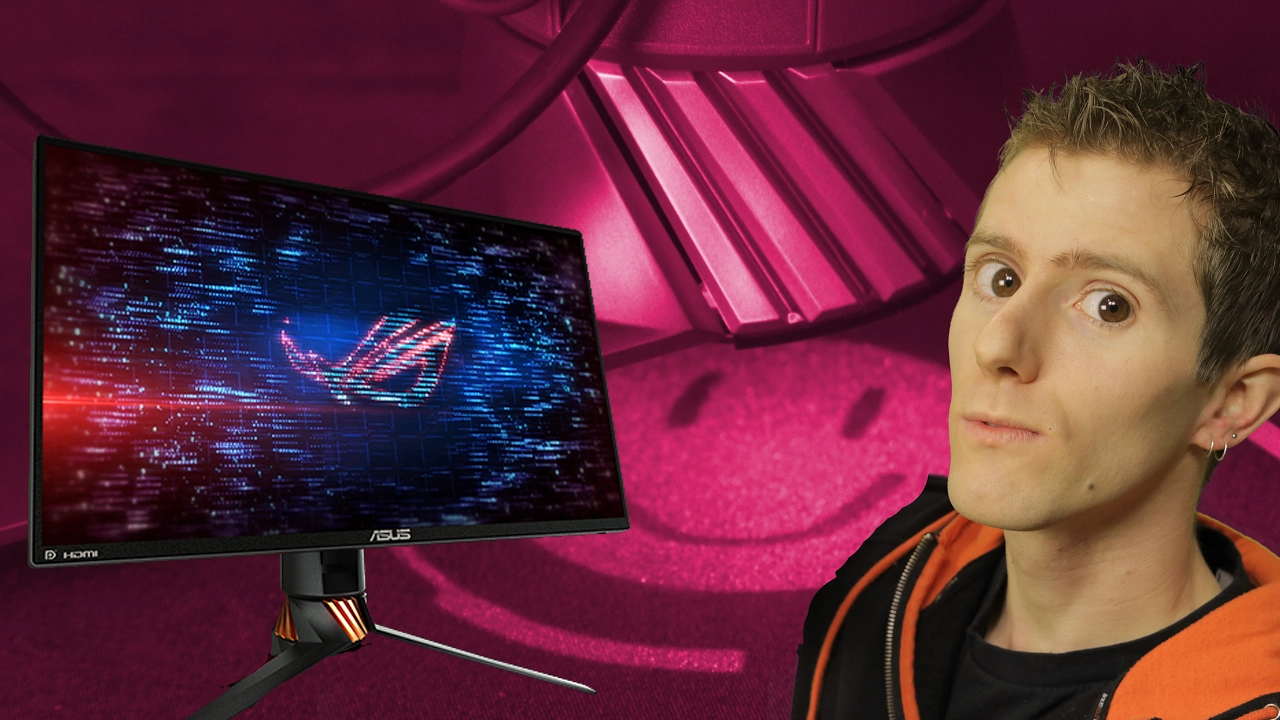
The BEST & FASTEST 240Hz Gaming Monitor. Period. - ASUS ROG Swift PG258Q Review
0 up · 0 down · 0 ratings
Description
The new ASUS ROG Swift PG258Q is, hands down, the best gaming monitor we've had the opportunity to try so far... Ting link: linus.ting.com TunnelBear message: TunnelBear is the easy-to-use VPN app for mobile and desktop. Visit tunnelbear.com to try it free and save 10% when you sign up for unlimited TunnelBear data Buy ASUS PG258Q on Amazon: geni.us Discuss on the forum: linustechtips.com Our Affiliates, Referral Programs, and Sponsors: linustechtips.com
Channels and socials
Check out our Linus Tech Tips posters at crowdmade.com twitter.com @LinusTech Intro Screen Music Credit: Title: Laszlo - Supernova Video Link: youtube.com iTunes Download Link: itunes.apple.com Artist Link: soundcloud.com Outro Screen Music Credit: Approaching Nirvana - Sugar High youtube.com Sound effects provided by freesfx.co.uk
The video introduces the ASUS ROG Swift PG258Q as a high speed gaming monitor, emphasizing its 240 Hz refresh rate as a core feature. The host explains the difference between traditional 60 Hz displays and a true 240 Hz panel, noting that real time frame rendering and submillisecond input-to-frame processing are essential to achieve smooth gameplay. They discuss required advancements for 240 Hz gaming: faster display processors, a capable display interface (DisplayPort 1.2), and faster panel response times to prevent motion blur. The review then walks through the monitor’s design and I/O, including swappable ROG illumination badges, a USB hub, audio pass-through, and height/tilt/rotation adjustments, highlighting the slim bezels intended for surround setups. In testing, the host compares 240 Hz with and without G-Sync, and also considers 144 Hz modes, concluding that while 240 Hz is not a magical cure-all, it offers noticeable improvements for competitive gaming and reduced perceived delay once experienced, especially for skilled players. The verdict frames the PG258Q as a premium option that excels in response and latency, while acknowledging price considerations and the needs of different users, ultimately recommending 240 Hz technology for serious competitive gamers rather than casual use. The video closes with practical notes on ownership costs, trialling different settings, and a call to action for viewers to consider links and subscriptions for more tech content.
Topics · technology · gaming · hardware
Questions answered
- What makes 240 Hz a meaningful upgrade for gaming?
- A true 240 Hz panel reduces input-to-frame delay and pixel response time, delivering smoother motion and faster perceived responsiveness, which can benefit competitive play where timing and accuracy matter.
- Does the PG258Q support G-Sync and what interfaces does it use?
- Yes, the monitor supports G-Sync and offers DisplayPort 1.2 and HDMI, with the note that HDMI may be limited to a lower refresh rate in some setups.
- Is 240 Hz practical for all users or mainly for pros?
- While 240 Hz provides noticeable improvements for competitive gamers, casual users may not perceive a strong benefit, and price considerations may steer them toward high-refresh alternatives or different priorities.