Windows 8 Touch Screen Tip - Can You Game & Touch at the Same Time Linus Tech Tips
0 up · 0 down · 0 ratings
Description
Funny title on this video right? Who can game and touch a monitor at the same time? I'm already using my left hand to.... eat cheetos... CA: ncix.com US: us.ncix.com
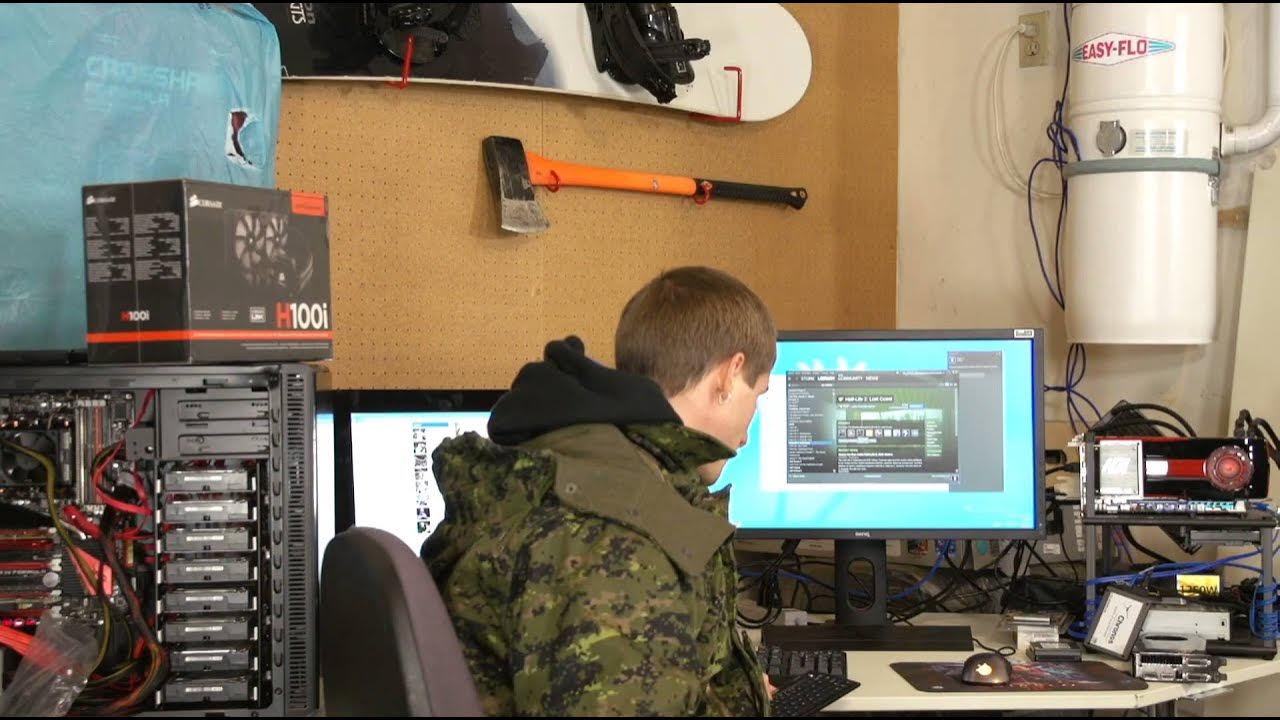
In this Linus Tech Tips video, Linus explores whether you can game on a Windows 8 setup while using a touchscreen monitor at the same time. He places a touchscreen display on the left and a non-touch monitor on the right to test multitasking while gaming. The experiment starts with a full-screen game, but he quickly discovers that the game cannot stay in full-screen while interacting with a separate app; Windows 8 requires focus to remain on active content, which complicates simultaneous use. He then switches to windowed gaming to see if the touchscreen can interact with a separate article or application on the second display without pulling focus from the game. Throughout, he narrates his observations and limitations, noting that windowed mode preserves the ability to interact with other content but still behaves similarly to traditional fullscreen behavior when focus leaves the game. The video concludes with a reflection that Windows 8’s touch-enabled features can enable multitasking to some extent, but fully seamless multitasking between a full-screen game and a touch-enabled auxiliary application is not inherent to the tested configuration, leaving room for workarounds or game-specific settings. Linus also injects his characteristic humor, joking about the jacket he wears and acknowledging the practical constraints of the setup.
Topics · technology · gaming · operating systems · hardware
Questions answered
- Can Windows 8 support gaming on a touchscreen while another window remains active on a second monitor?
- Yes, but the test shows it works best in windowed mode rather than full-screen, because focus behavior causes the active game to lose interaction when switching to another window.
- What is the main limitation observed when trying to game in full-screen and interact with a touchscreen app at the same time?
- The primary limitation is loss of focus; the full-screen application behaves as expected when focus is on it, and interacting with other content requires clicking back, which interrupts seamless multitasking.
- Is there a practical workaround suggested by the video for multitasking with a touchscreen and a game?
- Using windowed or borderless windowed modes allows simultaneous viewing or interaction with secondary content, though it may not be as seamless as true multi-monitor full-screen capability for all games.