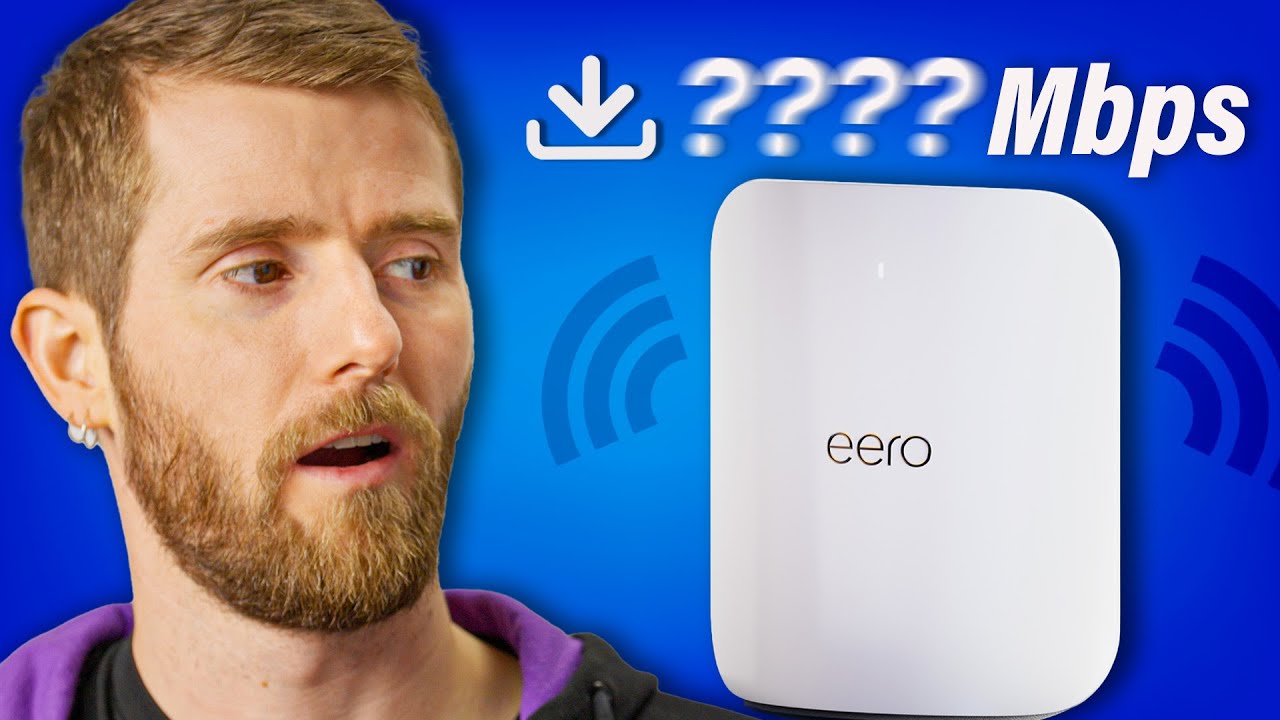
I’ve never seen anything like this before… - eero Max 7
0 up · 0 down · 0 ratings
Promos
Check out PowerColor’s Red Devil RX 7900 Series GPUs and Devil Skin GPU Backplates at: lmg.gg WiFi 7 is HERE, and though there aren't many devices that support it, those that do are promised crazy speeds and more reliability. We got our hands on the new eero Max 7 routers, and Linus is here to see if our wifi future is bright or if subscription features could ruin everything. Buy an eero Max 7 Tri-Band Mesh WiFi Router: geni.us Purchases made through some store links may provide some compensation to Linus Media Group. Want us to unbox something? Make a suggestion at lmg.gg ► GET MERCH: lttstore.com ► GET EXCLUSIVE CONTENT ON FLOATPLANE: lmg.gg ► SPONSORS, AFFILIATES, AND PARTNERS: lmg.gg ► PRODUCTS WE USE ON THE SHORTCIRCUIT SET: lmg.gg FOLLOW US ELSEWHERE --------------------------------------------------- Twitter: twitter.com Instagram: @shortcircuityt TikTok: @linustech Facebook: @ShortCircuitYT CHAPTERS --------------------------------------------------- 0:00 WiFi 7 could be big 1:45 What was in the box? 2:24 Ports and a hot take(?) 3:14 Initial setup and a shot at Apple 4:02 Sponsor - PowerColor 4:38 Finishing setup 5:13 The eero Plus subscription... 7:10 Configuring the network 7:54 eero Plus breaks Linus 9:26 Speed testing on multiple devices 10:47 Outro
The video dives into the excitement and caveats of upgrading to Wi-Fi 7 with the eero Max 7. It kicks off with the host expressing genuine enthusiasm for the first Wi-Fi 7 router they’ve handled, framing Wi-Fi 7 as a future-forward standard that could deliver substantial gains in speed and reliability, especially when compared to Wi-Fi 6 and 6E. The discussion then shifts to the hardware details and packaging: dual 10 gigabit ports, 2.5 gig ports, and the physical size of the access points, along with concerns about power consumption and cooling due to the higher spatial streams that Wi‑Fi 7 enables. The host segues into setup quirks, including the user experience around the eero Plus subscription, the guardrails around VPN and data usage features, and the tension between wanting advanced capabilities and disliking the ongoing-service model. Finally, the test section shows real-world performance, where Wi‑Fi 7 delivers impressive speeds on compatible devices, but also demonstrates the limitations when using legacy gear, while repeatedly highlighting the subscription friction and overall consumer usability issues. The conclusion emphasizes both the potential of Wi-Fi 7 to dramatically outperform current standards and the practical frustrations around subscription-driven features that complicate otherwise strong hardware performance. Overall, the video balances enthusiastic tech enthusiasm with a grounded critique of subscription models and user experience in the home networking ecosystem.
Topics · technology · networking · home networking · hardware
Questions answered
- What makes the eero Max 7 a notable Wi‑Fi 7 router compared to prior generations?
- The eero Max 7 introduces Wi‑Fi 7 features such as higher throughput potential and additional spectrum usage, including the 6 GHz band, which can reduce interference and improve backhaul. It also offers multi-gigabit Ethernet ports and a mesh design intended to improve coverage and reliability in larger homes.
- Why do viewers push back on the eero Plus subscription model?
- Viewers argue that essential features like monitoring, backup, ad blocking, and VPN services should be included with the hardware rather than sold as ongoing subscriptions, and they point out that the subscription can complicate setup and degrade user experience.
- How did the real-world speed tests with the eero Max 7 perform for legacy devices?
- Speed tests show substantial improvements with Wi‑Fi 7 on capable devices, but legacy devices max out at much lower rates, demonstrating that the full benefits depend on having compatible hardware and appropriate network conditions.