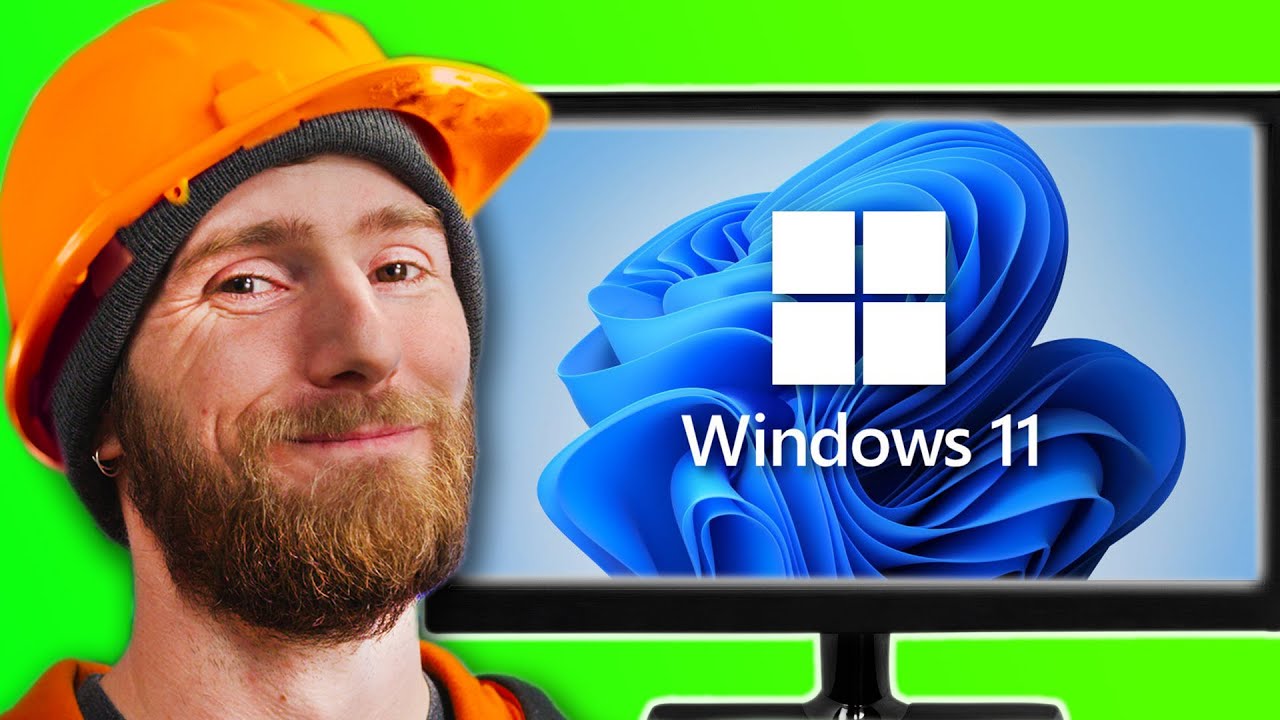
How to Try Windows 11 SAFELY
0 up · 0 down · 0 ratings
Promos
Acronis Cyber Protect Home Office makes it easy to backup your data and keep your computer safe. Get true cyber protection today at: lmg.gg Windows 11 is here and though we all want to try it out, you don't want to risk losing important data in case you want to go back to Windows 10. Don't worry, Linus is here to show you how to upgrade to Windows 11 and convert back to Windows 10 safely with Acronis Cyber Protect Home Office. Discuss on the forum: linustechtips.com ►GET MERCH: lttstore.com ►SUPPORT US ON FLOATPLANE: floatplane.com ►LTX EXPO: ltxexpo.com AFFILIATES & REFERRALS --------------------------------------------------- ►Affiliates, Sponsors & Referrals: lmg.gg ►Check out our podcast gear: kit.co ►Private Internet Access VPN: lmg.gg ►Our Official Charging Partner Anker: lmg.gg ►Secretlabs Gaming Chairs: lmg.gg ►MK Keyboards: lmg.gg ►Nerd or Die Stream Overlays: lmg.gg ►Green Man Gaming lmg.gg ►Amazon Prime: lmg.gg ►Audible Free Trial: lmg.gg ►Our Gear on Amazon: geni.us FOLLOW US ELSEWHERE --------------------------------------------------- Twitter: twitter.com Facebook: @LinusTech Instagram: @linustech Twitch: twitch.tv FOLLOW OUR OTHER CHANNELS --------------------------------------------------- Mac Address: lmg.gg Techquickie: lmg.gg TechLinked: lmg.gg ShortCircuit: lmg.gg LMG Clips: lmg.gg Channel Super Fun: lmg.gg They're Just Movies: lmg.gg MUSIC CREDIT --------------------------------------------------- Title: Laszlo - Supernova Video Link: youtube.com iTunes Download Link: itunes.apple.com Artist Link: soundcloud.com Outro Screen Music Credit: Approaching Nirvana - Sugar High youtube.com Intro animation by MBarek Abdelwassaa @mbarek_abdel Monitor And Keyboard by vadimmihalkevich / CC BY 4.0 geni.us Mechanical RGB Keyboard by BigBrotherECE / CC BY 4.0 geni.us Mouse Gamer free Model By Oscar Creativo / CC BY 4.0 geni.us CHAPTERS --------------------------------------------------- 0:00 Intro 0:43 Setup and requirements 4:24 Backing up data with Acronis 8:35 Upgrading to Windows 11 11:44 Testing out Windows 11 14:02 Going back to Windows 10 15:51 Outro
The video walks viewers through a careful, safety‑first approach to trying Windows 11, emphasizing data protection and reversible testing. It begins by outlining common fears around major OS upgrades, such as data loss, buggy software, or incompatible applications, and promises a process that preserves your current setup. The presenter demonstrates a complete backup strategy using Acronis Cyber Protect Home Office, highlighting the ability to back up the entire system, a specific disk, or individual folders, as well as the option to encrypt backups for extra security. A core focus is verifying hardware readiness, especially TPM 2.0, and showing how to check and enable the feature in the BIOS, including troubleshooting when TPM is not immediately detectable. The guide then shows how to perform the Windows 11 upgrade with safeguarding steps, including the use of Windows Update options and an offline installation path via the Windows 11 installation assistant. After upgrading, the video transitions to testing Windows 11 for driver compatibility and feature familiarity, such as the new Start menu, window snapping, and display options, while noting some quirks and user interface changes. Finally, the presenter demonstrates a quick rollback option, using Acronis to recover the entire PC back to Windows 10, underscoring how a reliable backup technology can remove anxiety and reduce risk during a major OS transition. The closing segments acknowledge the sponsor, recap the practical steps taken, and invite viewers to explore more backup and testing content while maintaining a cautious, reversible approach to system upgrades.
Topics · technology · software · operating systems · data backup