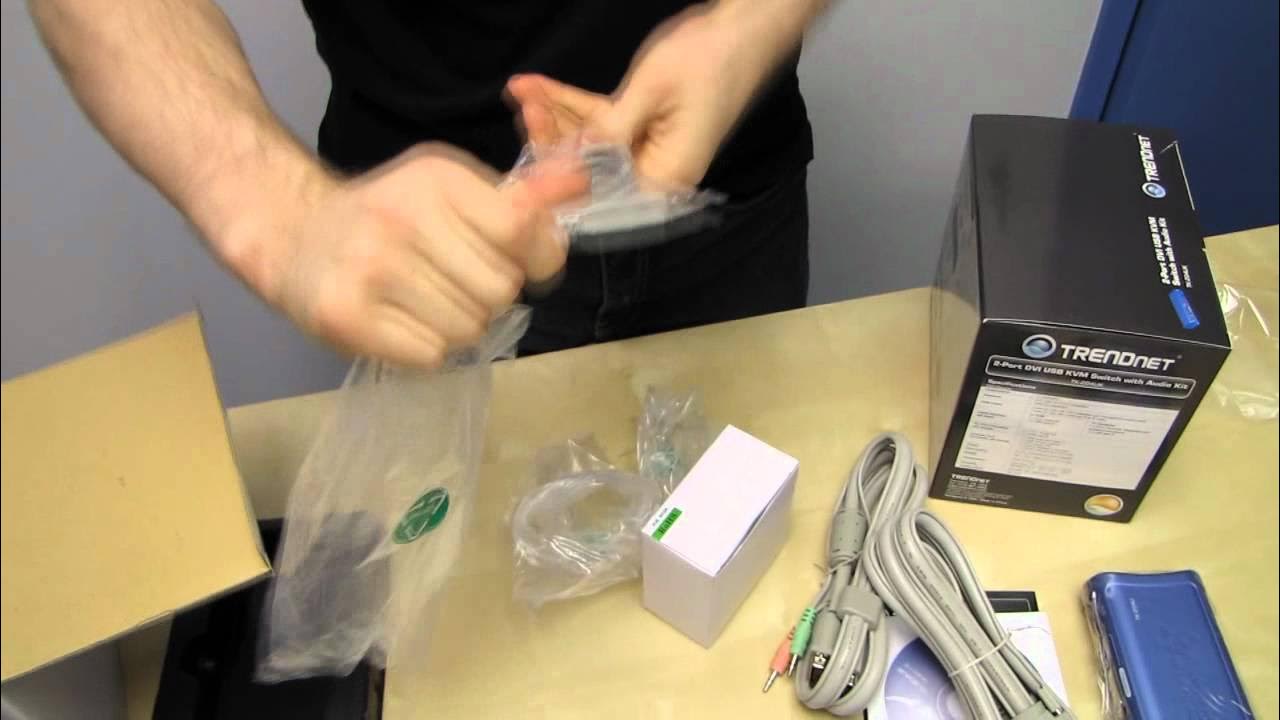
Trendnet TK-204UK DVI USB Audio 2 Port KVM Switch Unboxing & First Look Linus Tech Tips
0 up · 0 down · 0 ratings
Description
CA: ncix.com US: us.ncix.com Yeah no one needs to see an unboxing of a KVM, but honestly I thought it was kinda funny and since Slick bought one anyway we figured "what the hey?"
The video offers a detailed unboxing and first look at the Trendnet TK 204 UK 2-port DVI USB audio KVM switch. It begins with a lighthearted setup and an explanation of why such KVM switches are useful for users who manage two computers at a single desk, including scenarios like gaming on one machine and rendering on another. Linus introduces the product as practical for most consumers, noting that the kit includes all necessary peripherals and cables, and he outlines the basic components visible in the box. Throughout the first part, he describes the front console with its two computer indicators, the USB keyboard and mouse connections, and the audio and microphone integration, while pointing out the back-panel DVI outputs for each connected computer. He also mentions the requirement for separate power and demonstrates a quick hotkey switch as a convenient way to toggle between machines. The host’s commentary blends practical setup steps with mild humor, setting expectations for future KVM demonstrations and potential caveats with cable choices. In closing, Linus teases future unboxings and invites viewers to subscribe for more content, including additional midnight shenanigans.
Topics · technology · hardware · unboxing · product-review · consumer-electronics
Questions answered
- What is the Trendnet TK 204 UK 2-port DVI USB audio KVM switch primarily designed to do?
- It enables two computers to share a single set of peripherals, including a keyboard, mouse, monitor, speakers, and microphone, with the ability to switch between machines using a button or hotkeys.
- What caveat does the presenter mention about the included DVI cable during setup?
- The included DVI cable supports both digital and analog signals, but the video notes that some digital-only configurations may not work with certain onboard video outputs, requiring attention to cable type and connections.