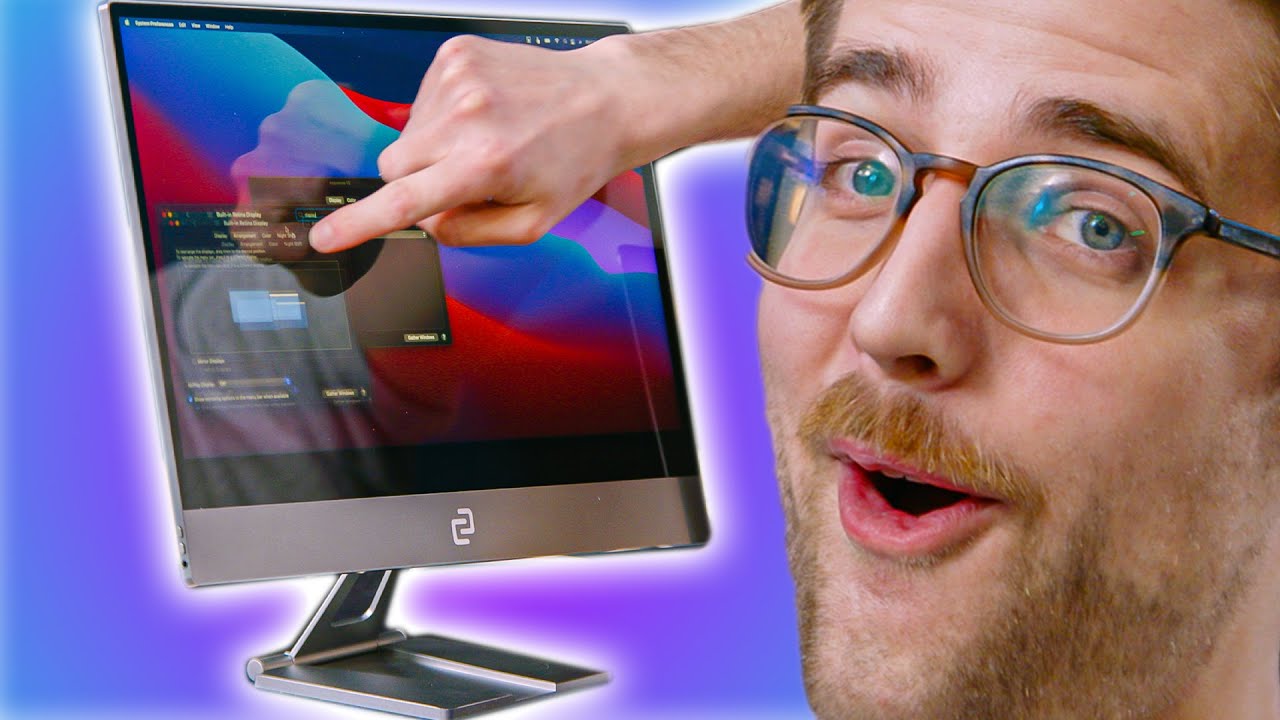
Using a Touchscreen on a MacBook Pro! - espresso Display V1
0 up · 0 down · 0 ratings
Description
Sign up for Notion here: bit.ly The espresso display claims to be the world's thinnest touchscreen and it can even make your MacBook a touchscreen... kind of. Let's see what Riley thinks.
Promos
Check out the Espresso Touchscreen Display at lmg.gg Buy Apple MacBook Pro On Amazon (PAID LINK): geni.us On Newegg (PAID LINK): geni.us On B&H (PAID LINK): geni.us Purchases made through some store links may provide some compensation to Linus Media Group. ►GET MERCH: lttstore.com ►SUPPORT US ON FLOATPLANE: floatplane.com ►LTX EXPO: ltxexpo.com AFFILIATES & REFERRALS --------------------------------------------------- ►Affiliates, Sponsors & Referrals: lmg.gg ►Private Internet Access VPN: lmg.gg ►Our Official Charging Partner Anker: lmg.gg ►MK Keyboards: lmg.gg ►Nerd or Die Stream Overlays: lmg.gg ►NEEDforSEAT Gaming Chairs: lmg.gg ►Displate Metal Prints: lmg.gg ►Epic Games Store (LINUSMEDIAGROUP): lmg.gg ►Official Game Store: nexus.gg ►Amazon Prime: lmg.gg ►Audible Free Trial: lmg.gg ►Our Gear on Amazon: geni.us FOLLOW US ELSEWHERE --------------------------------------------------- Twitter: twitter.com Instagram: @shortcircuityt Facebook: @ShortCircuitYT FOLLOW OUR OTHER CHANNELS --------------------------------------------------- Linus Tech Tips: lmg.gg TechLinked: lmg.gg Techquickie: lmg.gg LMG Clips: lmg.gg Channel Super Fun: lmg.gg Carpool Critics: lmg.gg
The video introduces the espresso Display V1 as a ultra-thin portable touchscreen monitor designed to work with a MacBook Pro and macOS. The presenters unpack the box, noting the device’s light weight and compact form factor, and explain the physical layout including USB-C ports, a mini HDMI input, a built-in speaker setup, and a magnetic stand/arm that attaches to a surface. They demonstrate powering the monitor through USB-C for both power and display, discuss various connectivity options, and highlight the stand and magnetic mounting system as key features for on-the-go use. Throughout the demonstration, they compare the espresso Display to traditional large monitors, emphasizing the mobility gains for users who want a second screen while traveling or working remotely. The hosts acknowledge that the device is primarily targeted at Mac users and point out that while it can function as a regular monitor, some limitations exist such as speaker quality and brightness levels. They also speculate about potential use cases beyond Mac, including Nintendo Switch compatibility, and conclude that the espresso Display offers a compelling portable workstation solution for users who value portability and quick setup. The video closes with practical notes on price points for 13 and 15 inch models, a recap of key specs like 60 Hz refresh rate and 300 nits brightness, and a final takeaway that a portable monitor can be a better travel companion than a stationary one for many scenarios.
Topics · technology · hardware · portable_monitor · macos · touchscreen · peripherals
Questions answered
- Can the espresso Display V1 be used with Windows PCs, or is it Mac-focused?
- The video demonstrates use with a Mac and notes that software is geared toward macOS, though the hardware supports HDMI and USB-C connections which could work with Windows PCs in theory; the host jokes that Windows users might not deserve it, indicating limited official Windows support or tested compatibility in the presented content.
- What are the key hardware inputs and outputs on the espresso Display V1?
- The espresso Display V1 features USB-C ports for power and display, a mini HDMI input option with a full-size HDMI adapter, a headphone jack, built-in speakers, and a magnetic stand/adapter for mounting.
- What are the main scenarios where this portable monitor is most beneficial?
- The device is pitched for people who want extra screen real estate on the go, such as travel, working in coffee shops, or situations where a lightweight dual-monitor setup is advantageous. It can also function as a regular monitor for various devices and supports use with a MacBook Pro for a touchscreen experience.