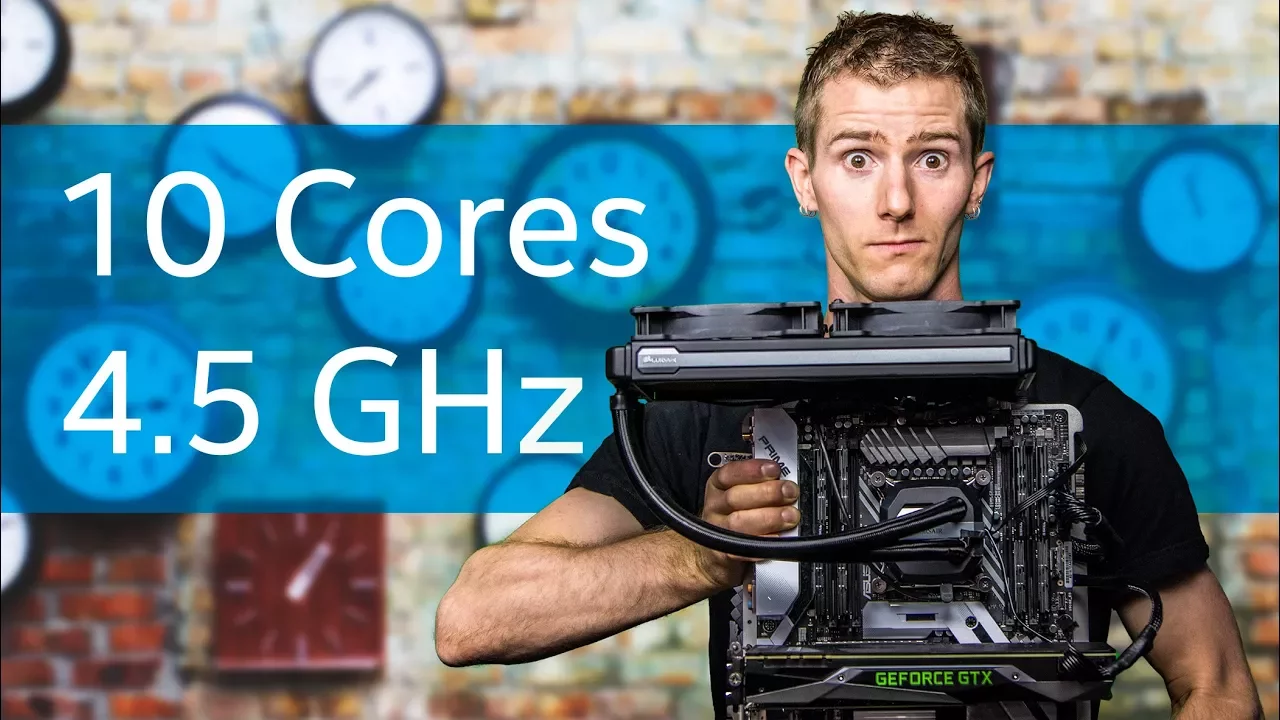
Core i9 Overclocking Guide – You asked for it!
0 up · 0 down · 0 ratings
Description
Thanks to Intel for sponsoring this video!
Promos
Check out the Intel Core X-Series here: geni.us Discuss on the forum: linustechtips.com Our Affiliates, Referral Programs, and Sponsors: linustechtips.com Linus Tech Tips merchandise at designbyhumans.com Linus Tech Tips posters at crowdmade.com Our production gear: geni.us Twitter - twitter.com Facebook - @LinusTech Instagram - @linustech Twitch - twitch.tv Intro Screen Music Credit: Title: Laszlo - Supernova Video Link: youtube.com iTunes Download Link: itunes.apple.com Artist Link: soundcloud.com Outro Screen Music Credit: Approaching Nirvana - Sugar High youtube.com Sound effects provided by freesfx.co.uk
The video serves as a thorough, hands-on guide to overclocking Intel Core i9 processors on X299 platforms, emphasizing careful hardware selection, power delivery, cooling, and BIOS tuning. It starts by framing the goal of extracting extra performance while maintaining stability, noting that high core counts demand robust motherboards with dual 12-volt EPS connectors, strong VRMs, and ample ventilation. The host walks through the shopping list: a capable motherboard such as the Asus Prime X299 Deluxe or Rampage series, a high-widelity power supply (suggesting possibilities around 1000 watts for 14-core or higher configurations), and substantial cooling options spanning large AIO coolers, high-end air coolers, and even custom water cooling for best results. He also covers ancillary components like higher-speed RAM and SSDs, explaining that RAM and storage rarely bottleneck throughput in the OC process, though cooling and fit should be considered. The actual tuning focuses on BIOS-based controls rather than software tools, starting with XMP as a baseline, then disabling certain features to ensure stability, and finally dialing in load-line calibration, current capability, and voltage controls to push a stable clock. The guide then dives into per-core multiplier adjustments, AVX offsets, and the interplay between voltage, thermals, and stability, offering practical thresholds (for example, around 1.25 V core voltage for decent cooling) and strategies for handling unstable boot scenarios. After achieving a seemingly stable clock, the host describes burn-in testing beyond traditional methods, highlighting real-world stability tests such as Blender workloads and 3D modeling benchmarks as the ultimate truth-tellers for system reliability. If instability persists, he suggests incremental voltage tweaks, adjustments to system agent and Vccio voltages, and potential CMOS resets, reinforcing that the process is iterative and can take significant time. The video concludes with a pragmatic payoff: a tangible performance uplift in both gaming and productivity, paired with a lighthearted nod to the end-user experience, and a call to action to like, subscribe, and explore the featured gear. Overall, the guide blends a strong technical framework with practical, step-by-step procedures, making high-level overclocking accessible to enthusiasts while acknowledging the risks involved and the need for robust cooling and safe testing practices.
Topics · hardware · overclocking · computer_building · gaming_performance
Questions answered
- What is the minimum hardware setup recommended for overclocking a Core i9 on X299?
- A motherboard with robust VRMs and dual EPS 12V connectors, a high-quality power supply (preferably around 1000 watts for 14-core or higher), and substantial cooling (280 mm AIO or a high-end air cooler, with custom loop recommended for best results).
- What BIOS settings are emphasized for initial overclocking on these CPUs?
- Disable CPU S-VID, disable SpeedStep, set Load Line Calibration to a moderate value (two to three), set CPU Current Capability to 140 percent, disable Spread Spectrum, and set CPU Power Phase Control to Extreme before dialing back for stability.
- How is stability ultimately validated beyond standard stress tests?
- Beyond Prime95, the guide recommends real-world workloads like Blender and 3D modeling benchmarks to expose stability issues under heavy start-stop loads, using those results as the final pass for stability.